Some links on this page may earn a commission when you buy through them, at no extra cost to you. This does not affect our ratings.
Deciding on Miro Personal starts with understanding how a digital whiteboard organizes brainstorming, workflow mapping, and project diagrams for solo professionals. At Top Apps Reviews, we assess how visual canvases serve independent operators without adding unnecessary management overhead.
Visual collaboration platforms give independent consultants, researchers, and project coordinators an open surface for sticky notes, flowcharts, and concept maps. Before choosing a subscription for individual work, weigh your diagramming requirements against your workspace management needs.
Quick verdict: Miro scores 7.9/10 as a visual whiteboard environment. It suits solo professionals who rely heavily on visual ideation, structured diagramming, and concept mapping. It is not a good match for operators who need full project execution tracking, native accounting ledgers, or rigid tabular database management without external tools.
| Metric | Summary |
|---|---|
| Top Apps Reviews score | 7.9/10 |
| Best for | Solo users who organize complex ideas, workflows, and diagrams visually |
| Not ideal for | Teams that want spreadsheet-first project tracking or formal database structures |
| Key strengths | Infinite canvas navigation, flexible diagramming, versatile visual ideation |
| What to check before buying | Board ownership rules, guest participation policies, export formats on the official Miro website |
1. How Top Apps Reviews Reviewed Miro
This review looks at what Miro is built to do, who it serves, and how it compares with similar tools. We used seven Top Apps Reviews criteria: features, ease of use, pricing and value, integrations, audience fit, support, and competitive position. Plans, prices, and limits change often, so we point out what to confirm on the official website before you buy. This article was researched and drafted with the help of AI tools, then reviewed and edited by the Top Apps Reviews Editorial Team.
2. What Miro Is and How Visual Collaboration Works
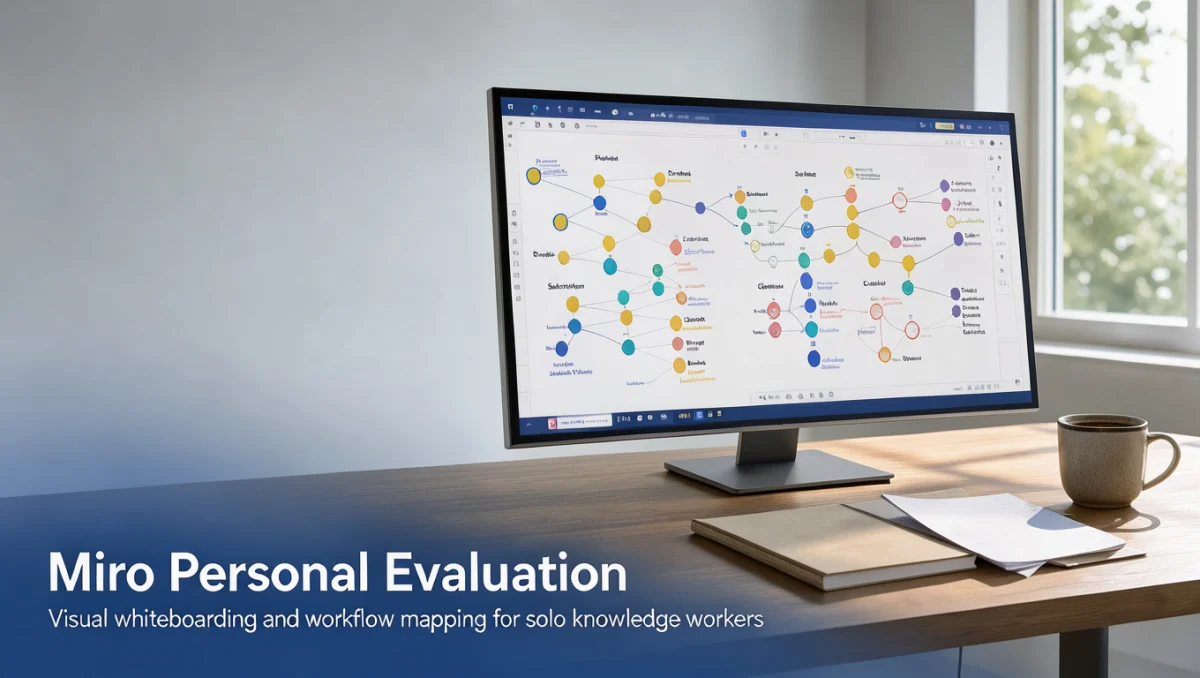
Miro is a visual collaboration platform developed by RealtimeBoard Inc. Its core is an expandable, infinite digital whiteboard that supports brainstorming sessions, system architecture diagrams, user journey maps, and sprint planning boards on a shared visual surface.
Within collaboration and productivity tools, whiteboards let knowledge workers turn abstract thoughts into spatial arrangements. Users place digital sticky notes, connect shapes with connector lines, embed reference materials, and cluster concepts logically.
Visual whiteboards support asynchronous thinking as well as real-time coordination. The environment excels at spatial communication, but teams often pair visual workspaces with external issue trackers or documentation repositories to manage formal delivery dates.
3. How to Tell If a Personal Setup Fits Your Workflow
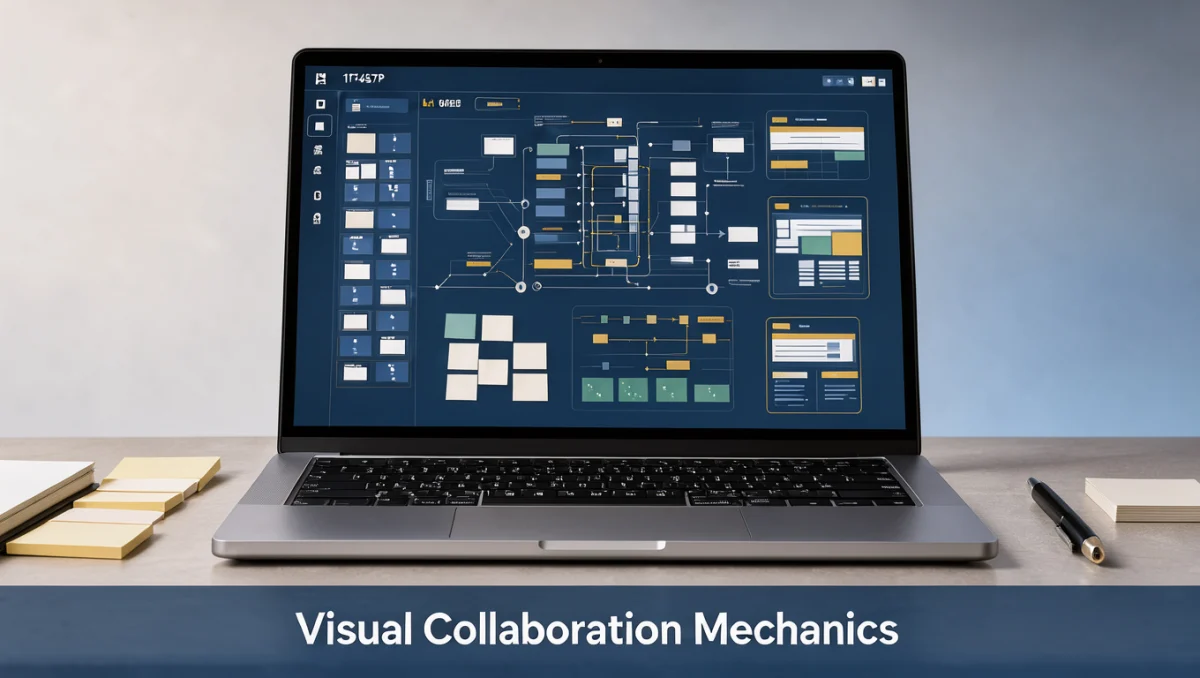
Choosing an individual plan means evaluating your daily work patterns rather than team-wide communication needs. Solo specialists who design technical blueprints, plan client workshops, or draft content outlines benefit from flexible canvas space.
Before choosing Miro Personal, consider how often clients or external partners need to view or edit your boards. Many whiteboard platforms separate private board creation from external contributor rights, so confirm permissions on the official Miro website to avoid collaboration surprises.
Individual operators should also assess whether their deliverables are visual artifacts, such as user flows and mind maps, or structured tabular data. If your work revolves around relational databases or formulas, you will still need spreadsheet tools alongside any infinite canvas software.
4. Questions to Answer Before Choosing Miro Personal
A confident subscription decision depends on asking specific questions about your individual project goals. The checklist below highlights operational areas every buyer should verify independently.
| Question | Why it matters | Where to confirm |
|---|---|---|
| How are private boards separated from public sharing? | Client confidentiality depends on access isolation for solo contractors | Official Miro privacy and permissions documentation |
| Which file formats support visual exports? | Client deliverables require vector graphic or document exports | Official Miro export specifications page |
| Are presentation and timer tools restricted by plan? | Facilitators running client workshops need pacing features | Official Miro plan comparison matrix |
| What backup options exist for inactive boards? | Long-term archiving keeps the active dashboard uncluttered | Official Miro workspace settings guide |
Also check how board transfers work if a solo project grows into a client-owned account. Reviewing administrative migration policies ensures your work moves over without manual redraws.
5. Signs Your Workflow Needs a More Advanced Setup
Visual planning platforms accommodate different stages of organization, but personal setups face natural limits as scope widens. Spotting workflow shifts early prevents subscription disruptions.
- Multiple team members require distinct administrative roles, audit logs, or shared team spaces.
- Security policies demand centralized single sign-on across enterprise client engagements.
- Project coordination requires shared organizational templates and brand style management.
- Several internal departments need separate team spaces under one billing account.
When multiple contributors edit the same visual assets daily, administrative governance becomes critical. Check account consolidation rules on the official Miro pricing page to clarify your upgrade path.
6. Signs a Simpler Setup Is Enough
Not every independent professional needs an expansive plan to achieve clear visual thinking. Simpler arrangements often meet foundational diagramming needs.
- Diagramming happens occasionally for informal personal mind mapping rather than formal deliverables.
- Project assets consist mainly of linear text notes, checklists, and standard calendar schedules.
- External stakeholders review exported static documents rather than collaborating on live boards.
- Workflows do not depend on custom automation or multi-layered access permissions.
For professionals with light diagramming needs, basic organizational software or standard presentation editors may be enough. Reviewing your real production volume helps you avoid paying for unused board capacity.
7. How to Compare Miro Personal With Other Options
Evaluating digital canvas platforms means balancing organizational flexibility against structured task tracking. Miro competes with several established visual collaboration products.
Mural offers a visual canvas oriented around facilitated workshops, design thinking exercises, and structured meeting rituals. Teams comparing platforms should review template governance and facilitation controls on each official website.
Lucidspark approaches visual ideation with close links to engineering schematics, technical flowcharts, and system mapping. Professionals who need tight links between brainstorming and technical architecture should compare diagramming libraries directly.
Figma offers FigJam as a lightweight whiteboard tightly integrated with its interface design ecosystem. Designers already working in Figma often compare board navigation across the two environments.
8. Frequently Asked Questions
How should independent consultants evaluate board privacy?
Consultants handling client data should check link-sharing controls, password protections, and private board visibility on the official Miro website. Access settings differ across plans, so verify them directly before publishing client materials.
What factors influence total software spend beyond the base subscription?
Total spend depends on add-on integrations, guest collaborator rules, and any auxiliary software. Check whether advanced facilitator tools or higher-resolution exports require extra subscriptions or upgraded account levels.
Can visual whiteboards replace standard project management applications?
Whiteboards support roadmap sketching, Kanban layouts, and brainstorming, but generally lack native accounting, deep dependency charts, or resource tracking. Organizations usually pair visual canvases with dedicated issue trackers for execution.
What should solo practitioners check regarding export quality?
Professionals delivering client presentations should confirm supported resolution standards, such as vector or raster exports, in the official Miro help center. Export clarity directly affects client handoffs when presenting complex diagrams.
9. Final Verdict on Miro Personal
Miro provides an adaptable, spatial workspace that helps independent thinkers turn scattered ideas into coherent visual models. For individual operators who conceptualize workflows visually, the platform offers significant creative freedom.
| Criterion | Score /10 | Reason |
|---|---|---|
| Features | 8.0 | Strong visual canvas, comprehensive diagramming shapes, and structured sticky notes |
| Ease of Use | 8.8 | Intuitive pan, zoom, and drag-and-drop board mechanics |
| Pricing and Value | 7.6 | Buyers should check whether individual plans include the export options they need |
| Integrations | 7.4 | Buyers should verify external storage and task software connectivity rules |
| Audience Fit | 8.4 | Well suited to visual strategists, researchers, consultants, and solo planners |
| Support | 7.2 | Support availability depends on account plan, so confirm the policy directly |
| Competitive Position | 8.2 | Strong visual ideation positioning alongside Mural, Lucidspark, and FigJam |
Overall Top Apps Reviews score: 7.9/10
Solo practitioners, consultants, and educators who map complex systems visually will find Miro an engaging environment for ideation. Professionals who need strict tabular records or end-to-end task accounting should verify their supporting toolchain first.
Readers with questions about choosing collaboration software can contact the team at https://topappsreviews.com/contact/ or follow Top Apps Reviews on LinkedIn at https://www.linkedin.com/company/topappsreviews/.
See More Collaboration & Productivity