Building dependable automations in SmartSuite starts with a clear picture of how your records relate to one another and which operational steps should happen in sequence. Many teams adopt a work management platform to end fragmented updates, repetitive notifications, and duplicate record entry, but those gains only appear once the underlying process is documented. At Top Apps Reviews, our evaluations emphasize the practical mechanics that keep internal processes stable, so you avoid expensive configuration mistakes later.
SmartSuite combines relational databases with flexible automation logic, letting you link records across projects and departments. Getting value from it means standardizing field structures, writing explicit conditional rules, and confirming governance requirements on the vendor's official resources before you launch. Working from a structured process blueprint keeps operations consistent as your organization grows.
Our verdict: SmartSuite scores 7.8/10 for workflow automation at topappsreviews. It suits operations teams that depend on relational record updates and coordinated task handoffs. It is a weaker fit for anyone who only needs a flat spreadsheet or who cannot commit to standardizing how fields and statuses are named.
| Metric | Summary |
|---|---|
| topappsreviews score | 7.8/10 |
| Best for | Operations teams that need relational record updates and cross-department coordination |
| Not ideal for | Solo users who only need simple task lists with no automated logic |
| Key strengths | Relational data linking, multi-step automation chains, and structured operational tracking |
| What to check before buying | Confirm automation run volumes and action limits on the official vendor website |
1. How topappsreviews Reviewed SmartSuite
This review examines what SmartSuite is designed to do, who benefits most, and how it stacks up against comparable tools. We assessed it against seven topappsreviews criteria: features, ease of use, pricing and value, integrations, audience fit, support, and competitive position. Plans, pricing, and usage limits change frequently, so we flag the details you should verify on the official website before committing. This article was researched and drafted with AI assistance, then reviewed and edited by the topappsreviews Editorial Team.
2. Prepare Your Data Before Automating
Before you build any automated routine, make sure your underlying data model is clean. Automations depend on predictable field entries, consistent single-select options, and clearly defined status stages. If you track project delivery, customer onboarding, or internal approvals, pinpoint the exact changes in state that should trigger a transition. Across the Collaboration & Productivity category, automations most often break when validation rules are vague.
Check the automation allowances on the official SmartSuite website before building anything extensive. Work management platforms often cap monthly automation actions or concurrent runs depending on the subscription tier. Knowing how your team will consume automated actions helps keep critical workflows from pausing unexpectedly during busy periods.
3. Step-by-Step Workflow for SmartSuite Automations
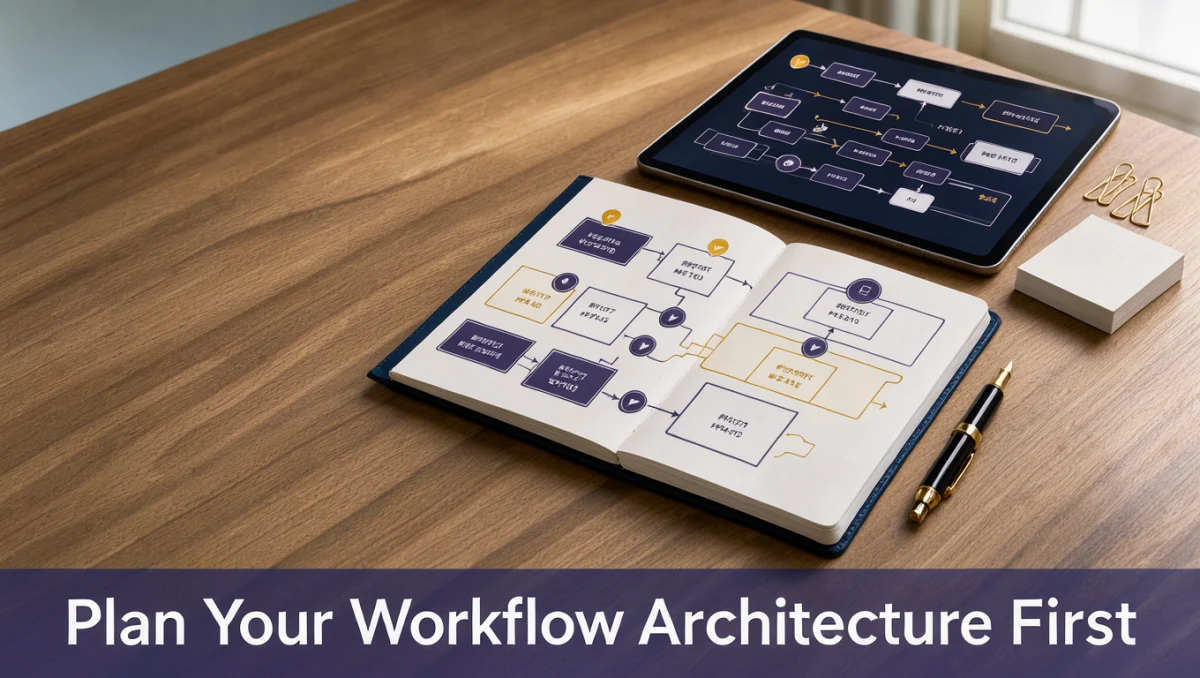
Setting up automations in SmartSuite is a sequence of deliberate decisions. Jumping straight into the logic builder without planning tends to create recursive loops and incorrect record links.
Step 1: Identify the Trigger Event
Every automated routine begins with a trigger that tells the system to run. Typical triggers include record creation, field changes, date arrivals, or form submissions. For example, when a project stage changes to complete, the platform recognizes that field change as the signal to check the related conditions.
Step 2: Set Conditional Filters
Conditional filters make sure actions run only in the right circumstances. They prevent needless system activity by checking supporting data before anything happens. If a status changes to approved, for instance, a condition can confirm that priority is set to urgent and that an active user is assigned as manager.
Step 3: Define Target Actions
Target actions are the changes the system makes once conditions are satisfied. These can include creating linked records, updating existing fields, generating task checklists, or sending summary notifications. In a relational setup, an action might update a parent project record once every subordinate task is marked complete.
Step 4: Test in a Controlled Environment
Before rolling automations out to active teams, test each step with sample records containing mock data. Confirm the trigger fires as expected, the conditions filter correctly, and values land in the right fields. Testing guards against unwanted mass notifications or accidental overwrites in live workspaces.
4. Best Practices for Workflow Automation
Strong automations need ongoing upkeep and documentation. Use consistent naming for every rule, stating the trigger and the main action plainly. A title such as Project Stage Completed, Update Client Account Record is far more useful than a generic rule number.
Where the logic remains readable, combine several small actions into one cohesive sequence. Schedule regular audits in which workflow administrators review run logs to catch misfired triggers or references broken by renamed fields. Platforms treat renamed or deleted fields as breaking changes when automations depend on the old identifiers.
5. Common Mistakes to Avoid
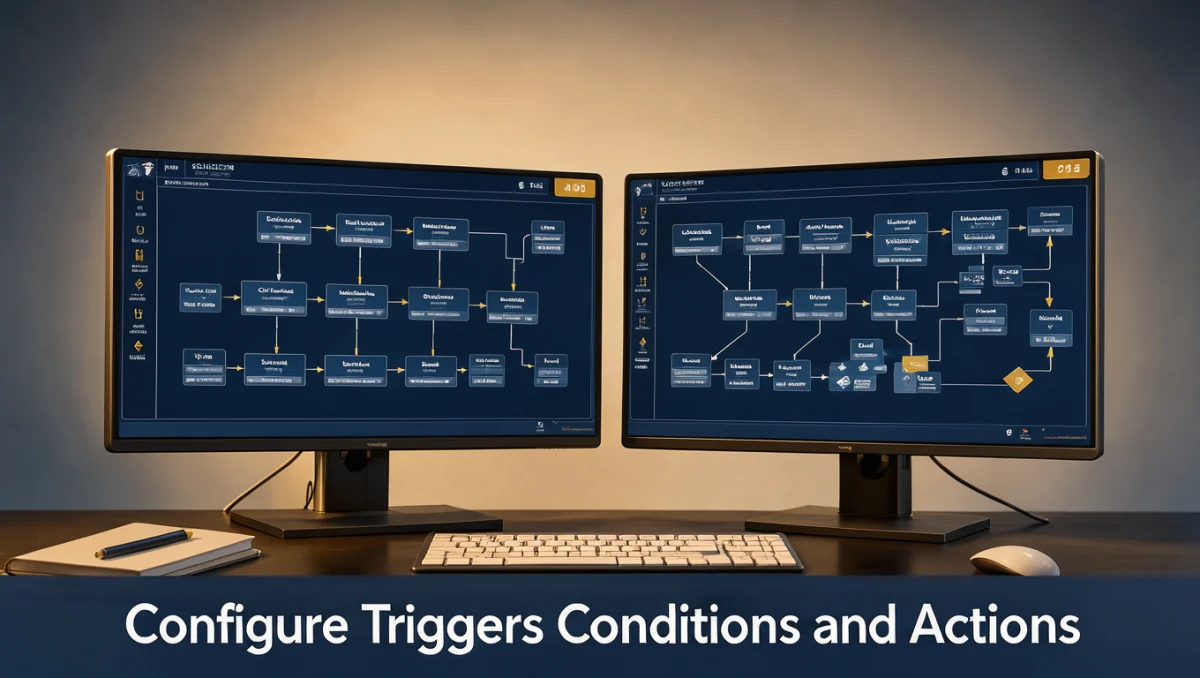
The most common design error is a circular loop, where one automated update triggers a second rule that resets the original field. Avoid having two separate rules that modify related fields without mutually exclusive condition checks.
Over-notifying is another frequent problem. Automated alerts for minor status changes quickly lead to alert fatigue. Save notifications for critical handoffs, deadline escalations, or external client milestones, and let dashboard views handle routine progress tracking.
6. Who Should Automate Workflows With SmartSuite
SmartSuite automations serve a range of roles, though fit depends on how complex your processes are and how mature your data management is.
- Project managers: Benefit from automated task handoffs, stage updates, and deadline reminders that cut administrative work.
- Operations teams: Benefit from linking procurement requests, asset management, and vendor approvals through relational data triggers.
- Client services agencies: Benefit from automating onboarding checklists and milestone transitions across shared workspaces.
- Solo users with simple lists: Less suitable, since flat task apps without relational structure need far less setup.
7. FAQ
How do I know if our process is ready for automation?
A process is ready when team members can perform every step manually using predictable criteria. If your team can't agree on who receives a task or which specific field change triggers the next stage, automation will only speed up the confusion. Write the manual steps down first, then introduce automated rules.
What should I budget for beyond the base subscription?
Plan for implementation time, operational documentation, and possibly third-party integration connectors if external systems need to sync with your records. The base subscription covers core platform features, but complex cross-platform setups often require middleware or professional configuration help to keep data flowing reliably.
How should teams handle renamed fields in active automations?
Update automation rules as soon as field names, single-select options, or record relationships change. If an administrator renames a status option from in progress to active, any automation filtering on the old label can fail silently. Review dependent rules before altering your database schema.
Where should we confirm execution quotas before building complex automations?
Check execution quotas, run limits, and webhook allowances directly on the official SmartSuite plan comparison page. Cloud vendors adjust usage allowances between tiers over time, so the official documentation is the reliable source. This prevents you from designing critical pipelines that exceed your plan's limits during normal operations.
8. Final Verdict
Automating workflows in SmartSuite can deliver real efficiency gains for organizations that manage structured, relational data. With methodical planning, disciplined conditional design, and proactive schema governance, teams can automate complex handoffs while keeping their data intact.
| Criterion | Score /10 | Reason |
|---|---|---|
| Features | 8.5 | Deep relational data structures, flexible trigger mechanisms, and versatile multi-step action sequences. |
| Ease of Use | 7.8 | Logical visual builder, though relational data concepts introduce an initial learning curve. |
| Pricing and Value | 7.6 | Verify action run limits on official pricing pages to match your organization's size. |
| Integrations | 7.4 | Supports standard external webhook patterns, with specific platform connections depending on tier. |
| Audience Fit | 8.2 | Well suited to structured operational teams that need connected workflows across departmental bases. |
| Support | 7.5 | Documentation covers core builder concepts, with enterprise support channels detailed on the official site. |
| Competitive Position | 7.9 | Strikes a strong balance between database depth and intuitive process management compared with alternatives. |
Overall topappsreviews Score: 7.8/10
For teams moving from scattered spreadsheets to relational project tracking, SmartSuite delivers capable workflow execution. Smaller teams should weigh the initial setup investment against simpler checklist tools, while growing operations should confirm action volumes on the vendor site before deploying.
Questions about structuring your automation logic? Reach the editorial team at https://topappsreviews.com/contact/ or follow topappsreviews on LinkedIn at https://www.linkedin.com/company/topappsreviews/ for ongoing software evaluations.