topappsreviews may earn a commission when you buy through links on this page, at no extra cost to you. This does not affect our ratings.
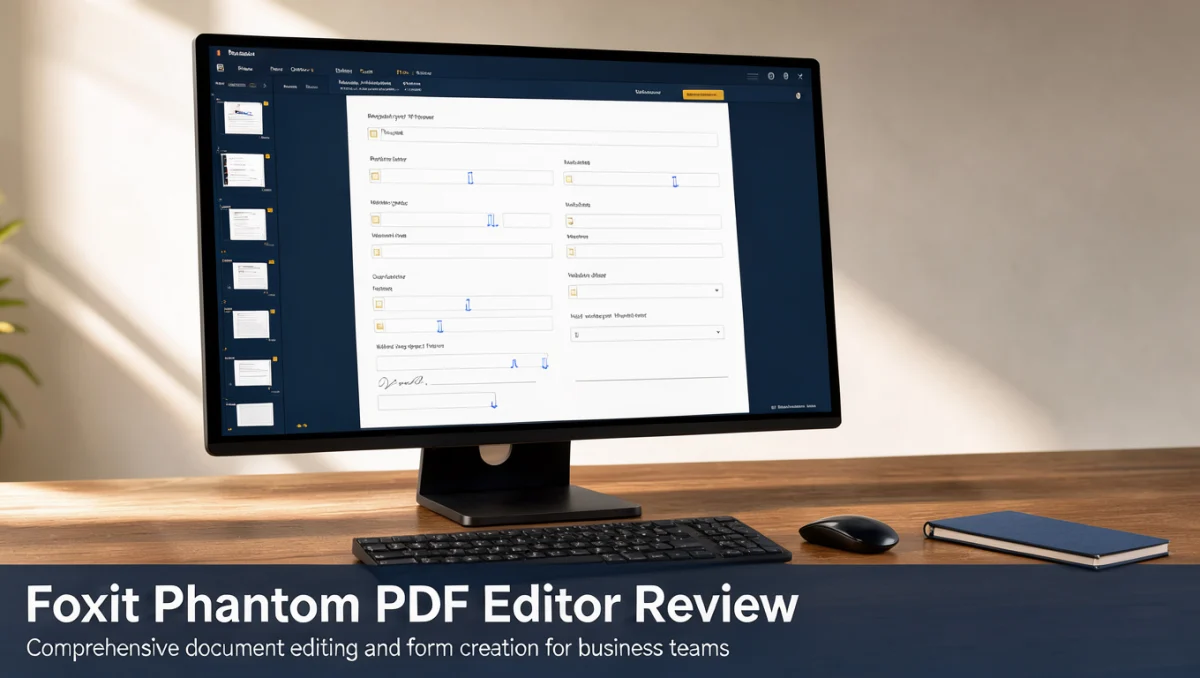
Modern offices run on PDFs, and staff often need more than a simple reader. Foxit Phantom PDF Editor is built for creating, converting, modifying, and reviewing these files, helping distributed teams revise text, rebuild page layouts, and gather electronic signatures without breaking established paperwork routines. At Top Apps Reviews, we test document software against everyday workloads so buyers can make a confident decision.
Choosing a document editor comes down to how well it handles page assembly, legal document preparation, and collaboration across departments. Basic viewers cover reading and quick notes, but professional tools must offer reliable text reflow, form creation, and redaction while keeping structured files intact. This guide walks through the strengths, workflow considerations, and evaluation steps to help your team decide whether this program fits its document demands in 2026.
Quick verdict: With a topappsreviews score of 7.7 out of 10, Foxit Phantom PDF Editor is a capable environment for administrative staff, legal specialists, and project coordinators who need structured page assembly, file conversion, and form creation. Teams that only need bare-minimum reading or casual browser-based notes may find the broad workspace more complicated than they require.
| Metric | Details |
|---|---|
| topappsreviews score | 7.7 / 10 |
| Best for | Office teams handling routine document assembly, contracts, and structured electronic forms |
| Not ideal for | Casual readers seeking basic note addition without advanced page restructuring tools |
| Key strengths | Document editing, batch file conversion, interactive form creation, and comment tracking |
| What to check before buying | Deployment licensing terms, signature verification rules, and administrative management policies |
1. How topappsreviews Reviewed Foxit Phantom PDF Editor
This review covers what Foxit Phantom PDF Editor is designed to do, who it serves, and how it compares with similar tools. We assessed it against seven topappsreviews criteria: features, ease of use, pricing and value, integrations, audience fit, support, and competitive position. Plans, prices, and limits change often, so we point out what to confirm on the official website before purchasing. This article was researched and drafted with the help of AI tools, then reviewed and edited by the topappsreviews Editorial Team.
2. What Is Foxit Phantom PDF Editor and Who Is It For
Foxit Phantom PDF Editor is productivity software from Foxit Software for creating, modifying, securing, and organizing PDF documents across different workplaces. Modern knowledge work depends on structured digital records that must keep their layout intact on any system. Rather than treating PDFs as static read-only files, the software lets users adjust typography, replace graphics, extract pages, and compile multi-source reports into a single package.
The software suits office workers, compliance officers, contract specialists, educators, and enterprise administrators who handle complex paperwork daily. Within collaboration and productivity workflows, a capable editor prevents common bottlenecks such as uneditable scanned invoices or misaligned form fields. Buyers evaluating it should weigh both the breadth of editing tools and the administrative controls needed to distribute licenses across departments.
3. Core Features of Foxit Phantom PDF Editor
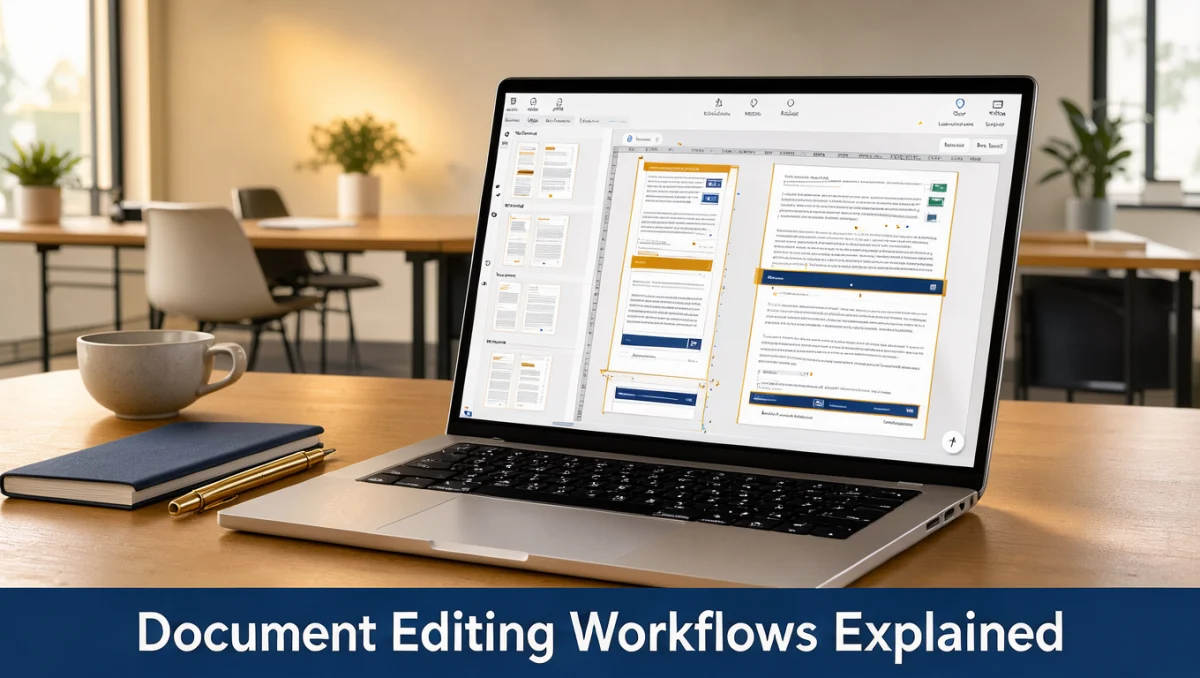
Understanding these core capabilities shows how everyday document tasks map onto structured workflows in a corporate setting.
3.1. Text Editing and Typography Reflow
Text editing lets users change existing sentences, adjust styling, and fix errors directly inside locked layouts. Paragraphs reflow as edits are made, so revised content keeps natural line breaks without overlapping nearby graphics or tables. This matters when updating compliance manuals, marketing materials, or legal agreements whose original source files are no longer accessible.
3.2. Document Conversion and Assembly
Assembly tools let professionals combine multiple file types, reorder sheets, extract chapters, and rotate misaligned scans into one organized portfolio. Word processing files, spreadsheets, and presentation decks can be converted to standardized PDFs while preserving their structure. During assembly, headers, footers, Bates numbering, and watermarks can be applied across all pages for a uniform look.
3.3. Interactive Form Building and Data Capture
Form tools turn static tables and scanned surveys into interactive documents with text fields, checkboxes, dropdown menus, and radio buttons. Automatic field recognition converts visual templates into data entry forms without manually placing each component. Completed forms can then collect client information or survey responses in a repeatable format suitable for internal processing.
3.4. Collaborative Review and Annotations
Annotation options include sticky notes, highlighting, strikethrough styling, measurement tools, and callout boxes. Stakeholders can track revision notes, reply to specific comments, and stamp documents with statuses such as approved or draft. Keeping commentary on one central file reduces the fragmentation that comes from scattered email threads and messaging channels.
3.5. Document Protection and Redaction
Protection tools let administrators and legal professionals remove sensitive personal data, financial identifiers, and proprietary information before sharing files externally. Unlike basic visual masking that only covers text with colored rectangles, thorough redaction permanently removes the underlying characters and metadata. Password safeguards and permission settings can further control whether recipients can print, copy, or modify protected material.
4. Ease of Use and Learning Curve
The interface uses a ribbon layout modeled on standard corporate office software, with familiar functional tabs across the top. Users accustomed to word processors can find basic font changes, page insertion, and review tools with moderate effort. Specialized administrative features such as OCR calibration, Bates stamping, and signature certificate setup have a steeper learning curve and benefit from structured onboarding for non-technical staff.
5. Pros and Cons of Foxit Phantom PDF Editor
Weighing these trade-offs helps ensure the investment matches the real capabilities and constraints of your organization.
5.1. Pros
- Comprehensive page manipulation tools that simplify assembling multi-part documentation and regulatory binders.
- Accurate interactive form recognition that turns static questionnaires into responsive digital collection sheets.
- Dependable text reflow that preserves formatting during minor paragraph corrections and layout updates.
- Permanent redaction tools suitable for sensitive administrative and compliance work.
5.2. Cons
- Dense configuration menus in the ribbon can overwhelm casual workers who only need quick review tasks.
- Advanced form scripting and certificate setup require deliberate training to avoid configuration mistakes.
- Rendering can slow noticeably when processing very large technical blueprints or graphic-heavy presentations.
6. Foxit Phantom PDF Editor vs Similar Tools
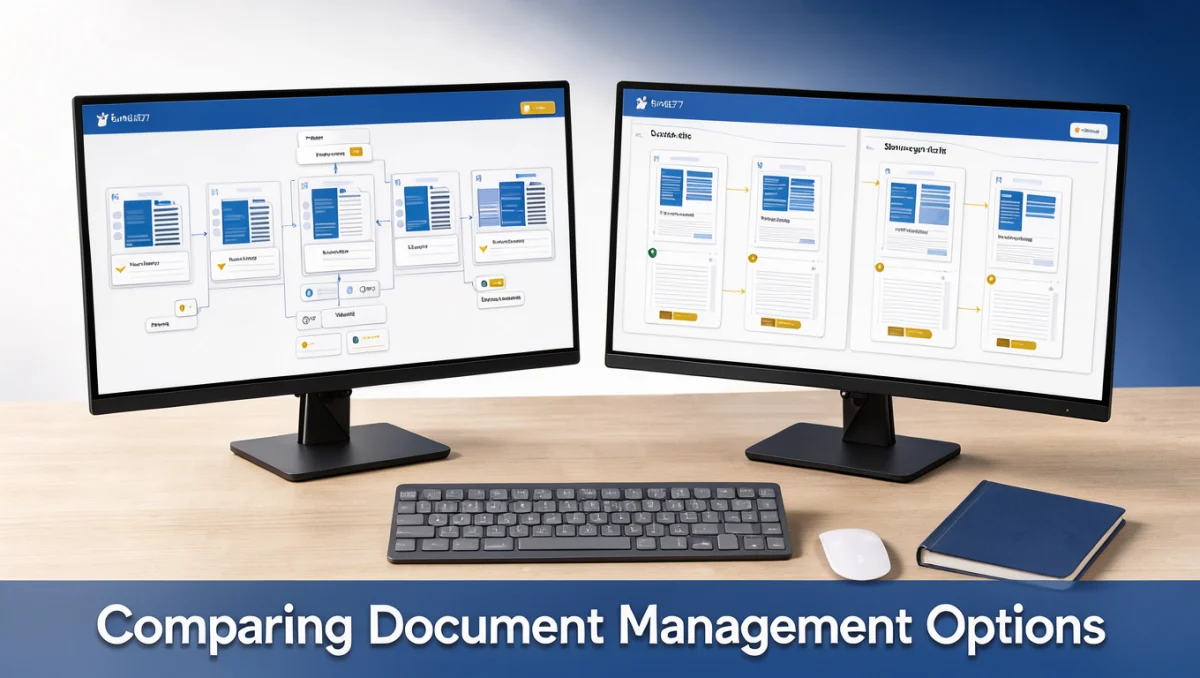
Comparing major document editors shows how different products position themselves for enterprise and small-business use.
Adobe Acrobat is the long-standing commercial benchmark for portable document workflows, focused on enterprise publishing, deep integration with the creative ecosystem, and complex institutional distribution. Organizations already standardized on Adobe Creative Cloud often default to Acrobat to keep licensing uniform across creative and administrative staff. Foxit Phantom PDF Editor, by contrast, is a streamlined, responsive alternative aimed at practical business documentation, page restructuring, and form processing without creative suite dependencies.
Nitro PDF emphasizes enterprise document acceleration, with standardized interfaces for knowledge workers who want simplified conversion and digital approval pipelines. Where Nitro focuses on straightforward corporate adoption, Foxit Phantom PDF Editor appeals to technical users who need precise typographical editing, detailed page optimization, and granular form development.
PDFelement by Wondershare targets freelancers, students, and budget-conscious teams that want an approachable, modern interface with essential editing features. PDFelement prioritizes fast onboarding and clean visuals, while Foxit Phantom PDF Editor offers more depth for corporate administrative policies, compliance tracking, and structured batch processing.
7. Who Should Use Foxit Phantom PDF Editor
Matching software capabilities to specific roles helps determine whether this platform fits your daily operations.
- Small Business Owners: Independent operators who need to create client estimates, assemble contracts, and distribute professional digital documents without heavy IT management.
- Legal and Compliance Teams: Professionals who require Bates numbering, permanent redaction of confidential data, and reliable assembly for court filings or regulatory submissions.
- Administrative Coordinators: Office staff who archive invoices, standardize internal application forms, and merge departmental reports into unified records.
- Corporate Project Managers: Leaders coordinating technical documentation, architectural reviews, and feedback cycles across internal and external stakeholders.
- Not Recommended For: Solo users who only need simple viewing and occasional note additions, for whom a lightweight viewer is usually enough.
8. How to Choose the Right Plan
Before committing to a purchase, confirm these key points directly on the official vendor website.
| What to check | Why it matters |
|---|---|
| Deployment licensing model | Vendors often switch between ongoing subscriptions and perpetual single-seat purchases, which changes recurring budget requirements. |
| Administrative seat management | Enterprise management consoles determine how easily IT teams can assign, revoke, or reallocate licenses when staff change roles or leave. |
| Advanced form and data export rules | Certain specialized functions or automatic data extraction features may sit within specific commercial tiers. |
| Signature workflow compliance | Regulated environments impose specific validation rules for digital certificate signatures compared with simple visual electronic signatures. |
9. Frequently Asked Questions
How do you know whether your office needs a dedicated PDF editor rather than a basic reader?
Your team needs a dedicated editor when daily tasks go beyond reading and adding notes into modifying existing text, rearranging pages, assembling mixed-format documents, or building interactive forms. If staff regularly encounter uneditable scanned files or need to redact private records before distribution, a structured editing application becomes a practical efficiency investment.
What should teams budget for beyond the standard software subscription?
Plan for user onboarding time, internal IT deployment management, and training sessions for specialized functions such as redaction and certificate signing. Organizations handling sensitive client material may also need to budget for digital certificate authorities to validate official signatures on regulatory submissions.
How should buyers evaluate editing performance on large corporate files?
Test how the software handles complex vector graphics, multi-page technical drawings, and high-resolution scanned paperwork on your standard office hardware. Running typical enterprise files through the editor shows whether load times, font replacement accuracy, and export rendering hold up during routine deadlines.
What steps should administrators take before moving an entire team to a new document editor?
Audit the document types each department handles and confirm that legacy interactive forms, font libraries, and security protocols work in the new environment. A targeted pilot with administrative power users helps identify workflow adjustments before rolling the application out to the wider team.
10. Final Verdict
Foxit Phantom PDF Editor earns a topappsreviews score of 7.7 out of 10, making it a balanced and capable choice for structured document management, page compilation, and digital form handling. The broad workspace takes some time to learn, but the software provides dependable editing and administrative tools that suit demanding office environments.
| Criterion | Score /10 | Reason |
|---|---|---|
| Features | 8.5 / 10 | Provides comprehensive page assembly, interactive form creation, text reflow, and redaction. |
| Ease of Use | 8.0 / 10 | The ribbon interface feels familiar to office workers, though advanced settings require dedicated learning. |
| Pricing and Value | 7.5 / 10 | Buyers should verify licensing terms on the official pricing page to confirm seat costs fit departmental budgets. |
| Integrations | 7.0 / 10 | Buyers should check external storage and cloud workflow connections against their existing stack. |
| Audience Fit | 8.0 / 10 | Well matched for administrative, legal, and operational staff managing structured paperwork. |
| Support | 7.0 / 10 | Purchasers should confirm technical support availability and resources directly with the vendor. |
| Competitive Position | 8.0 / 10 | Offers a dependable, enterprise-ready alternative to legacy publishing tools for core office tasks. |
Overall Score: 7.7 / 10
For legal departments, small business managers, and corporate coordinators, Foxit Phantom PDF Editor provides an efficient suite of document tools that handles daily paperwork without unnecessary overhead. Before committing, confirm your deployment, seat allocation, and digital signature requirements on the official Foxit website.
Have questions about choosing productivity software for your team? Contact our team through https://topappsreviews.com/contact/ or follow topappsreviews on LinkedIn for ongoing software evaluations and workplace productivity guides.
See More Collaboration & Productivity