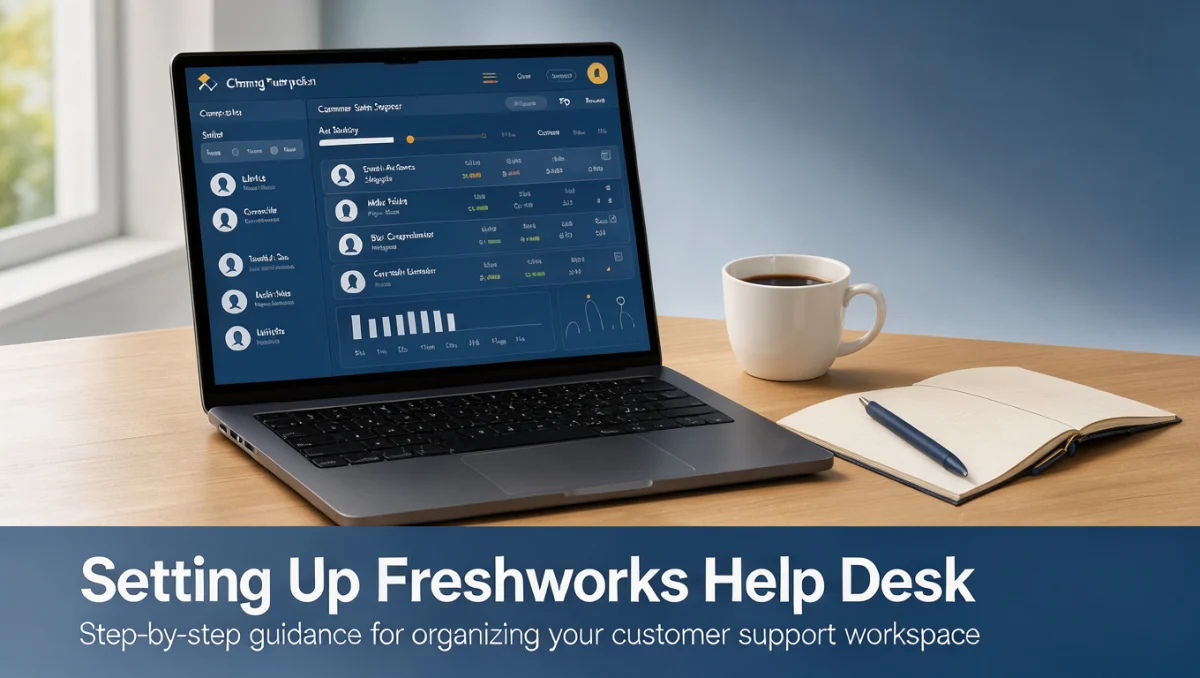
Launching a support workspace starts with understanding how your team currently receives and handles customer questions. Freshworks is customer support software that brings conversations from several channels into one ticketing workspace, so agents can route requests, track progress, and collaborate internally. If you are moving away from a crowded shared inbox or scattered messaging tools, learning how to set up a help desk with Freshworks the right way ensures tickets reach the right people quickly. This guide from Top Apps Reviews walks through the core configuration steps, operational habits, and criteria for judging whether the platform fits your needs.
Quick verdict: Freshworks earns an overall Top Apps Reviews score of 7.9/10. It suits small businesses, growing service teams, and distributed support groups that want an orderly ticket workspace. It is less suitable for solo operators who handle occasional questions and are happy with a basic email inbox.
| Metric | Summary Details |
|---|---|
| Top Apps Reviews score | 7.9/10 |
| Best for | Growing support departments that need structured routing, clear ownership, and centralized customer records |
| Not ideal for | Organizations with minimal inquiry volume that only need personal email communication |
| Key strengths | Centralized ticket management, organized multi-channel intake, collaborative status tracking, and structured customer records |
| What to check before buying | Review the official Freshworks subscription comparison page to confirm channel inclusions, admin controls, and automation limits |
1. How Top Apps Reviews Evaluated Freshworks
This review examines what Freshworks is built to do, who it serves, and how it compares with similar tools. We assessed it against seven Top Apps Reviews criteria: features, ease of use, pricing and value, integrations, audience fit, support, and competitive position. Plans, prices, and limits change frequently, so we flag what to confirm on the official website before purchasing. This article was researched and drafted with AI assistance, then reviewed and edited by the Top Apps Reviews Editorial Team.
2. Before You Start Your Help Desk Setup
Before opening the admin configuration panel, document your existing support pathways and customer expectations. Support software works as an operational framework, so its configuration can only be as clear as your underlying team processes.
First, map every place customers currently reach out, including email addresses, web forms, live chat, and phone inquiries. Consolidating these paths prevents orphaned conversations during migration.
Second, define categories for your typical questions. Grouping issues into buckets such as technical problems, billing inquiries, product feedback, and account administration makes tagging and routing far more accurate later on.
Third, set expected resolution timelines for each urgency level. Agreeing on these benchmarks before building automation gives your staff a shared standard for response urgency.
3. Getting Started Workflow: Step-by-Step Implementation

A structured rollout prevents configuration errors and limits disruption to existing customer communication. Follow these stages to build an organized support environment.
3.1. Establishing Core Communication Channels
Connecting your primary customer touchpoints is the first technical task. The platform converts inbound messages from each channel into standardized ticket records in the agent workspace.
- Configure mail forwarding from your main support email address to your Freshworks support address.
- Embed a web intake widget or contact form on key customer-facing pages.
- Confirm any external messaging channels you plan to handle from the unified interface.
- Send test messages through each connected channel to confirm inquiries convert into tracked tickets.
3.2. Structuring Routing Rules and Ticket Dispatch
Automated assignment ensures incoming issues reach qualified staff without manual triage of every message. Routing rules evaluate message properties to apply category labels, set priority levels, and direct work to the right functional groups.
Define assignment rules based on sender domain, keywords, or selected form categories. For example, route messages containing invoice references to accounting staff, while sending bug reports to technical support specialists.
When configuring your customer service infrastructure, also set default fallback rules. A general intake queue keeps unmatched tickets from lingering unnoticed.
3.3. Configuring Service Level Agreements and Escalations
Service level targets help managers keep response pacing consistent across different ticket types. These policies set concrete deadlines for first replies and full resolution based on ticket priority.
Set distinct response targets for urgent incidents and general product questions. Configure automatic reminders that alert team leads when a ticket nears its resolution target without an update.
3.4. Organizing Agent Groups and Role Permissions
Structuring user permissions prevents administrative mistakes and protects customer data. Assigning team members to specialized queues makes daily task ownership clear.
- Organize staff into groups based on expertise, product focus, or regional schedules.
- Grant administrative privileges selectively to protect global settings and data export capabilities.
- Establish standard procedures for reassigning tickets between departments.
3.5. Building the Knowledge Base and Self-Service Portal
A centralized library of instructional content lets customers resolve recurring questions on their own, reducing repetitive work for agents.
Start by drafting articles for your five most common inquiries, such as password recovery, billing update steps, and getting-started tutorials. Organize articles into logical topic folders, and confirm that public visibility settings match your audience.
4. Help Desk Implementation Best Practices
Successful help desk administration requires continuous refinement after the initial setup. Proven operational habits keep the workspace clear over time.
Standardize ticket tags and status labels early. Ad-hoc tagging creates reporting confusion, so maintain a curated list of approved issue types and resolution codes.
Draft standardized reply templates for routine inquiries. Canned responses help maintain consistent brand language and save time during busy periods, as long as agents personalize greetings and case-specific details.
Review workflows regularly with front-line staff. Feedback from working agents reveals friction points, unnecessary routing steps, and documentation gaps that need administrative adjustment.
5. Common Setup Mistakes to Avoid
New administrators often add unnecessary complexity to their initial configuration, creating friction rather than efficiency.
Avoid building elaborate routing rules before your team has baseline operational metrics. Starting with simple group assignments and adding conditional layers gradually prevents misdirected messages.
Do not launch customer-facing portals without testing navigation thoroughly. Verify that search terms surface relevant articles and that ticket forms capture necessary context without overburdening the customer.
Avoid granting unrestricted administrative permissions to every staff member. Role separation protects reporting integrity and prevents accidental rule deletions during active support hours.
6. Who Should Use Freshworks for Support
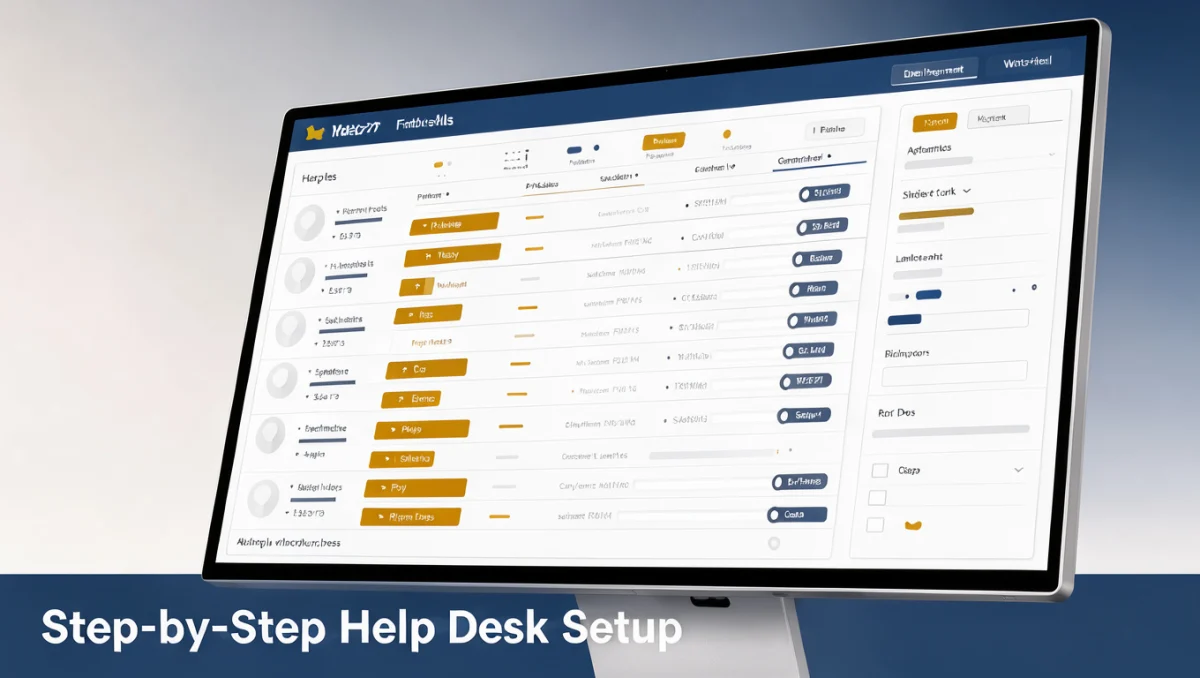
Different organizations need different approaches to managing customer issues. Assess your operational scale and communication complexity to determine whether this platform fits.
6.1. Small and Medium Business Teams
Growing businesses that have outgrown shared email accounts benefit from centralized ticket queues. Freshworks provides the structure needed to prevent duplicate agent replies and keep unified conversation histories across staff members.
6.2. Distributed Service Departments
Companies running across multiple shifts or remote offices gain accountability through shared ownership queues and automated assignment. Managers can monitor ticket volumes and reassign work without disrupting agent workflow.
6.3. Organizations Not Suited for Dedicated Ticketing
Solo entrepreneurs or micro-businesses receiving only occasional client messages may find dedicated ticketing unnecessarily complex. With minimal inquiry volume, basic email management tools usually provide enough tracking without any administrative setup.
7. Frequently Asked Questions
How should a team prepare customer data before switching help desks?
Export existing contact records and open inquiry histories into structured spreadsheets before migrating. Review historical data, archive resolved inquiries, and remove duplicate customer profiles so the new workspace launches with clean contact information.
What should administrators check regarding plan limits before completing configuration?
Confirm the official Freshworks plan comparison page for details on automated routing rules, connected channel caps, and administrative permission controls. Vendors place advanced workflow automation and analytics in different subscription tiers, so verifying early is essential.
How can support managers confirm ticket assignment rules are working properly?
Submit simulated inquiries through every connected channel using non-administrative test accounts. Track each test ticket through the workspace to confirm that prioritization, group assignment, and notifications trigger as designed.
When should an organization introduce a customer-facing knowledge base?
Publishing self-service documentation alongside your initial launch delivers immediate benefits. Even a short library addressing your most frequent questions reduces repetitive ticket volume and gives agents consistent reference links for replies.
8. Final Verdict on Freshworks Setup
Implementing Freshworks gives organizations a structured, collaborative environment for tracking and resolving customer communications. By systematically connecting channels, creating purposeful routing, and defining clear operational roles, service teams can keep support orderly as interaction volumes grow.
The platform delivers dependable ticketing for organizations seeking to streamline multi-channel customer communication. Prospective administrators should review the detailed configuration guidelines published by Top Apps Reviews to judge how well it aligns with their wider business applications.
| Criterion | Score /10 | Reason |
|---|---|---|
| Features | 8.5/10 | Provides comprehensive core ticketing, multi-channel intake management, and collaborative team tools. |
| Ease of Use | 8.5/10 | Intuitive configuration workflows make setup straightforward for administrators and agents alike. |
| Pricing and Value | 7.5/10 | Buyers should review tier structures on the official website to match functionality with budget. |
| Integrations | 7.5/10 | Connects with standard productivity platforms; verify specific ecosystem connectivity on vendor pages. |
| Audience Fit | 8.5/10 | Well suited to growing small and medium businesses and dedicated customer service departments. |
| Support | 7.0/10 | Buyers should verify official documentation and vendor support availability against their operating hours. |
| Competitive Position | 8.0/10 | Holds a balanced position alongside established competitors such as Zendesk and Help Scout. |
Overall score: 7.9/10
Readers with questions about help desk deployment or software selection can reach out via Top Apps Reviews, or follow us on LinkedIn at https://www.linkedin.com/company/topappsreviews/.