Top Apps Reviews may earn a commission when you buy through links on this page, at no additional cost to you. Our ratings remain independent.
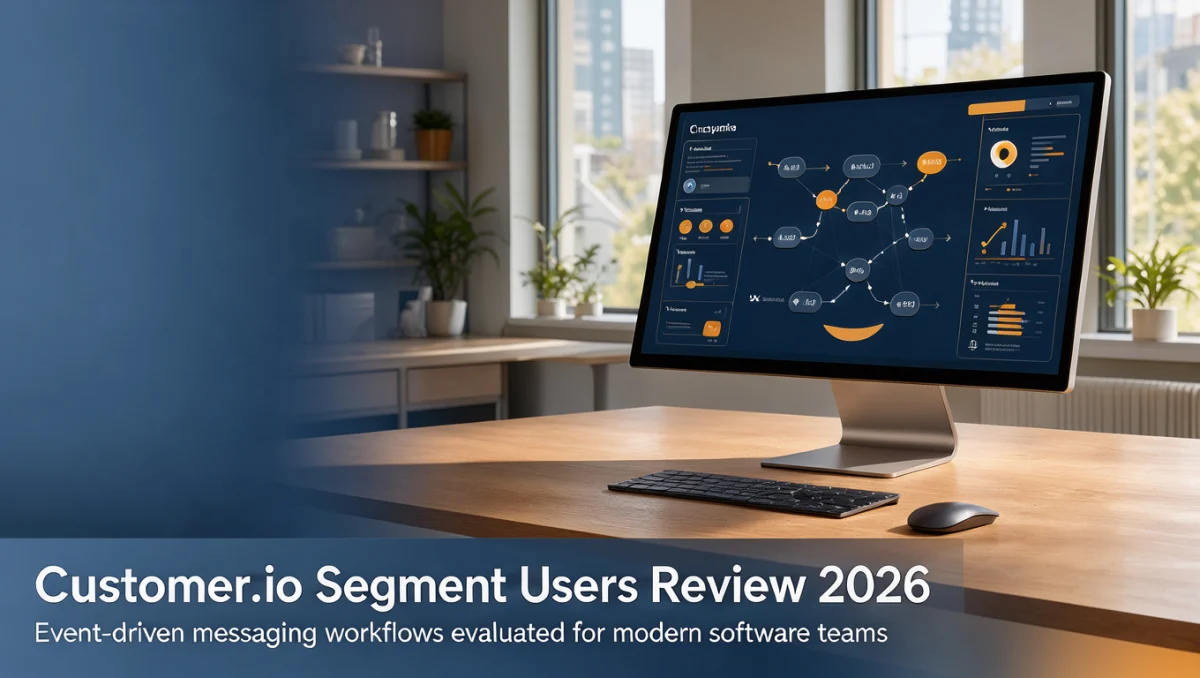
Behavior-driven messaging platforms such as Customer.io let product-led companies and subscription brands send automated communications triggered by live user actions and profile data. Our evaluators at Top Apps Reviews ask a practical question: does this tool deliver the structural flexibility your team needs without creating maintenance headaches? The right choice depends on matching your message cadence and tracking volume with the operational effort you can sustain.
Teams moving away from basic bulk email toward responsive communication need to understand how audience grouping works. Modern systems place contacts into groups dynamically as people act or as their attributes change, rather than treating every subscriber the same. Before committing, assess your data tracking readiness, expected message volume, and the branching complexity of your workflows.
Quick verdict: Customer.io scores 7.9/10 for depth of behavioral targeting. It suits growth marketers and product teams who need dynamic cohort management driven by in-app event tracking. It is a poor fit for solo operators who want simple broadcast newsletters with no technical setup.
| Metric | Evaluation |
|---|---|
| Top Apps Reviews score | 7.9/10 |
| Best for | Product teams and subscription brands needing dynamic audience grouping based on event streams |
| Not ideal for | Solo operators who only send periodic plain-text newsletters without behavioral filtering |
| Key strengths | Event-driven automation, flexible audience segmentation logic, dynamic multi-channel campaign branching |
| What to check before buying | Confirm profile limits and event volume allowances directly on the official Customer.io website |
How We Reviewed Customer.io
We assessed Customer.io against seven criteria: features, ease of use, pricing and value, integrations, audience fit, support, and competitive position. Plans, prices, and limits change frequently, so we flag what to verify on the official site before purchasing. This article was researched and drafted with AI assistance, then reviewed and edited by the Top Apps Reviews Editorial Team.
What Customer.io Is and Who Uses It
Customer.io is an automated messaging and engagement platform that sends targeted communications based on user activity, product engagement, and behavioral history. It serves mobile apps, digital marketplaces, SaaS companies, and subscription services that run on event streams instead of static mailing lists. Teams use it to coordinate lifecycle emails, push notifications, and in-app alerts as contacts interact with their products.
Rather than relying on periodic batch sends, the platform centers on continuous data ingestion. When someone signs up, completes an onboarding step, or abandons a checkout, the system reacts immediately according to the logic you define. Organizations with dedicated technical resources and structured customer data get the most value from this event-first design.
Knowing how Customer.io segment users features function helps operations teams separate fixed contact lists from responsive audience groups. When evaluating any communication software, alignment between your data engineering capacity and your campaign staff is essential for smooth execution.
Core Features and How Segment Users Operate
The platform's central capability is turning incoming behavioral attributes into active message triggers. Teams can build multi-step campaigns that respond directly to user choices across multiple touchpoints.
Dynamic audience segmentation
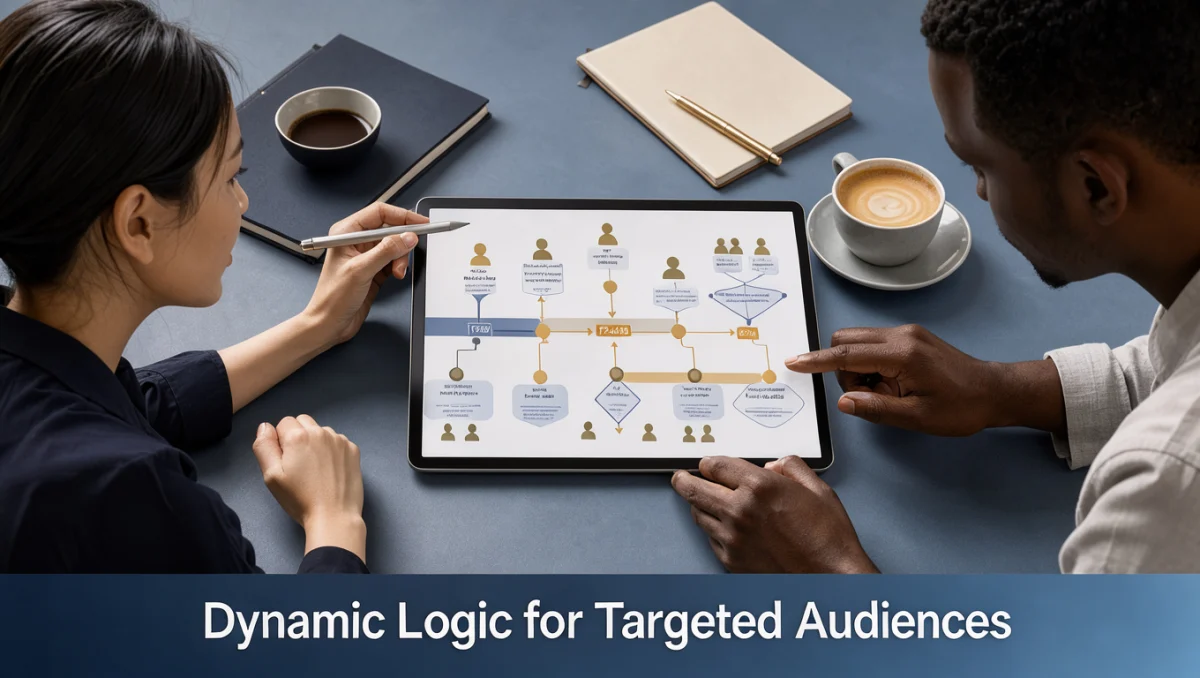
Segmentation is the structural foundation of the platform. Instead of maintaining static lists that require manual imports and exports, administrators define rules based on user attributes, custom events, and past message engagement. Once configured, contacts enter or leave these groups automatically as their status changes.
A media app, for example, might create a dynamic segment of subscribers who logged in last week but did not finish a video lesson. When a user completes that lesson, the platform removes them from the group, stopping redundant reminders without manual work.
Automated workflow builder
The campaign builder offers a visual canvas for designing multi-branch communication journeys. Users set conditional splits, time delays, and multi-channel delivery sequences based on how contacts respond to earlier messages.
Teams can establish fallback paths, pause messages during off-peak hours, or send an alternate notification if a contact has not opened an initial email within a set number of days. This structure lets lifecycle marketers design onboarding and retention paths that run continuously.
Data-driven message personalization
Personalization goes well beyond inserting a first name into a subject line. The system lets marketers inject template syntax and event metadata into content, displaying items viewed, progress milestones, or account balances.
This level of dynamic templating requires careful data modeling to avoid blank fields when attributes are missing. Marketing teams should set default fallback values in templates to maintain consistent quality.
Ease of Use and Learning Curve
The interface suits analytical marketers and operations specialists who understand conditional logic. A simple broadcast is straightforward to create, but complex behavioral workflows require a solid grasp of boolean operators, event schemas, and data types.
Teams without technical support may find the initial data setup challenging. Deciding which events flow from your application database into the platform requires careful planning between engineering and marketing. Once data structures are in place, routine campaign creation follows predictable visual patterns.
Organizations upgrading their broader communication stack often connect modern Customer Service tools with messaging platforms to keep communication histories unified across departments. Testing workflow logic in a sandbox environment remains standard practice before launching customer-facing campaigns.
Pros and Cons
Weighing trade-offs ensures your software investment matches your team's operational capacity and technical resources.
Strengths of the platform
- Dynamic cohort calculation updates audience membership automatically as customer actions occur.
- The visual campaign canvas supports multi-channel branching across email, mobile push, and webhooks.
- A flexible templating language supports conditional content blocks tailored to each account's activity.
- Event-based triggers avoid the delays associated with batch database synchronization.
Operational limitations
- Requires structured event modeling and developer collaboration during initial setup.
- The visual builder can become hard to manage when dozens of nested conditional paths exist.
- Reporting prioritizes campaign delivery metrics over deep multi-touch attribution analysis.
Customer.io vs Similar Tools
Understanding where Customer.io fits among alternatives helps buyers choose a tool that matches their messaging sophistication.
| Platform | Target Audience | Primary Positioning | Key Consideration |
|---|---|---|---|
| Customer.io | SaaS, mobile apps, digital services | Event-driven lifecycle automation | Requires structured data streams and event tracking |
| Klaviyo | Ecommerce and retail merchants | Transaction and catalog automation | Optimized for retail storefronts rather than custom web apps |
| Mailchimp | Small business owners, general creators | Traditional newsletter and contact management | Less suited to complex custom event-driven branching |
| ActiveCampaign | B2B services, small sales teams | Combined email marketing and pipeline tracking | Focuses on CRM-aligned deal progression rather than raw app event streams |
Klaviyo integrates deeply with ecommerce storefronts and purchase histories, making it a natural choice for physical retail brands. Mailchimp serves general small businesses that want easy newsletter creation without data engineering. Customer.io focuses on digital products that stream custom events from software environments.
Who Should Use Customer.io
Different business models gain varying levels of value from an event-first messaging architecture.
Product-led software companies
SaaS businesses benefit from tying user activation milestones to communication journeys. Marketing teams can automate product tips when users stall during setup and trigger upgrade notices as usage approaches plan limits.
Mobile application publishers
Mobile teams tracking discrete in-app achievements or session intervals can orchestrate targeted push alerts and re-engagement emails. Coordinated multi-channel delivery ensures users receive notices on their preferred device.
Teams not recommended for this platform
Solo entrepreneurs, content creators, or small consulting firms that only need a monthly bulletin should consider simpler email tools. Running an event-driven automation system adds unnecessary administrative overhead for businesses without custom digital applications.
How to Choose the Right Plan
Subscription messaging platforms typically price by active profile count, email send volume, or feature access. Prospective buyers should audit their current database and projected growth before selecting a tier.
| What to check | Why it matters |
|---|---|
| Active vs inactive profile counting | Vendors calculate billable contacts differently, which affects monthly costs as your database grows. |
| Event ingestion limits | High-frequency user actions can trigger throttling if your plan cap is exceeded. |
| Multi-channel delivery allotments | Push notifications and SMS often carry additional transmission charges or separate plan requirements. |
| Team seat governance | Verify how permissions and collaborative roles are handled across marketing and engineering staff. |
To keep your budget predictable, confirm the exact inclusions on the official Customer.io pricing page before finalizing any contract.
FAQ About Customer.io Segment Users Workflows
How should teams structure customer events before building segments?
Map essential user milestones, such as account creation, feature activation, and subscription renewal, into standardized event names with consistent property keys. Clear naming conventions prevent duplicate data and simplify segmentation rules across teams.
What is the difference between static contact lists and dynamic segments?
Static lists hold fixed collections of addresses updated through manual uploads or one-time imports. Dynamic segments evaluate user attributes and event streams continuously, adding or removing contacts as behaviors change.
What should teams budget for beyond the base subscription?
Factor in developer hours to implement tracking, ongoing data pipeline maintenance, and possible third-party fees for specialized channels such as SMS.
How can organizations avoid sending redundant messages during complex onboarding flows?
Use exit conditions and mutual exclusion segments within automated workflows. Rules that eject contacts as soon as they reach a conversion goal keep communication clear and respectful.
Final Verdict on Customer.io Segment Users Capabilities
Customer.io offers a focused, capable messaging engine for companies built around modern event architectures. Its dynamic segmentation gives technical marketers precise control over recipient targeting, so communication reflects real customer actions rather than generic calendar schedules.
| Criterion | Score /10 | Reason |
|---|---|---|
| Features | 8.8/10 | Advanced behavioral triggers, flexible templating, and dynamic audience evaluation. |
| Ease of Use | 7.2/10 | Steeper learning curve requiring understanding of event attributes and conditional logic. |
| Pricing and Value | 7.5/10 | Competitive for event-heavy businesses, though contact scaling requires budget oversight. |
| Integrations | 7.8/10 | Connects cleanly via webhooks and database connections, though setup needs developer time. |
| Audience Fit | 8.5/10 | Strong alignment for mobile apps, SaaS companies, and digital subscription services. |
| Support | 7.4/10 | Technical documentation is detailed, though direct assistance depends on account tier. |
| Competitive Position | 8.0/10 | Strong niche authority among product-led businesses compared with traditional marketing suites. |
Overall Top Apps Reviews score: 7.9/10
For technology companies with organized product data and dedicated campaign managers, the platform provides the flexibility needed to run responsive, personalized customer journeys. Simpler operations without event streams should explore traditional contact management tools.
Have questions about choosing the right marketing automation platform? Send them to our editorial team through Top Apps Reviews or follow us on LinkedIn to stay informed about our software evaluation standards.