topappsreviews may earn a commission when you buy through links on this page, at no extra cost to you. This does not affect our ratings.
Businesses that want their phone activity to live inside everyday software increasingly look for a way to connect calling with their own systems. The aircall api gives organizations programmatic access to voice and call management, letting phone workflows flow straight into business applications. Sales and support teams often need automatic call logging, custom routing, and one shared contact record across internal databases. In this independent assessment, topappsreviews looks at what this developer interface delivers, how it fits into typical business architectures, and what buyers should weigh before allocating engineering time.
Telephony endpoints make it possible to start outbound dials, retrieve recordings, read call metrics, and keep contact profiles current without manual effort. Instead of juggling disconnected communication tools and fragmented data, development teams use these endpoints to keep customer conversations in sync across the entire tech stack. Judging whether that suits your organization means looking closely at technical requirements and the upkeep the integration will demand.
Quick verdict: With an overall score of 7.7/10, this platform is best suited to organizations that want structured voice automation inside standard business software. It is less appropriate for teams lacking developer support or for businesses that need raw carrier-level telecom transport with hands-on configuration.
| Metric | Summary |
|---|---|
| topappsreviews score | 7.7/10 |
| Best for | Teams with technical resources building voice-driven business workflows |
| Not ideal for | Organizations with zero developer bandwidth or basic phone needs |
| Key strengths | Voice workflow automation, call data synchronization, webhook events |
| What to check before buying | Confirm endpoint availability, rate limits, and authentication requirements on the official site |
1. How topappsreviews Reviewed the Aircall API
This review examines what the product is designed to do, which users it serves, and how it stacks up against comparable tools. We assessed it against seven topappsreviews criteria: features, ease of use, pricing and value, integrations, audience fit, support, and competitive position. Plans, prices, and limits change frequently, so we flag what you should verify on the official website before purchasing. This article was researched and drafted with AI assistance, then reviewed and edited by the topappsreviews Editorial Team.
2. What Is the Aircall API and Who Is It For?
The aircall api is a cloud-based communication interface that lets developers manage voice calls, phone numbers, contact records, and interaction metadata in code. Rather than relying only on a graphical dialer, organizations can use this programmatic layer to link telephone workflows with internal applications, proprietary software, and standard databases.
Cloud voice systems have largely replaced on-premises phone hardware across many industries, which has created demand for unified data flows. Engineering teams use telephony endpoints to remove repetitive administrative tasks, such as manually entering notes after customer conversations. By connecting phone events directly to external systems, companies keep reliable operational records of every interaction.
This programmatic system primarily serves software developers, technical product managers, and operations leaders responsible for customer contact infrastructure. Sales and support teams working across multiple time zones often depend on these interfaces to make sure customer data updates instantly across several business applications.
3. Core Features of the Telephony Interface
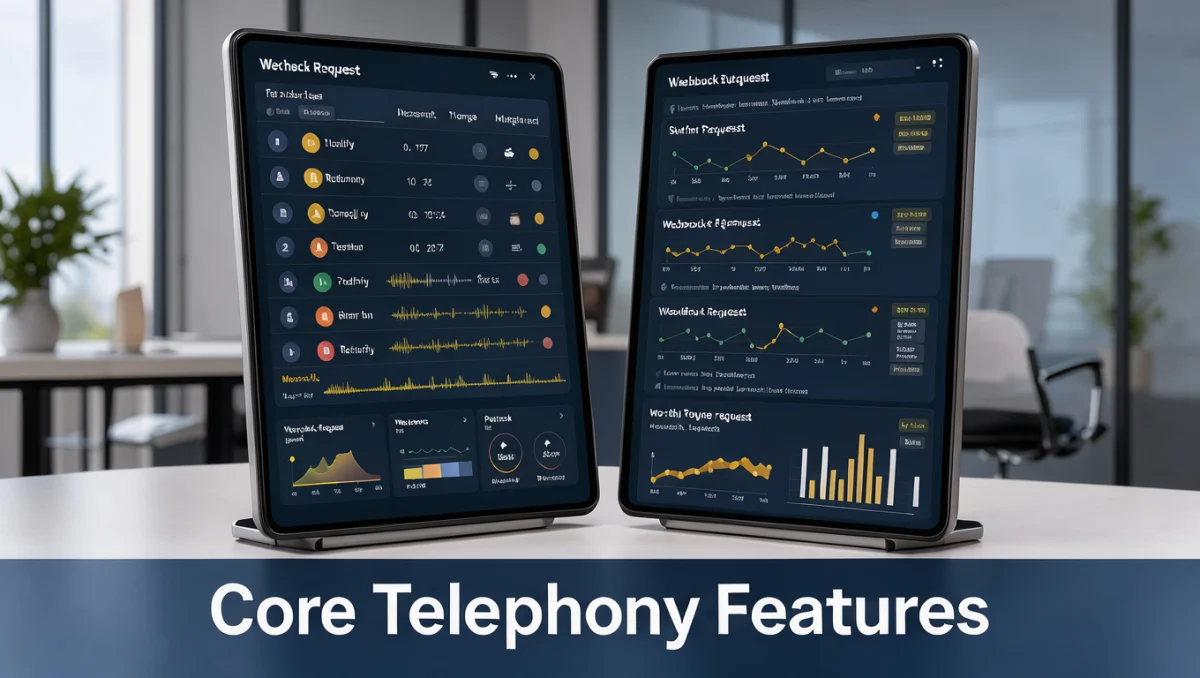
Telephony development platforms center on programmatic control over calls, user routing, contact directories, and data retrieval. Understanding these foundational pillars helps organizations evaluate whether the tool fits their architectural roadmap.
3.1. Call Control and Automated Dialing
Programmatic call control lets systems start outbound calls, transfer active connections, and end conversations in response to software events. For example, a business application can launch an outbound call straight from an account dashboard, cutting manual dialing errors and speeding up agent response times.
Inbound call handling is just as important. Systems can read incoming caller identifiers, look up account status in an internal database, and direct the voice platform to route the caller to the right person. This control reduces queue congestion and creates a smoother experience for returning customers.
3.2. Webhooks and Event Notifications
Webhooks push real-time alerts whenever a telephone event occurs, such as a call starting, ending, being recorded, or dropping into voicemail. Development teams configure endpoints on their own servers to receive these notifications and trigger downstream actions automatically.
Instant updates let organizations refresh internal analytics dashboards, post automated alerts in team chat, or queue follow-up tasks for account managers. Because notifications arrive without constant polling, server infrastructure runs more efficiently.
3.3. Contact and Tag Management
Keeping contact data clean across disconnected systems is often a major operational challenge. The interface allows developers to create, search, update, and delete contact details programmatically, so telephone directories stay aligned with master records.
Tagging lets systems attach operational markers to completed calls, sorting conversations by topic, sentiment, or priority. These tags provide essential metadata for long-term reporting and quality assurance programs.
3.4. Analytics and Recording Retrieval
Access to call logs, duration metrics, agent availability states, and audio recording links enables rigorous quality monitoring. Technical teams can feed interaction logs into internal business intelligence systems for cross-functional reporting.
Recording retrieval endpoints allow automated download or archiving of conversation audio. Teams bound by internal compliance policies can move audio files into long-term storage according to their organization's data retention guidelines.
4. Ease of Use and Developer Experience
Telephony interfaces differ widely in documentation quality, authentication simplicity, and debugging support. Evaluating the developer experience helps ensure your technical team can implement connections without unexpected project delays.
Standard REST architecture makes endpoints easy to understand for engineers familiar with HTTP and JSON payloads. Authentication generally uses API keys or tokens, which should be stored in environment variables rather than exposed in client-side code.
Because voice events are asynchronous, debugging webhook timing and error payloads requires disciplined logging on your receiving servers. Software teams should review the official documentation to confirm sample payloads and verify testing environments before starting implementation.
5. Pros and Cons of the Aircall API
Every programmatic interface carries trade-offs that depend on team skills and infrastructure goals.
5.1. Key Advantages
- Direct programmatic access to core business voice functions without managing low-level telecom switching.
- Standard REST endpoints and webhook structures that fit modern web development practices.
- Streamlined data synchronization between telephone activity and external customer management databases.
- Structured contact and tag manipulation that keeps cross-departmental records organized.
5.2. Potential Limitations
- Requires ongoing engineering time to design, test, host, and maintain custom webhook receivers.
- Operational uptime depends on both the communication platform and your own server infrastructure.
- Organizations with simple dialer needs may find custom software connections unnecessary compared with prebuilt integrations.
- Rate limits may require building request throttling logic into your internal applications.
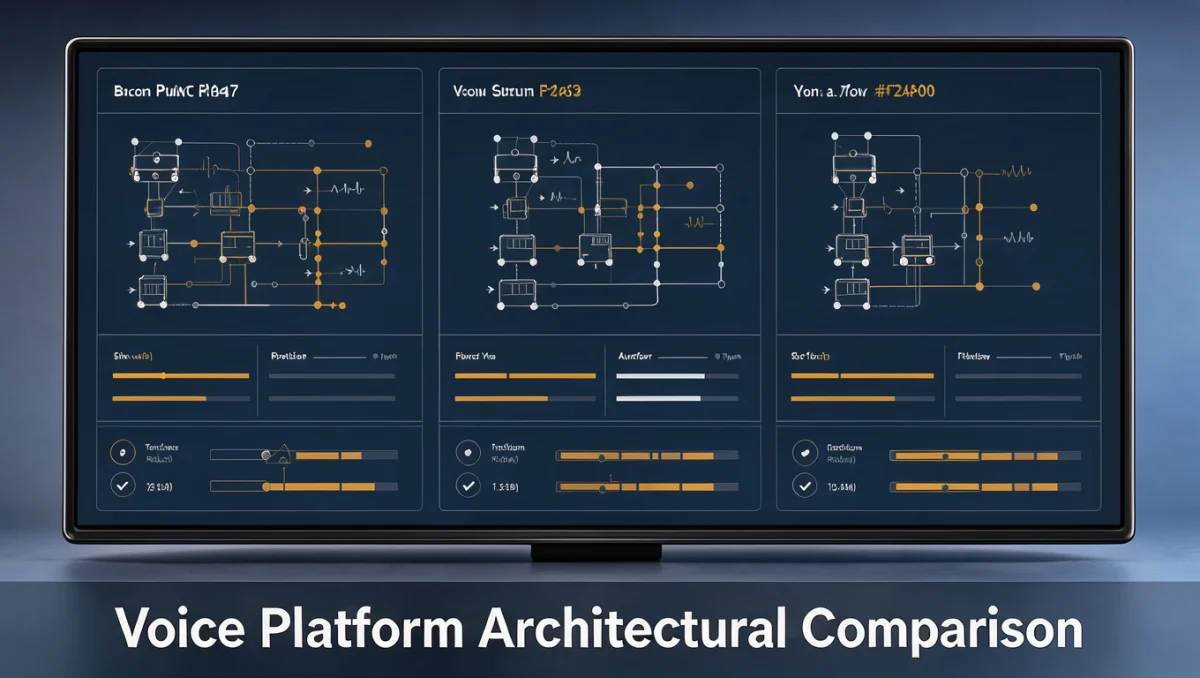
6. Aircall API vs Alternative Voice Platforms
Organizations evaluating programmable voice solutions encounter different platform architectures across the market. Comparing these positioning differences clarifies which platform matches your operational design.
| Platform | Primary Focus | Best Suited For | Key Consideration |
|---|---|---|---|
| Aircall API | Business voice and software synchronization | Teams using a ready voice system who want custom data workflows | Review documentation for specific operational endpoints |
| Twilio Voice | Low-level telecommunications infrastructure | Developers building bespoke communication products from scratch | Demands significant custom logic for basic contact center tools |
| Vonage Communications APIs | Global telecom transport and messaging endpoints | Enterprises needing custom carrier routing and multi-channel stacks | Requires in-depth telecommunications development experience |
| RingCentral API | Enterprise communications and unified voice infrastructure | Large organizations connecting extensive corporate phone ecosystems | Broad scope requires navigating extensive platform surface areas |
Telecommunications infrastructure providers such as Twilio focus on raw infrastructure, giving engineers granular control over audio streams, SIP trunks, and call states. That suits engineering organizations building brand-new products, but dialers, routing logic, and user management interfaces must be built from scratch.
The aircall api, by contrast, sits on top of a fully realized business phone application. Its endpoints focus on extending and synchronizing business phone data with external software. For teams that want telephony running immediately while keeping programmatic control over data flows, this model offers a practical middle ground.
7. Who Should Implement the Aircall API?
Choosing developer tools means matching interface capabilities with organizational roles and technical maturity.
7.1. Small Business Owners
Small business owners with in-house or contracted developers can use custom scripts to sync call logs with proprietary billing or inventory databases. Owners without software engineering talent should focus on standard interfaces rather than custom code.
7.2. Modern Support and Contact Center Teams
Technical support managers often aim to improve their Customer Service workflows by showing caller history before an agent picks up. By combining inbound caller webhooks with internal account lookups, engineering teams can build custom screen pops that shorten hold times and speed up resolution.
7.3. Sales Operations and Marketers
Revenue operations professionals benefit from automated call attribution. By pulling call duration, outcome tags, and agent notes into central marketing databases, revenue teams can attribute closed deals to specific campaigns and outreach initiatives with accuracy.
7.4. When to Avoid Custom API Development
Teams should skip custom endpoint development if their existing software stack already offers native connections that meet their reporting needs. Building and maintaining endpoints adds ongoing engineering overhead that is rarely justified for basic telephone needs.
8. Planning and Evaluation Checklist
Before committing development sprints to a telephone interface, technology buyers should verify operational parameters through official vendor channels.
| What to Check | Why It Matters | Where to Verify |
|---|---|---|
| Authentication and Permissions | Ensures tokens can restrict access to specific telephone endpoints | Official API documentation |
| Rate Limits and Throttling | Prevents service interruption during high-volume calling periods | Developer portal and plan specifications |
| Webhook Reliability and Retries | Determines how the platform handles transient receiver downtime | Developer guides and webhook reference |
| Endpoint Coverage | Confirms the exact actions your developers need are supported programmatically | API reference changelog |
| Subscription Tier Access | Verifies which subscription tiers allow access to developer endpoints | Official pricing and plan comparison page |
9. Frequently Asked Questions
9.1. What technical skills are required to use telephony endpoints?
Working with telephone endpoints requires familiarity with modern programming languages, HTTP request handling, JSON parsing, and web server configuration. Teams also need experience deploying secure webhook receivers and handling authentication keys safely to prevent unauthorized data exposure.
9.2. How do teams prevent data discrepancies across their software?
Engineering teams prevent discrepancies by implementing structured webhook listeners that process event payloads in sequence. Retry queues and automated reconciliation scripts help keep customer records identical across voice systems and central databases.
9.3. What infrastructure is needed to process incoming webhooks?
Processing webhooks requires a publicly accessible, secure web server able to handle incoming HTTP POST requests with minimal latency. Development teams often use serverless functions or lightweight microservices with validation logic to authenticate incoming traffic.
9.4. How should organizations budget for custom development?
Organizations should budget for both the software subscription and the engineering hours needed for construction, testing, and continuous maintenance. Reviewing technical specifications early clarifies whether internal engineers can complete the connection without hiring outside development agencies.
10. Final Verdict on the Aircall API
Evaluating programmatic telephony tools means balancing feature depth, developer usability, and overall architectural fit. Independent evaluations at Top Apps Reviews focus on helping teams choose software that matches their actual technical capacity.
| Criterion | Score /10 | Reason |
|---|---|---|
| Features | 8.2/10 | Covers core call control, automated logging, contact updates, and webhooks effectively. |
| Ease of Use | 7.8/10 | Standard REST architecture and clear endpoints simplify developer onboarding. |
| Pricing and Value | 7.2/10 | Buyers must confirm on official pricing pages which subscription tiers provide developer access. |
| Integrations | 8.0/10 | Provides a practical bridge for teams connecting proprietary tools with business voice functions. |
| Audience Fit | 8.5/10 | Strong fit for growing teams seeking structured voice data automation without managing raw telecom switches. |
| Support | 7.0/10 | Developer guidance and technical documentation depth should be reviewed prior to deployment. |
| Competitive Position | 7.3/10 | Positions well between turnkey dialers and low-level telecom building blocks. |
Overall score: 7.7/10
For technology leaders and software engineers, programmatic voice connections offer a dependable way to keep customer communications aligned with operational databases. Teams with software engineering resources can turn phone interactions into actionable data, while smaller teams should first confirm whether ready-made software connections meet their needs.
If you have questions about choosing software for your organization or want to share feedback on this review, contact our editorial team through Top Apps Reviews, or follow our updates on LinkedIn.
Explore more in our Customer Service coverage for additional software comparisons and buying guides.