Top Apps Reviews may earn a commission when you buy through links on this page, at no extra cost to you. This does not affect our ratings.
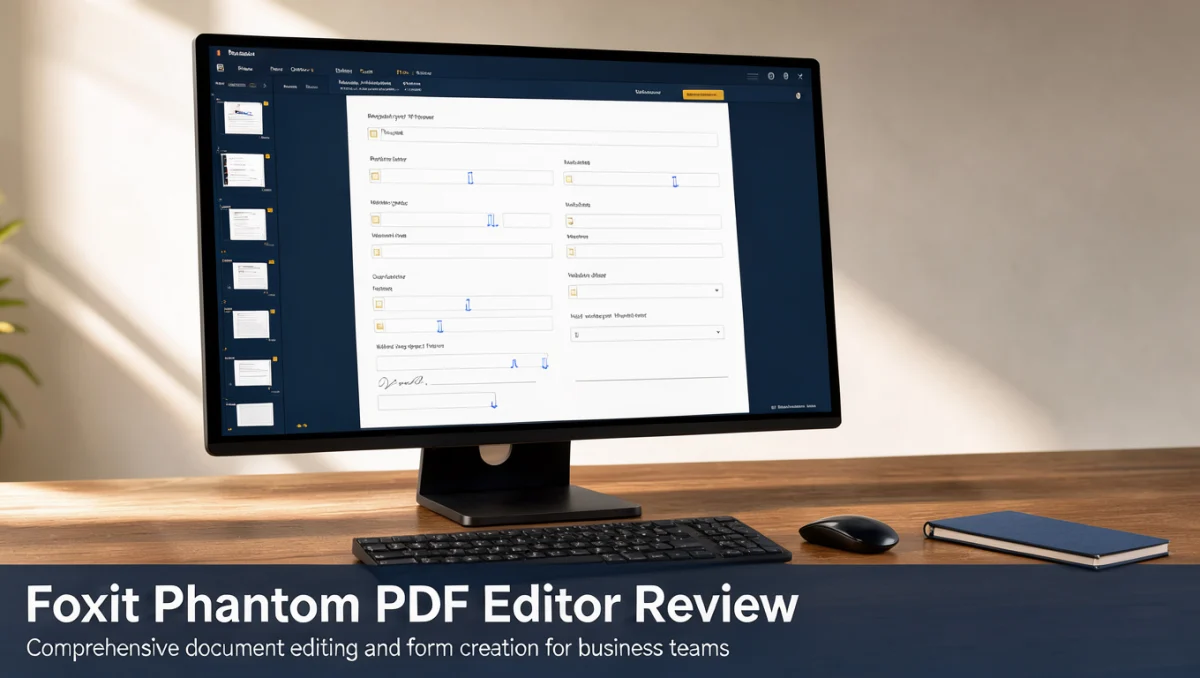
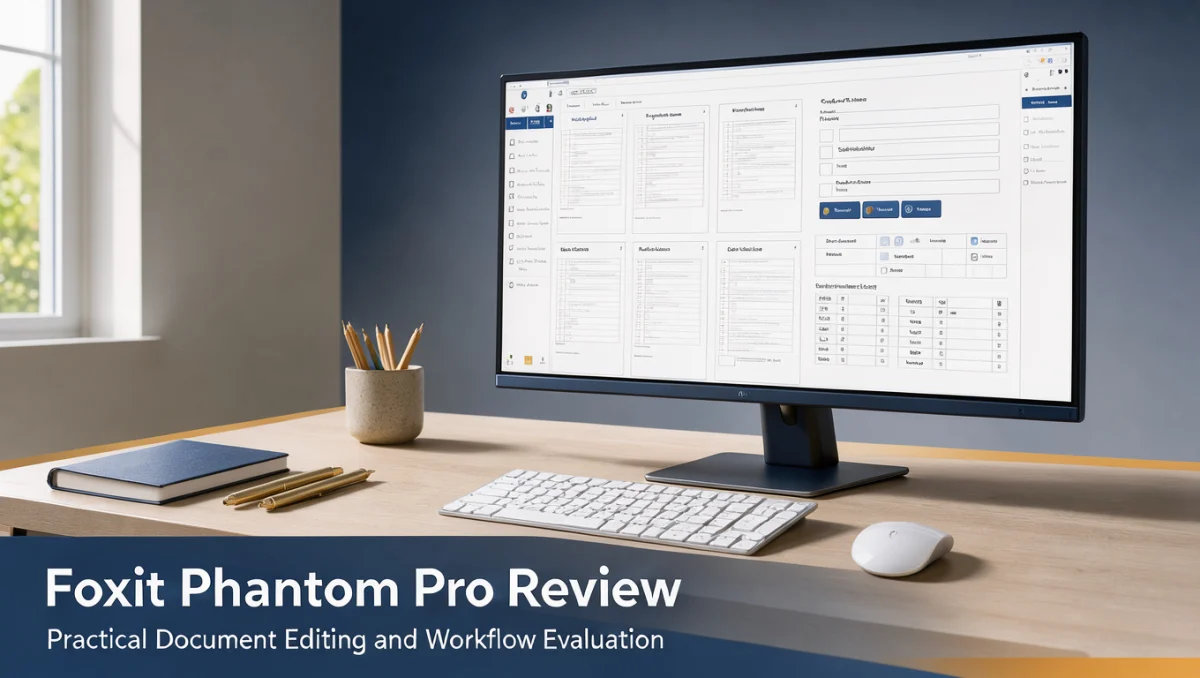
Business teams that juggle contracts, client paperwork and internal forms often reach a point where a basic PDF viewer no longer keeps up. foxit phantom pro is built for that stage, offering editing, conversion, form creation and digital approval routines in one desktop environment. Whether it earns a place in your stack depends on how your team actually works with documents day to day.
Choosing document software comes down to three questions: how much collaboration happens around each file, how many documents move through your office each month, and how much administrative effort your IT staff can spare. Before approving seat purchases, decide whether dedicated document tooling is a real operational need or whether standard file viewing covers your requirements.
Quick verdict: With an overall score of 7.7/10, foxit phantom pro suits teams that regularly revise documents, compile forms and route approvals. Organizations with light documentation needs or staff who only read files should look at simpler options first.
| Metric | Details |
|---|---|
| Top Apps Reviews score | 7.7/10 |
| Best for | Teams handling high-volume digital paperwork, contract revision, and structured form creation |
| Not ideal for | Casual readers seeking basic file viewing without document modification requirements |
| Key strengths | Document editing, form building, file conversion, and digital signature integration |
| What to check before buying | Confirm user seat assignments and ongoing maintenance terms on the vendor portal |
1. How Top Apps Reviews Evaluated Foxit Phantom Pro
Our assessment looks at what this software is designed to do, who it serves, and how it stacks up against comparable tools. We score each product against seven criteria: features, ease of use, pricing and value, integrations, audience fit, support, and competitive position. Plans and prices change frequently, so confirm current details on the official website before committing budget. This article was researched and drafted with AI assistance, then reviewed and edited by the Top Apps Reviews Editorial Team.
2. What Foxit Phantom Pro Is
Developed by Foxit Software, this program sits in the desktop office productivity category and focuses on document manipulation, scanning workflows, form distribution and electronic approvals. Effective collaboration depends on consistent document standards, so files look the same whatever operating system or device opens them. That consistency is a large part of what this tool aims to deliver.
3. How to Tell if a Plan at This Level Fits Your Business
Start by mapping how complex your daily document workflows really are. Organizations with structured paperwork often need dedicated utilities that go well beyond basic reading.
3.1. Operational Demands for Document Editing
Administrative staff regularly change wording, reorder sections and adjust layout inside standardized business files. When teams update legacy materials or assemble client presentations without the original source files, direct editing saves real time. Teams that only read static reports, by contrast, have little need for in-place text changes.
3.2. Structured Data Collection and Forms
HR and legal departments frequently send standardized forms containing fillable fields, dropdown menus and calculation logic. When routine processes depend on collecting uniform data from partners or employees, professional tools help ensure forms display predictably for every recipient. Check the official Foxit pricing page to see whether form features require a specific license tier.
3.3. Document Archival and Redaction Workflows
Compliance and legal obligations often require permanently removing confidential information before records leave the organization. Standard office applications cannot reliably obscure sensitive identifiers, so true redaction tools become essential for compliance teams. Organizations handling regulated records should confirm that the software permanently removes underlying metadata, not just covers the visible text.
4. Questions to Answer Before Choosing Foxit Phantom Pro
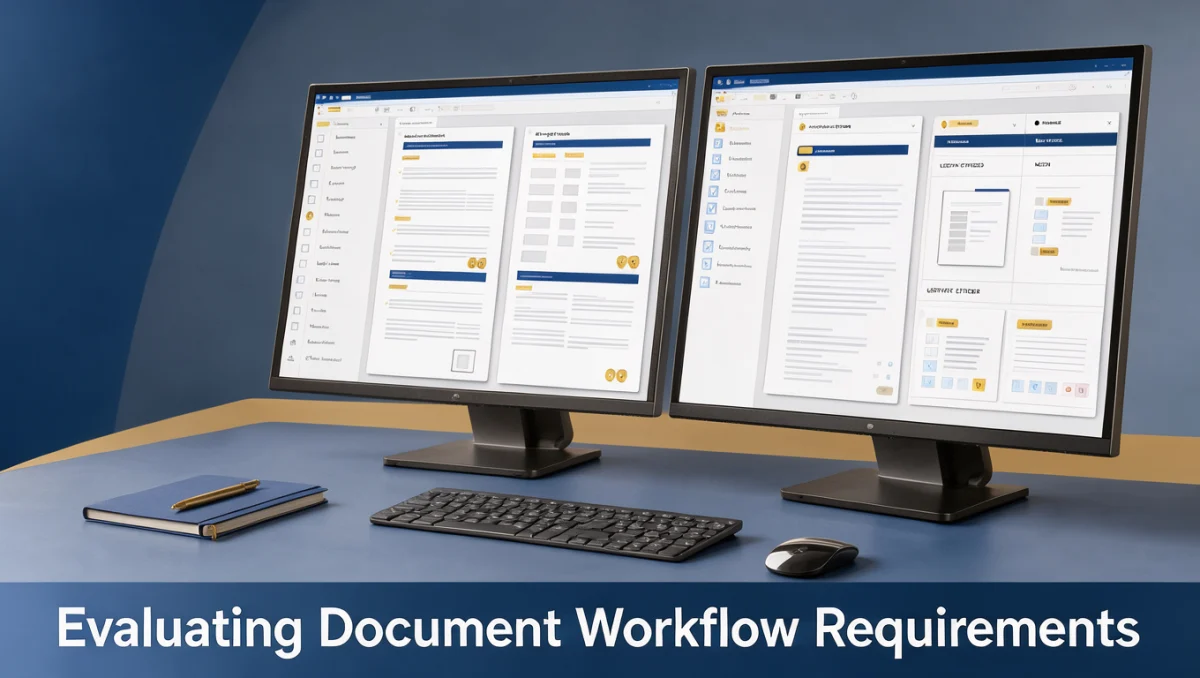
Before buying seats, procurement leads should review deployment requirements and operational limits. Working through these variables upfront prevents surprise costs during rollout.
| Question | Why it matters | Where to confirm |
|---|---|---|
| What deployment model aligns with company infrastructure? | Software licensing configurations dictate installation procedures, workstation compatibility, and user assignment mechanisms across company machines. | Check the official Foxit plan comparison page for licensing structure details. |
| Which team members require document editing versus document viewing? | Allocating advanced licenses to team members who only review files creates unnecessary software expenditure across departments. | Conduct an internal department audit of daily document tasks. |
| Are ongoing maintenance and software upgrades included in the licensing agreement? | Long-term software viability requires predictable operating system compatibility updates and product enhancements. | Review the official Foxit purchase agreement and maintenance terms. |
| How does the vendor structure digital signature workflows? | Organizations collecting legally binding authorizations need to ensure electronic signing capabilities match corporate signing policies. | Consult the official Foxit documentation regarding digital approval integration. |
| What administrative controls exist for enterprise license distribution? | IT departments require central oversight to reassign seats when employee roles transition or staff members depart. | Confirm administrative management capabilities on the official Foxit portal. |
5. Signs Your Business Needs a More Advanced Setup
Some warning signs suggest that a basic file viewer can no longer keep pace with your work. Spotting these friction points helps justify a move to a dedicated document tool.
5.1. Heavy Collaboration Across External Document Revisions
When several stakeholders comment on draft agreements, native markup tools and side-by-side comparisons become necessary. Analysts who check revisions line by line lose hours that automated comparison would recover. Professional suites speed up revision review by highlighting text changes between versions.
5.2. Digitizing Paper Archives via Optical Character Recognition
Offices working through physical records need character recognition to turn scans into searchable, selectable text. Without reliable OCR, historical files stay as images that cannot be indexed or searched. Organizations processing large paper volumes need dedicated tools to bring scans into a digital records system.
5.3. Enforcing Document Security and Information Boundaries
Engineering, financial and legal groups commonly need to restrict printing, limit page extraction and password-protect proprietary material. When sensitive files leave the internal network, document-level security settings control how recipients can use the data. Verify the exact security options directly on the official Foxit website.
6. Signs a Simpler Setup Is Enough
Not every organization needs advanced creation features. Knowing when basic software is enough prevents overspending on casual users.
6.1. Exclusively Consuming Static Reports
Teams that mainly open reference guides, review quarterly updates or read incoming invoices have no need for inline editing. Web browsers and basic desktop readers display these files accurately without special licenses. Reserve dedicated creation tools for staff who actually produce content.
6.2. Relying on Native Cloud Productivity Suites
When documents are created entirely inside cloud word processors and exported only for delivery, built-in export options usually cover the need. If recipients rarely request changes or fill in forms, extra post-processing software adds steps without adding much value.
6.3. Infrequent Electronic Signature Needs
Companies that sign only occasional vendor contracts can often rely on general-purpose signing tools or existing communication channels. A dedicated document management suite for a handful of signatures adds license tracking that small administrative teams may not need. Assess annual contract volume before committing budget to a specialized signing platform.
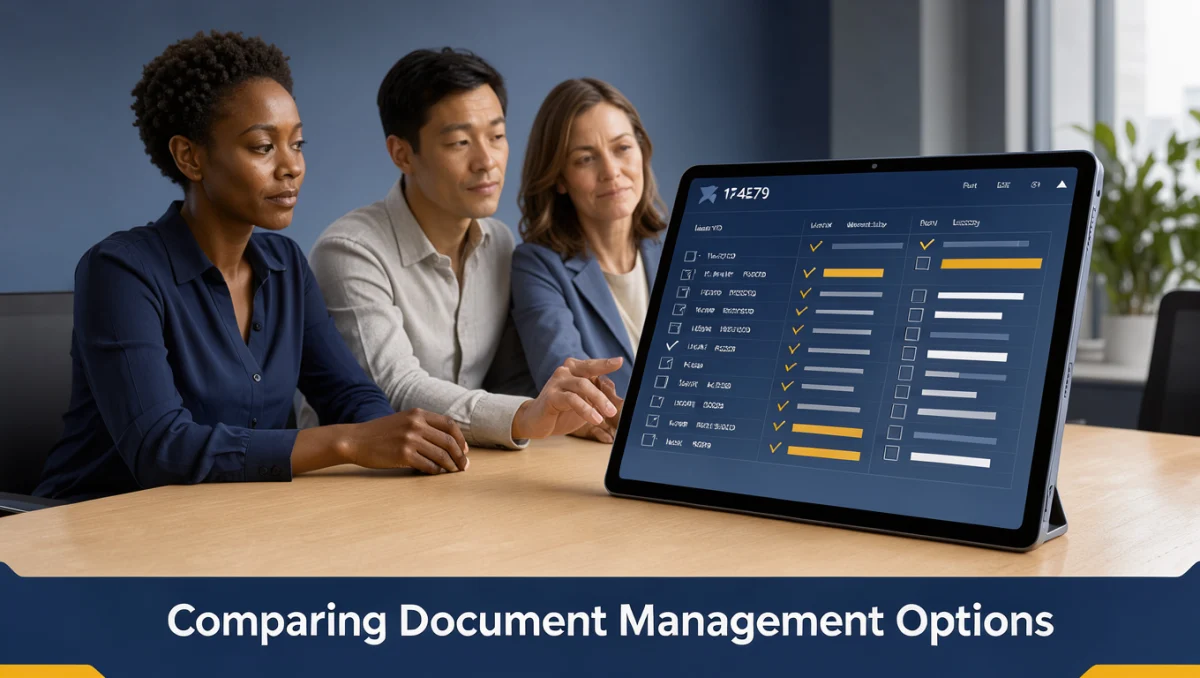
7. How to Compare Foxit Phantom Pro with Other Options
Comparing document software means checking it against alternatives on the market, such as Adobe Acrobat or Nitro PDF. Procurement teams should work through these steps when reviewing competing products.
- Identify the core document workflows across administrative, legal and operational departments to set baseline requirements.
- Review the official Foxit website alongside competitor pages to see which features are standard in each plan.
- Check administrative requirements, including how centralized license assignment works across distributed teams.
- Review hardware and operating system compatibility on vendor documentation pages to avoid deployment roadblocks.
- Confirm support channels, documentation resources and knowledge base availability on the provider portal.
8. Frequently Asked Questions
8.1. How should a business evaluate document software licensing options?
Procurement teams should map exact role requirements before purchasing seats. Count how many employees truly edit, redact and build forms compared with those who only read documents, so you avoid paying for unused editing capabilities. Always verify current licensing definitions on the official vendor pricing page.
8.2. What factors determine whether an organization needs PDF editing software?
Dedicated editing software makes sense when team members regularly change existing documents, assemble complex electronic forms or permanently redact records. If daily work mostly involves creating content in word processors and sending static files, standard viewers handle the job without specialized software.
8.3. How do teams verify document formatting integrity across external platforms?
Document standards keep typography, layout and visual elements intact regardless of the recipient's operating system. Buyers should review product documentation to confirm compliance with long-term archival standards when storing corporate records.
8.4. What administrative considerations matter for multi-user software rollouts?
IT managers should review central provisioning tools, seat revocation policies and silent deployment options before buying multi-seat licenses. Clear administrative visibility makes onboarding smoother, simplifies hardware upgrades and allows quick seat reassignment when staffing changes.
9. Final Verdict
Choosing dedicated document software means weighing editing capability against overall cost. Foxit Phantom Pro offers structured functionality for organizations that regularly author documents, compile forms and run multi-party review cycles.
| Criterion | Score /10 | Reason |
|---|---|---|
| Features | 8.5 | Delivers document editing, conversion, form construction, and security controls suitable for structured business workflows. |
| Ease of Use | 8.0 | Employs an intuitive office-style ribbon interface that minimizes the learning curve for staff accustomed to standard workplace suites. |
| Pricing and Value | 7.5 | Prospective buyers must evaluate license terms and seat allocations directly on the vendor pricing page to determine overall return on investment. |
| Integrations | 7.0 | Connects with standard office file ecosystems, though specific workflow connections require confirmation on the provider website. |
| Audience Fit | 8.0 | Suits administrative departments, legal groups, and operational teams that routinely manipulate and secure business records. |
| Support | 7.0 | Vendor documentation and customer assistance paths should be reviewed directly on the official Foxit portal prior to purchase. |
| Competitive Position | 8.0 | Represents an established alternative alongside Adobe Acrobat and Nitro PDF within the document productivity landscape. |
| Overall Score | 7.7 | A reliable, capable document management solution that delivers practical editing and form tools for modern operational teams. |
For mid-sized administrative teams and departments handling frequent document revisions, this platform offers dependable productivity tools. Small teams with minimal editing needs should first confirm whether basic utilities cover daily work before buying dedicated licenses. For a complete picture of Collaboration & Productivity software options, browse our related reviews.
Readers with questions about document software selection can contact our editorial staff at https://topappsreviews.com/contact/ or follow Top Apps Reviews on LinkedIn at https://www.linkedin.com/company/topappsreviews/ for ongoing software evaluations. Visit Top Apps Reviews for more independent app guides.