topappsreviews may earn a commission when you buy through links on this page, at no extra cost to you. This does not affect our ratings.
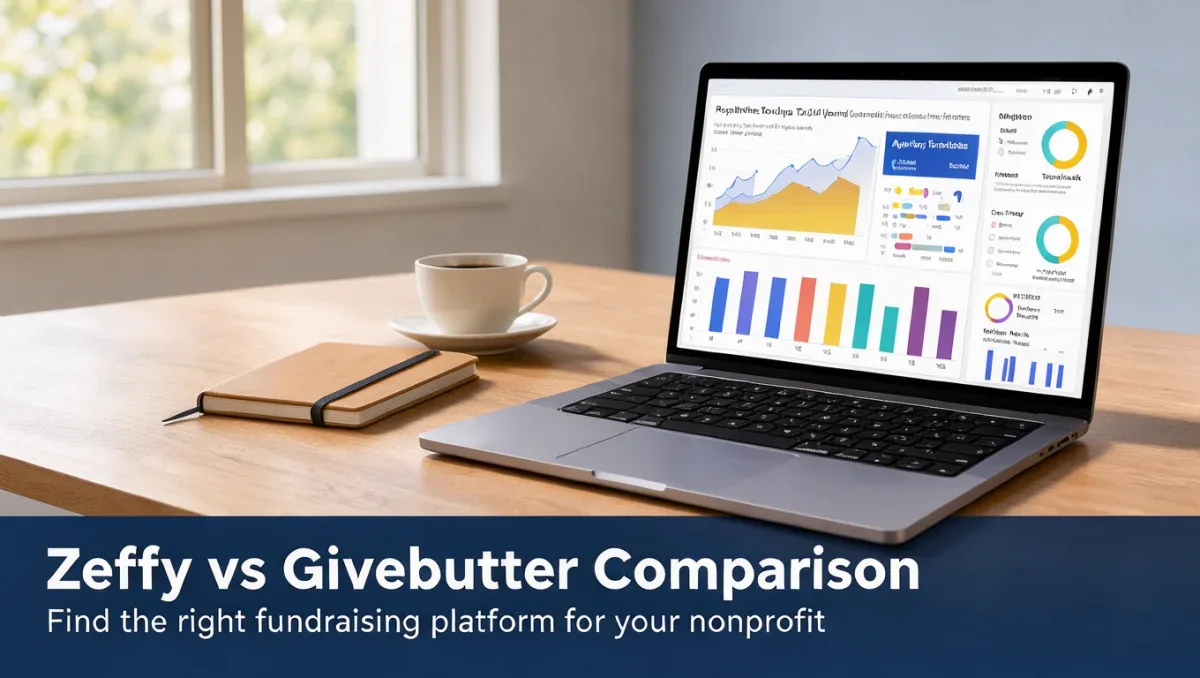
Deciding on zeffy vs givebutter is one of the most consequential software choices a nonprofit leader will make in 2026. The platform you pick shapes how donations arrive, how campaigns are organized, and how donor relationships develop over the years ahead. At Top Apps Reviews, we examine both tools to show how each one answers different operational realities.
Most fundraising teams want software that pairs supporter engagement with simple administrative tracking. Handling donor records and online gifts also means considering e-commerce features for ticket sales, merchandise and recurring contributions, all without placing an extra burden on staff.
Short answer: Pick Zeffy if your priority is uncomplicated donation processing and easy event ticketing for community programs (topappsreviews score: 8.0/10). Pick Givebutter if your team needs varied campaign formats and richer donor engagement for multi-tier initiatives (topappsreviews score: 8.1/10).
| Evaluation Area | Zeffy | Givebutter |
|---|---|---|
| topappsreviews score | 8.0/10 | 8.1/10 |
| Best for | Small to mid-sized nonprofits seeking focused donation collection and ticketing | Growing organizations wanting multi-format social campaigns and donor tracking |
| Core focus | Streamlined fundraising forms and direct event registrations | Multi-channel fundraising, team campaigns, and donor community interactions |
| Consider if | Your team values operational simplicity and direct contribution workflows | Your team runs peer-to-peer drives and interactive fundraising events |
1. How topappsreviews Compared Zeffy and Givebutter

This comparison looks at what each tool is designed to do, who it serves, and how to choose between them, using the seven topappsreviews criteria: features, ease of use, pricing and value, integrations, audience fit, support and competitive position. Plans, prices and limits change frequently, so we point out what to confirm on each official website before purchasing. This article was researched and drafted with the help of AI tools, then reviewed and edited by the topappsreviews Editorial Team.
2. Where Zeffy and Givebutter Differ in Focus
Zeffy is built around the core collection needs of charitable organizations. Its main focus is accessible donation forms, basic donor organization, and straightforward ticketing setups that volunteers or small teams can manage without deep technical training.
Givebutter presents itself as an interactive fundraising ecosystem designed for community engagement. The platform emphasizes collaborative peer-to-peer campaigns, varied contribution formats, and broader communication workflows that help fundraising teams reach supporters across several outreach channels.
- Zeffy emphasizes administrative directness, serving teams that want fast setup for recurring gifts and standard event sign-ups.
- Givebutter directs development toward visual campaign presentation, shared fundraising goals, and donor interaction tools.
3. Which One Fits Your Situation
Choosing between these two platforms depends on campaign complexity and team capacity. The independent assessment from Top Apps Reviews shows how organizational scenarios shape the right software choice.
| Situation | Choose Zeffy if | Choose Givebutter if |
|---|---|---|
| Simple annual donation appeals | You need clean donation pages without complex campaign layers | You plan to add gamified updates or social feeds to the appeal |
| Peer-to-peer and team fundraising | Your staff manages all outreach from a single administrative account | Supporters build their own personal or team fundraising sub-pages |
| Community event ticketing | Attendees need simple registration and standard electronic check-in | Events require interactive attendee engagement and social donor walls |
| Small volunteer-run operations | Volunteers need an immediate setup with minimal configuration steps | Volunteers have time to configure customized team goals and badges |
| Donor contact recordkeeping | Your team requires straightforward contact histories and contribution summaries | Your team tracks communication logs across varied campaign streams |
4. How to Compare Them Yourself
Before committing your organization to one provider, run an internal assessment with our evaluation framework to test both platforms against your regular operational duties.
4.1. Features
Examine how each platform structures campaign creation, receipt generation, and contact management. Build a sample donation form on each official website and check whether the available fields match the donor reporting metrics you need.
4.2. Ease of use
Measure how long an administrative user needs to configure an upcoming initiative. Review how easy it is to export donor lists or move between campaigns during busy fundraising periods.
4.3. Pricing and value
Fundraising platforms handle processing and platform costs differently. Confirm on each official pricing page how optional donor tips, transaction fees, and payout schedules work so your finance committee understands net receipts.
4.4. Integrations
Nonprofits rely on external accounting tools and email providers to keep records synchronized. Check each tool's official integration directory to confirm whether your existing database can import donor activity directly.
4.5. Audience fit
Determine whether your donors respond better to a clean, minimal giving receipt or an interactive campaign page that displays supporter contributions. Match platform capabilities to donor giving habits.
4.6. Support
Review the self-serve resources, onboarding documentation, and inquiry channels published on both vendor sites to make sure assistance will meet your board's expectations during live campaigns.
4.7. Competitive position
Assess how each platform sets itself apart in the nonprofit sector. A direct look at zeffy vs givebutter clarifies whether simplicity or multi-format engagement is the better match for your mission.
5. Cost Checklist for Both Tools
Nonprofit software expenses extend beyond standard subscription line items. Use this checklist to examine potential financial factors on official provider websites before launching campaigns.
| Cost item | Ask about Zeffy | Ask about Givebutter |
|---|---|---|
| Transaction processing rates | Confirm current merchant processing percentages and card fee policies | Confirm standard credit card, digital wallet, and debit processing policies |
| Platform and usage fees | Confirm whether optional contributor contributions sustain operational use | Confirm how platform options handle donor tipping or platform fee coverage |
| Payout and withdrawal timelines | Confirm bank transfer schedules, minimum balance rules, and transfer fees | Confirm payout frequencies and verification criteria for direct deposits |
| Donor receipting and messaging | Confirm whether automated tax receipts involve messaging limits | Confirm whether mass communication features involve supplementary charges |
| Data extraction expenses | Confirm procedures and potential fees for bulk data migration upon departure | Confirm exported file availability and record portability policies |
6. How to Decide
A structured software decision protects your organization from unexpected operational disruptions. Follow these steps to evaluate both candidates thoroughly.
- Document your fundraising calendar for the next twelve months, noting how many auctions, peer-to-peer drives, and direct appeals you plan to run.
- Consult your treasurer to determine how transaction deductions or donor-funded contributions align with internal financial policies.
- Build an identical demonstration campaign on both platforms to test form creation speed and donor checkout clarity.
- Examine exported donation reports to confirm compatibility with your internal recordkeeping or external accounting platform.
- Walk front-line campaign volunteers through both workflows to see which system requires less ongoing supervision.
7. Frequently Asked Questions
What happens when donors decide not to cover platform processing fees?
Online giving platforms take different approaches to transaction overhead, often inviting contributors to add an optional amount or cover administrative fees at checkout. Confirm on the official provider pages how net contributions reach your bank account when donors decline to cover processing, since policies determine whether processing deductions come from the primary donation balance.
How difficult is migrating donor history between fundraising platforms?
Moving donor records generally means exporting standard spreadsheet files that contain contact information, transaction dates, and cumulative donation totals. Before starting a migration, verify on official support pages that both tools support clean CSV imports and exports, and clean your data to remove duplicate donor accounts before the final transfer.
Can a nonprofit maintain accounts on both platforms at the same time?
Organizations sometimes test separate platforms for distinct initiatives, such as running an annual dinner on one tool while handling recurring donations on another. Splitting platforms, however, means reconciling donor reports across two systems, so confirm that your bookkeeper can manage parallel transaction files without creating reporting errors.
What technical skills are needed to set up online fundraising forms?
Most modern fundraising tools let administrators adjust color palettes, upload organization logos, and insert standard donation amounts through ordinary web settings. Confirm on the official documentation pages whether embedding a form on an existing website requires pasting a simple script snippet or working with an external web developer.
8. Final Verdict
Both Zeffy and Givebutter offer capable environments for nonprofit fundraising, but they suit different organizational styles. Zeffy delivers a clean, functional experience geared toward administrative efficiency, while Givebutter provides an interactive framework for collaborative campaigns.
| Criterion | Zeffy score /10 | Givebutter score /10 | Reason |
|---|---|---|---|
| Features | 7.5 | 8.5 | Givebutter offers broader multi-channel engagement tools, while Zeffy concentrates on core form and ticketing essentials. |
| Ease of Use | 8.5 | 7.5 | Zeffy offers a rapid administrative setup, whereas Givebutter needs more time to configure its varied campaign options. |
| Pricing and Value | Confirm before buying | Confirm before buying | Confirm on official pricing pages how fee-coverage and tipping models affect your net fundraising revenue. |
| Integrations | Confirm before buying | Confirm before buying | Confirm on each official directory which accounting and contact management systems connect directly. |
| Audience Fit | 8.0 | 8.5 | Givebutter accommodates diverse community-driven fundraising events, while Zeffy suits teams that prioritize direct donation handling. |
| Support | Confirm before buying | Confirm before buying | Confirm official support channels and documentation availability to make sure assistance fits your campaign timelines. |
| Competitive Position | 8.0 | 8.0 | Both platforms hold clear positions between straightforward donation collection and interactive social fundraising. |
| Overall score | 8.0 | 8.1 | Calculated from the average of evaluated criteria across usability, features, audience fit, and market positioning. |
Choose Zeffy if your nonprofit runs with limited administrative overhead and wants dependable collection of recurring donations and event tickets. Choose Givebutter if your staff or volunteers actively run team-based competitions, auctions, or dynamic peer-to-peer campaigns that need vibrant supporter engagement.
Have a question about choosing software? Send it to the Top Apps Reviews team through our contact page, or follow topappsreviews on LinkedIn for new reviews and comparisons.