topappsreviews may earn a commission when you buy through links on this page, at no extra cost to you. This does not affect our ratings.
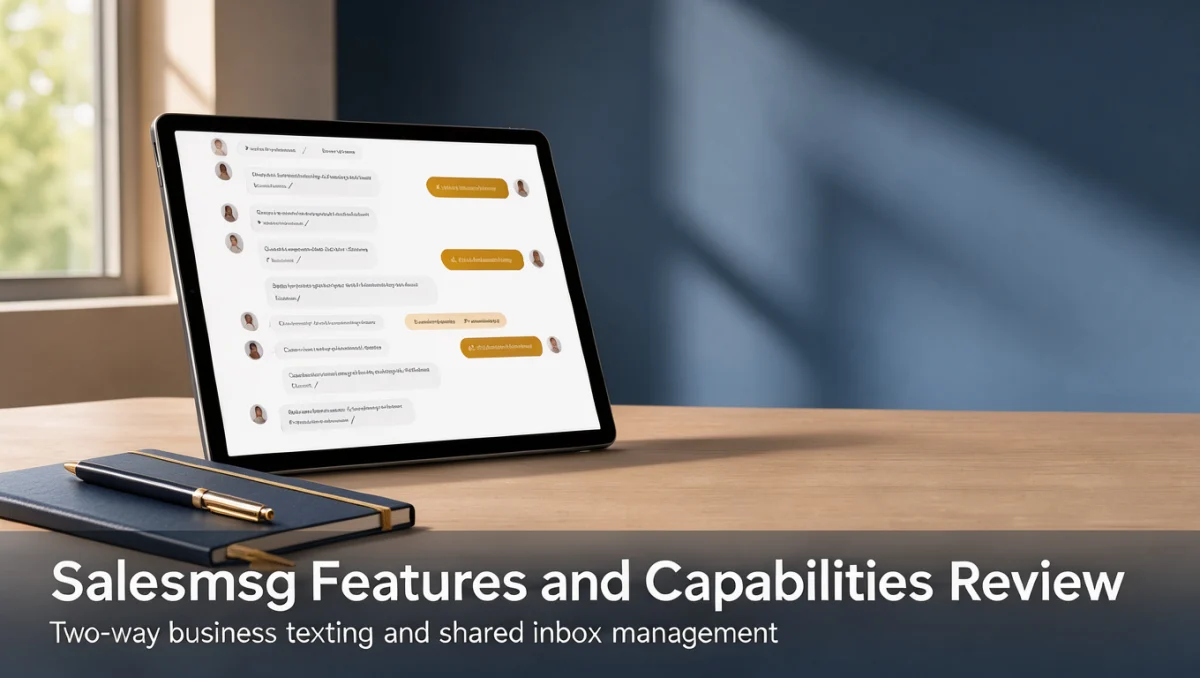
Text messaging has become a practical channel for commercial teams that want to reach prospects and customers where they already spend time: on their phones. Many organizations look beyond crowded inboxes to start conversations, handle incoming questions, and coordinate outreach across customer-facing departments. Examining salesmsg features side by side with your own communication goals is a sound way to judge whether a business texting tool fits your workflow.
Choosing an SMS platform means weighing conversational workflows against message deliverability rules and subscription structures. Reviewing the capabilities alongside your organization's priorities will show whether shared team numbers and conversation routing meet your operational standards.
Quick verdict: With an overall rating of 7.6/10 from Top Apps Reviews, Salesmsg suits sales representatives and support agents who want straightforward two-way conversational texting. It is a weaker match for enterprise operations that require custom carrier routing or complex global telecom infrastructure.
| Evaluation Metric | Summary Details |
|---|---|
| topappsreviews score | 7.6/10 |
| Best for | Teams that want direct conversational SMS outreach |
| Not ideal for | Organizations needing custom international carrier infrastructure |
| Key strengths | Two-way texting, shared numbers, conversational contact timelines |
| What to check before buying | Review message credit allocations and regulatory registration requirements on the official site |
1. How topappsreviews Evaluated Salesmsg
This review examines what Salesmsg is designed to do, who it serves, and how it stacks up against similar tools. We applied seven topappsreviews criteria: features, ease of use, pricing and value, integrations, audience fit, support, and competitive position. Pricing, plans, and limits change frequently, so we flag the details to confirm on the official website before purchasing. This article was researched and drafted with AI assistance, then reviewed and edited by the topappsreviews Editorial Team.
2. What Salesmsg Is and Who Uses It
Salesmsg is a business texting application built to support two-way SMS and MMS conversations between companies and individual contacts. Within modern marketing and sales technology stacks, business texting software bridges traditional business phone lines and personal mobile devices, keeping outreach organized in a single managed workspace.
The software is aimed mainly at sales development representatives, real estate professionals, field service coordinators, and customer success teams who struggle with low answer rates on phone calls. Dedicated business numbers that can send and receive texts let staff keep personal mobile numbers private while maintaining organized company records.
Companies adopting text messaging typically work in environments where fast responses affect revenue. Appointment reminders, inbound lead qualification, and urgent client notices are common scenarios where texting meets real operational needs.
3. Core Salesmsg Capabilities Explained

Core functionality in the business texting category centers on managing conversations, organizing contact lists, and routing incoming replies among team members. Knowing how these functions work helps buyers define their internal requirements.
3.1. Two-Way Text and Multimedia Messaging
Two-way conversational messaging lets team members send short text updates and receive replies within a running thread. Representatives can share media such as project photos, specification sheets, or promotional graphics alongside text to resolve customer questions.
Because business messaging falls under regulatory oversight, platforms include standard opt-out handling. When a recipient asks to stop receiving messages, the system flags the contact record to prevent accidental future sends, which helps protect team compliance.
3.2. Shared Team Inboxes and Number Management
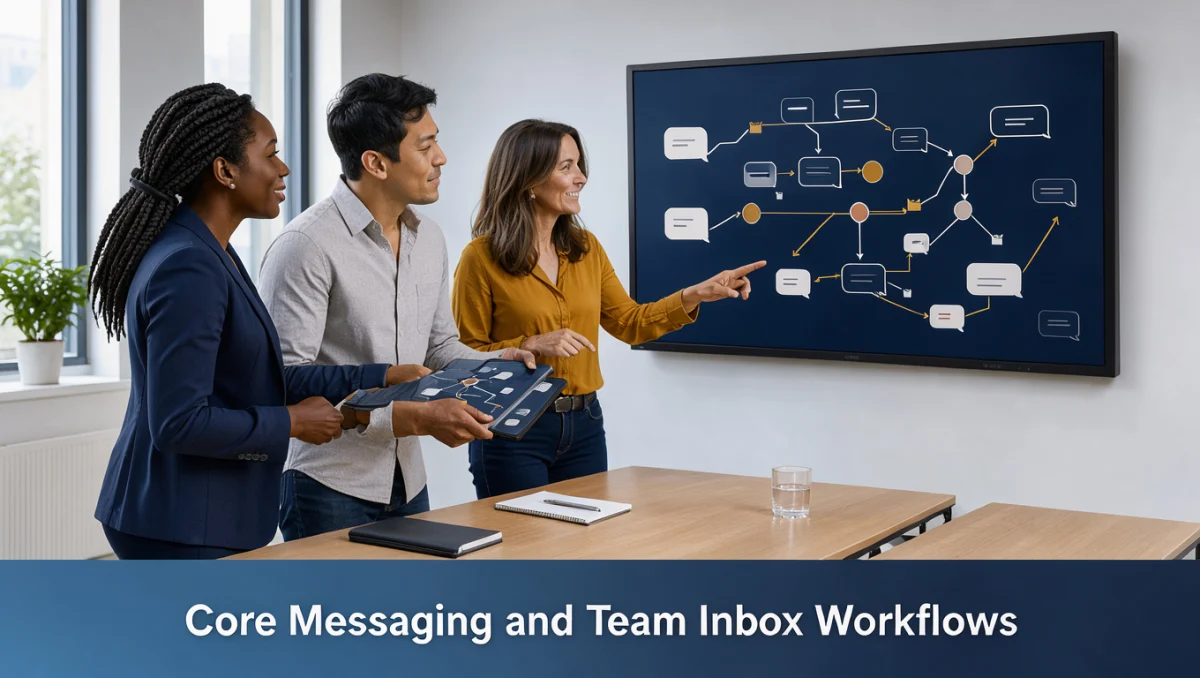
Shared team inboxes let several colleagues monitor incoming customer messages from one business number. Team members can assign conversations to specific owners, mark threads as closed, or leave internal notes on a customer record without exposing that commentary to the client.
Organizations with several departments can assign separate numbers for sales inquiries, billing support, or regional offices. This structure routes incoming traffic directly to the people responsible for each business function.
3.3. Contact Management and Broadcast Messaging
Contact records store phone numbers, custom data fields, and conversation histories. Teams can group contacts using tags or custom lists to send broadcast announcements about service changes, schedule availability, or seasonal notices.
When broadcasting to multiple contacts, personalization merges recipient details into each message body. Since carrier rules tightly regulate mass texting, buyers should verify delivery guidelines and registration steps on the official Salesmsg website.
4. Ease of Use and Learning Curve
Adopting conversational texting software involves far less technical complexity than larger enterprise communication hubs. The interface resembles familiar desktop email clients and web messaging apps, with an inbox pane on one side and the active conversation thread on the other.
New team members typically grasp the basics of composing messages, reviewing incoming alerts, and applying contact tags within a single working session. Configuring number routing and team permissions in administrative settings takes more onboarding time for account managers.
The main learning curve comes from organizational message discipline rather than navigating the interface. Companies should train staff on appropriate texting etiquette, response time expectations, and opt-out procedures to uphold professional brand standards.
5. Salesmsg Pros and Cons
Weighing structural strengths against functional limits sets realistic expectations before you buy.
5.1. Operational Strengths
- A conversational layout presents chronological interaction histories for clear context.
- Shared inbox coordination keeps team members from giving conflicting answers to the same customer.
- Centralized business numbers keep employees' personal mobile numbers private.
- Internal note features let staff collaborate behind the scenes on active inquiries.
5.2. Practical Limitations
- Texting platforms depend on third-party carrier compliance rules that restrict unauthorized broadcast volume.
- Credit-based messaging models require ongoing monitoring to avoid unexpected monthly charges.
- Organizations running high-volume call centers may need separate voice platforms for advanced interactive voice response trees.
6. Salesmsg vs Similar Business Texting Tools
Looking at the competitive landscape clarifies how Salesmsg compares with established alternatives in the business texting market.
| Platform | Target Audience | Primary Focus | Consideration Factor |
|---|---|---|---|
| Salesmsg | Sales and support teams | Two-way conversational texting | Evaluate when direct conversational engagement is the priority |
| SimpleTexting | Marketing campaign managers | Mass text broadcasts and promotions | Evaluate when scheduled marketing blasts exceed one-on-one outreach |
| TextUs | Recruiting and staffing agencies | High-speed candidate engagement | Evaluate when specialized candidate placement workflows are primary |
| EZ Texting | Small retail businesses | Promotional announcements and alerts | Evaluate when non-technical promotional campaigns drive customer traffic |
While platforms such as SimpleTexting focus on bulk marketing announcements, Salesmsg focuses on conversations between individual representatives and prospects. Agencies that manage high candidate turnover often compare TextUs, while general service businesses frequently weigh Salesmsg against retail-oriented alert platforms.
7. Who Should Use Salesmsg
Matching business requirements to software capabilities prevents overpaying for unused features or choosing a tool that falls short.
7.1. Small Business Owners
Local operators and contractors benefit from keeping business texts separate from personal devices. A single business number lets receptionists or dispatchers confirm appointments without buying dedicated handsets for every staff member.
7.2. Inside Sales Representatives
Sales professionals working warm inbound leads often see better response rates from direct texts than from unanswered calls. Quick follow-up conversations help qualify prospects and book demo meetings efficiently.
7.3. Client Success and Support Coordinators
Support teams handling routine status updates or delivery scheduling benefit from short-form messaging. Resolving brief scheduling changes by text keeps phone lines free for complex troubleshooting.
7.4. Teams That Should Consider Alternatives
Enterprise organizations that need complex contact center routing with integrated global telephony trunks may find specialized telecom carriers better matched to their scale. Likewise, organizations that only want one-way mass marketing blasts, without team collaboration tools, should look at dedicated email newsletter systems.
8. How to Choose the Right Plan
Business texting subscriptions usually pair baseline seat access with monthly message credit allotments. The checklist below helps teams budget accurately.
| What to Check | Why It Matters |
|---|---|
| Message credit inclusions | Exceeding standard text allocations triggers overage charges that change monthly costs. |
| Carrier registration fees | Carriers require brand registration that often carries separate setup costs. |
| Dedicated phone numbers | Adding separate numbers for departments or team members affects baseline software costs. |
| User seat access | Confirm whether administrative logins and standard team seats are billed individually or bundled. |
9. Frequently Asked Questions
How does carrier brand registration affect business texting setup
Mobile carriers require commercial texting accounts to register their business identity and messaging use cases before high-volume outreach begins. Completing brand registration establishes a verified sender reputation, which reduces message filtering and helps legitimate client notifications arrive as intended.
What causes ongoing software expenses to fluctuate in messaging tools
Total monthly spending typically varies with message volume, additional team member licenses, and extra phone numbers. Teams sending many multimedia messages use credits faster than text-only operations, so regular volume reviews are essential.
How should companies handle customer opt-out requests
Organizations should set clear procedures that honor removal requests immediately. Modern platforms detect standard negative keywords automatically, but staff training ensures that manual requests also receive prompt exclusion from future messages.
When should a company choose shared inboxes over personal numbers
Shared inboxes suit organizations where several representatives answer client questions collaboratively. A shared number prevents missed inquiries during staff absences and keeps records consistent across the whole team.
10. Final Verdict
| Criterion | Score /10 | Reason |
|---|---|---|
| Features | 7.5/10 | |
| Ease of Use | 8.5/10 | |
| Pricing and Value | 7.0/10 | |
| Integrations | 7.5/10 | |
| Audience Fit | 8.0/10 | |
| Support | 7.0/10 | |
| Competitive Position | 7.5/10 |
Overall score: 7.6/10
Salesmsg delivers practical value for sales reps, account managers, and customer service teams that rely on direct two-way SMS communication. Before finalizing a deployment, businesses should confirm message credit allotments, user seat structures, and brand verification fees on the official Salesmsg website.
Have questions about business communication software? Reach out to our team at https://topappsreviews.com/contact/ or follow topappsreviews on LinkedIn at https://www.linkedin.com/company/topappsreviews/.