topappsreviews may earn a commission when you buy through links on this page, at no extra cost to you. This does not affect our ratings.
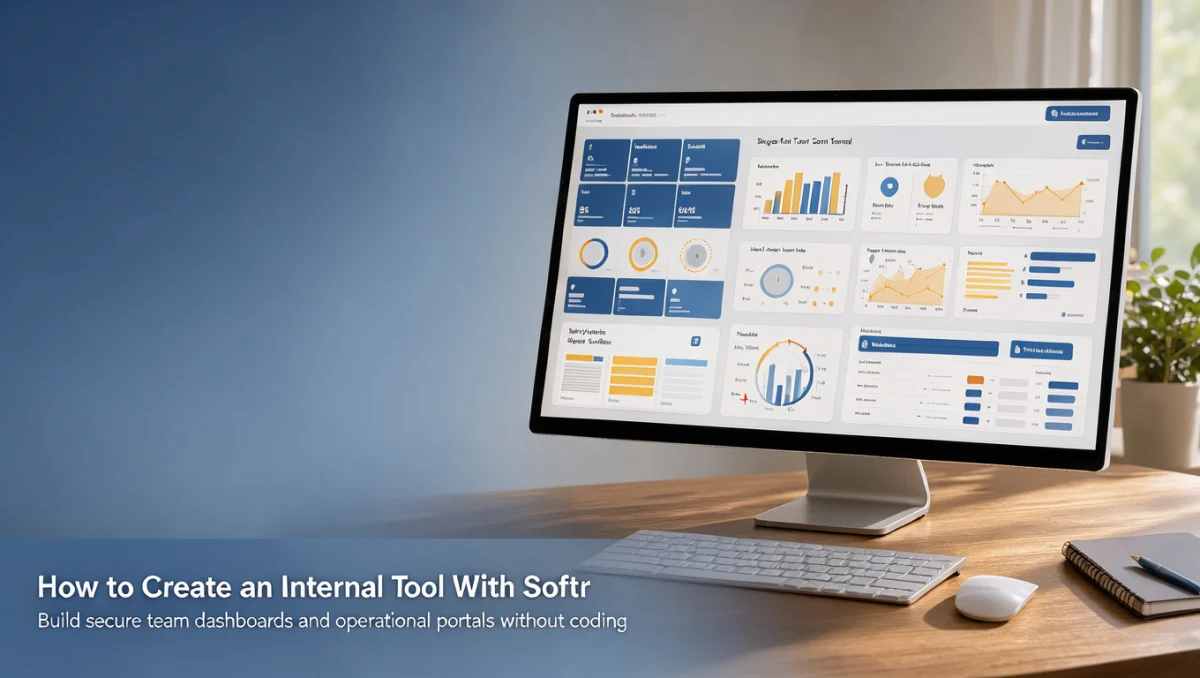
Building a staff portal usually starts long before you open any interface builder. Clean, well-organized tables are the foundation, and once they are in place, a no-code platform can turn them into directories, approval queues, and tracking dashboards. At Top Apps Reviews, we examine how companies arrange their operations so that managers without a coding background can run internal hubs with minimal overhead. If you are looking into how to create an internal tool with softr, the core idea is to treat your data model first and your screens second.
Softr works as a presentation layer on top of external databases and spreadsheets. It lets administrators show records, collect form submissions, and limit what each employee can see according to their role. Success depends on relational data design, carefully defined field permissions, and a clear map of workflows rather than on writing traditional code.
Quick verdict: Softr earns an overall rating of 7.9 / 10 for internal tool creation. It fits non-technical teams who want client-facing portals or staff dashboards built on spreadsheet-style databases. It is less suited to organizations that need complex on-premise transactional back ends or deeply nested enterprise logic.
| Metric | Summary Details |
|---|---|
| topappsreviews score | 7.9 / 10 |
| Best for | Operations teams building self-serve company directories, approval queues, and task dashboards |
| Not ideal for | Engineering groups requiring offline databases or deep custom algorithmic computation |
| Key strengths | Visual block assembly, role-based visibility, and rapid interface deployment over structured tables |
| What to check before buying | Confirm user seat allocations, custom domain availability, and data record thresholds on the official vendor pricing page |
1. How topappsreviews Reviewed Softr
This review considers what Softr is designed to do, who it serves, and how it stacks up against similar products. We used seven topappsreviews criteria: features, ease of use, pricing and value, integrations, audience fit, support, and competitive position. Plans, prices, and limits change frequently, so we flag what you should confirm on the official website before purchasing. This article was researched and drafted with the help of AI tools, then reviewed and edited by the topappsreviews Editorial Team.
2. Before You Start
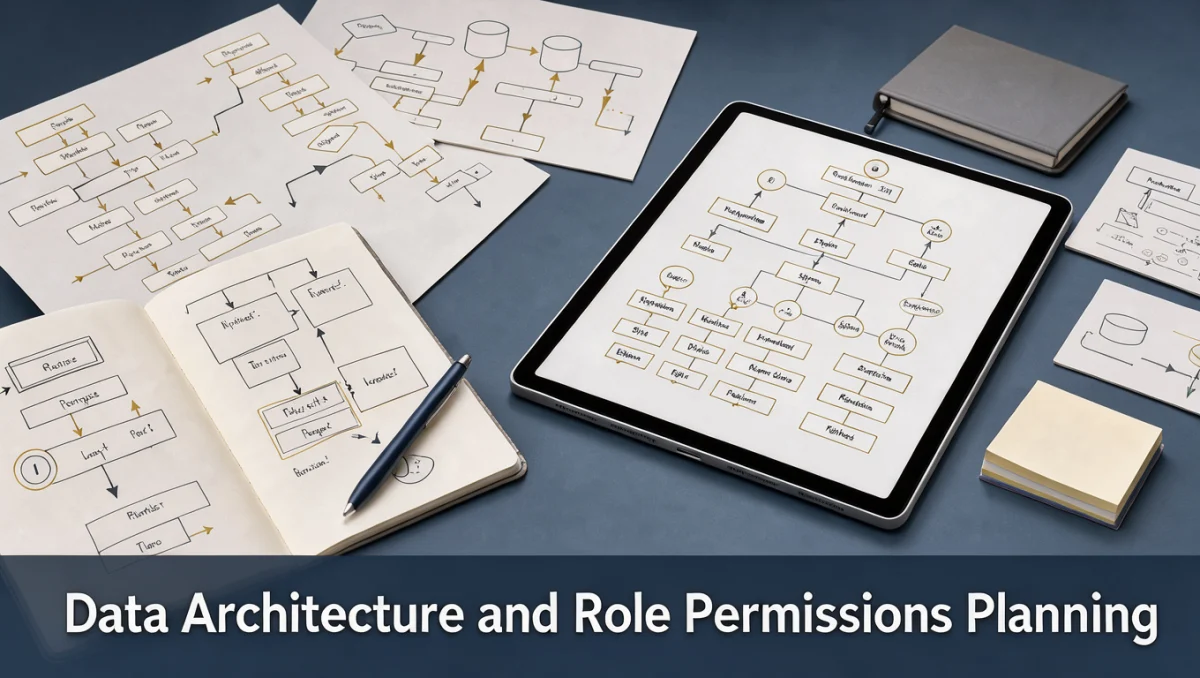
Planning internal software means setting clear boundaries around permissions, information flow, and business goals. Because internal portals are used only by team members, controlling who can access what and who can edit which fields are the top operational priorities.
2.1. Establish Data Architecture
An interface builder can only be as clear as the data beneath it. Before you open Softr, organize your spreadsheets or relational tables with consistent naming, explicit primary keys, and properly linked records.
Teams working in the Collaboration & Productivity space find that sound database design prevents synchronization problems later. Each table should represent one business entity, such as employees, equipment inventory, or client project milestones.
2.2. Define User Roles and Permissions
Internal tools work best when each person sees only what is relevant to their job. Decide which departments need administrative control, which staff members require edit rights on specific records, and which outside contractors should only be able to view information.
Writing these user groups down in advance makes it much easier to set conditional visibility rules across pages, layout blocks, and action buttons inside Softr.
3. Getting Started Workflow
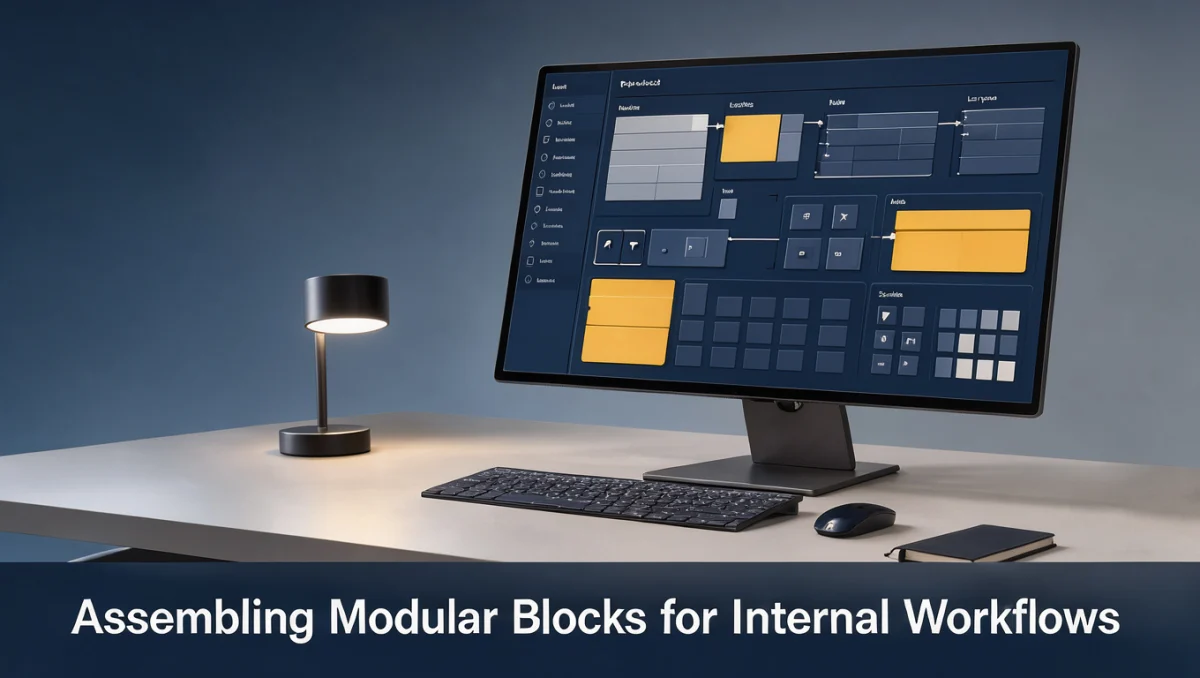
Deploying an internal tool follows a logical sequence, from connecting your data to publishing the interface. Working through these steps in order keeps the deployment organized and easier to maintain.
3.1. Connect Your External Data Source
Start by authenticating your main database service in the Softr project settings. The platform reads your table structure and maps text, numbers, dates, attachments, and linked references into modular display blocks.
Always confirm table relationships in your source database before configuring interface components, so that foreign keys resolve correctly across records.
3.2. Select Layout Blocks for Core Operations
Build screens by combining functional blocks such as dynamic tables, list views, Kanban boards, and modal forms. Softr offers prebuilt components that display collection data and trigger updates directly on connected tables.
Use summary cards for high-level metric overviews and detailed list blocks for granular operational monitoring. Form blocks let staff submit new entries, which can kick off downstream business processes.
3.3. Configure Role-Based Visibility Rules
Assign visibility settings to individual pages and interface blocks according to your predefined employee tiers. Department heads might see financial summaries and approval actions, while field technicians only interact with their assigned task cards.
Set update permissions on individual form fields to block unauthorized changes to sensitive data such as operational budgets or account statuses.
3.4. Implement Actions and Workflow Triggers
Turn static dashboards into interactive hubs by adding inline action buttons. Team members can approve purchase requests, update order statuses, or trigger automated notifications through connected external services.
Make sure action buttons write clean values back to your database so that your organization keeps a reliable audit trail.
4. Best Practices for Sustainable Internal Tools
Keeping an internal workspace healthy requires disciplined maintenance and clean design. These foundational guidelines will help keep your team productive.
- Keep page layouts focused: Avoid packing several complex tables onto one dashboard. Split major workflows into dedicated pages linked through a clear navigation header.
- Audit field permissions regularly: Review field-level edit rights whenever company processes change, so sensitive business data stays protected from accidental modification.
- Standardize data entry validation: Use dropdowns and single-select fields in forms instead of open text fields to prevent inconsistent database values.
- Test with non-admin accounts: Sign in with test profiles mapped to lower permission tiers to confirm that restricted records stay hidden.
5. Common Mistakes to Avoid
Organizations often hit predictable obstacles when deploying no-code applications for internal teams. Spotting these risks early protects both administrative time and budgets.
- Overcomplicating the initial build: Trying to construct an entire enterprise resource system at once usually produces confusing interfaces. Launch a minimal working workflow first, gather teammate feedback, and expand gradually.
- Neglecting database record hygiene: Interface builders cannot fix poorly organized tables. If columns contain mixed formats or duplicate entries, interface blocks will show confusing information.
- Ignoring user access management: Failing to configure granular permissions can expose internal communications or client contact records to unauthorized viewers.
- Overlooking subscription limits: Vendors adjust user tiers, record caps, and branding rules from time to time. Review the official Softr pricing page to make sure your target user count fits your budget.
6. Frequently Asked Questions
What type of database structure works best when building internal tools?
Relational databases with distinct tables linked by primary keys work best for web app interfaces. Organizing records into dedicated columns for status, dates, and assigned owners ensures display blocks render operational data predictably.
When should an organization choose a custom-coded portal instead of a no-code builder?
Organizations that need complex proprietary algorithms, continuous offline access, or strict on-premise hosting are better served by custom-coded frameworks. No-code platforms excel when teams want to assemble interfaces quickly on top of existing cloud databases without managing infrastructure code.
What should teams verify regarding user licensing before rolling out an internal app?
Teams should check whether seat counts apply to internal collaborators, external portal viewers, or administrative editors. Because licensing models differ between vendors, review the official Softr plan comparison page to calculate monthly seat costs accurately.
How do administrators maintain data consistency across multi-user environments?
Administrators keep data consistent by locking formula fields, enforcing single-select choices in submission forms, and restricting record deletion to designated managers. Regular database audits help catch formatting errors before they disrupt daily operations.
7. Final Verdict
Softr offers a practical route for teams that want to turn structured databases into working operational portals without assigning software engineers to interface design. Its prebuilt components and role-based viewing options provide adequate governance for internal task queues, resource tracking, and project dashboards.
| Criterion | Score /10 | Reason |
|---|---|---|
| Features | 7.8 / 10 | |
| Ease of Use | 8.8 / 10 | |
| Pricing and Value | 7.5 / 10 | |
| Integrations | 7.6 / 10 | |
| Audience Fit | 8.5 / 10 | |
| Support | 7.2 / 10 | |
| Competitive Position | 8.0 / 10 |
Overall score: 7.9 / 10
For small operations teams and department managers who already run company workflows on modern databases, Softr provides an accessible interface layer that speeds up internal tooling. Growing enterprises with bespoke algorithmic needs or rigid compliance requirements should verify technical limits on the official vendor website before migrating.
Have questions about structuring your business applications? Reach out to the topappsreviews editorial team at Top Apps Reviews, or follow our updates on LinkedIn.