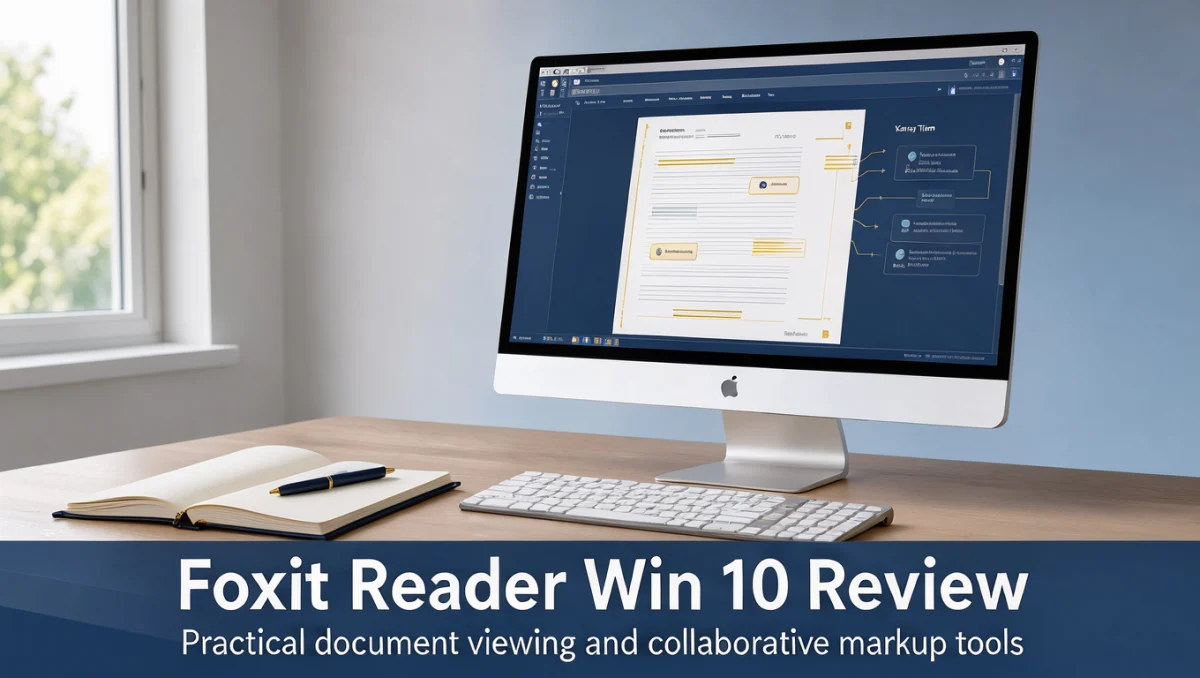
Before you install any desktop tool, it helps to know how it performs in real office work. This guide on foxit reader win 10 looks at reading speed, annotation, and form handling, with a clear verdict on who will benefit most. It is published by Top Apps Reviews, where we test software against practical daily needs rather than marketing claims.
Each review on our site applies the same seven-point framework, and this one is no exception. We examined features, usability, pricing and value, integrations, audience fit, support, and competitive position. Plans and prices change frequently, so treat our notes as a starting point and confirm current terms on the developer's website before buying. This article was drafted with AI assistance and then reviewed and edited by the Top Apps Reviews Editorial Team.
What Foxit Reader Does and Who It Suits
Foxit Reader is a PDF application from Foxit Software built for opening, viewing, printing, and annotating documents. Its strength lies in clean page rendering and interactive markup tools for people who handle paperwork every day on a standard Windows workstation. Typical users include administrative staff reviewing forms, students working through research articles, and distributed teams sharing feedback on contracts or technical manuals.
Compared with full document authoring suites or creative design software, this reader focuses on consumption, markup, and form completion. Teams that understand this distinction can quickly determine whether a reader covers their needs or whether they need a heavier editing package.
Core Features in Practice
Viewing and Navigation
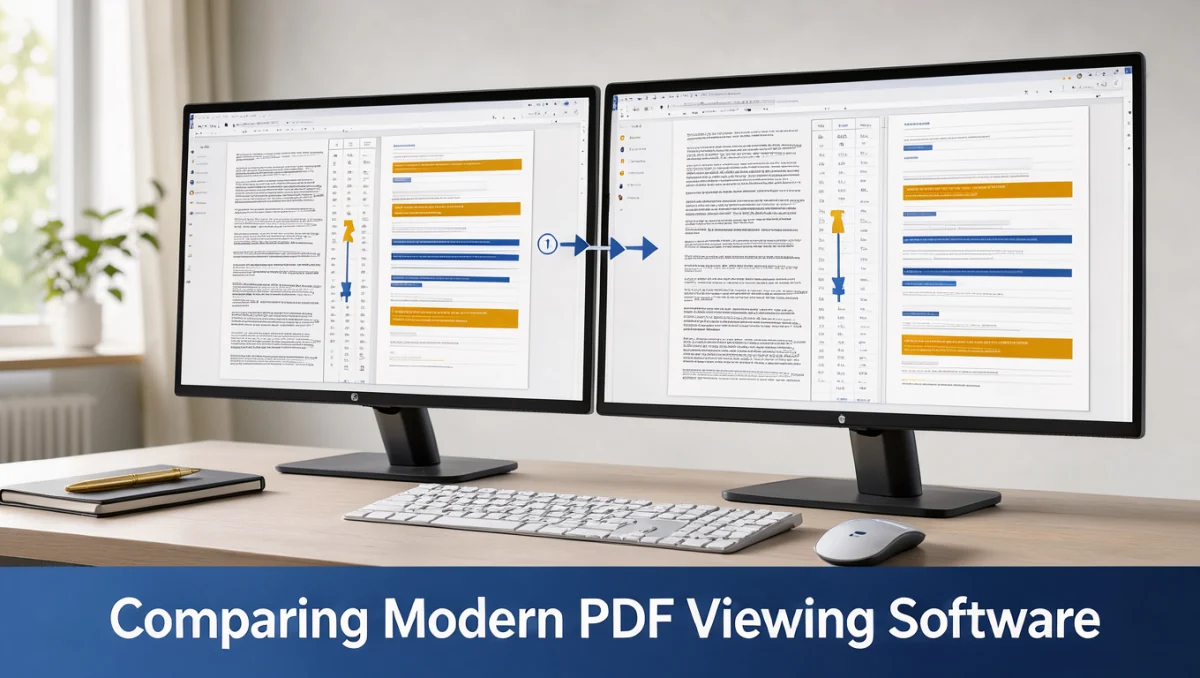
Multi-page files open quickly and move smoothly between sections, with bookmarks, keyword search, and thumbnail panels helping you locate clauses or figures inside long reports. Multi-tab layouts make it practical to compare a main report against supporting files.
Annotation and Team Markup
Standard review tools include highlighting, strikethrough and underline marks, sticky notes, and freehand drawing. Keeping feedback directly on the source file reduces the need for separate message threads during approval cycles.
Interactive Forms
Text fields, checkboxes, and signature placeholders can be completed electronically, cutting printing costs and speeding up routine record collection across departments.
Printing and Export
You can print selected page ranges, adjust scaling, and choose color or monochrome output so that margins and layout hold up when files move between machines.
Ease of Use
The interface follows a familiar ribbon-and-sidebar arrangement, so users coming from common office software usually find their way around without help. Magnification controls, comment lists, and navigation panes sit where people expect them. Secondary annotation tools and display preferences take a little longer to learn, but consistent layouts like this tend to lower support tickets during company-wide rollouts.
Pros and Cons
Advantages
- Fast rendering keeps navigation responsive across lengthy reports and reference guides.
- A broad annotation toolset supports highlights, notes, and shape markups for clear editorial feedback.
- Reliable form handling simplifies digital paperwork and submission.
- A familiar ribbon-style menu reduces training time across departments.
Limitations and How to Work Around Them
- Advanced page restructuring is limited compared with dedicated publishing suites, so heavy layout work may need separate software.
- Menus can feel dense for users who only scroll pages; configuring a simplified toolbar helps.
- Licensing and deployment terms vary, so confirm the details on the vendor site before purchasing.
How It Compares With Alternatives
Adobe Acrobat Reader is the long-standing reference point for PDF reading and printing, and many organizations choose it when legacy compatibility is a requirement. Sumatra PDF appeals to users who want a very lightweight program that opens files instantly but skips deeper collaboration and markup features. Nitro PDF targets full document workflows, pairing reading with conversion and corporate publishing tools.
Foxit Reader sits between these options, offering responsive reading and practical annotation and form tools without the overhead of heavy authoring packages.
Who Should Use It
Corporate Administrative Teams
Staff handling invoices, employee records, and compliance forms benefit from dependable form tools and annotation. Standard viewing software lets departments review contracts and route paperwork without formatting problems.
Students and Researchers
Bookmark navigation, text highlighting, and the ability to export annotated excerpts make it useful for studying papers, textbooks, and lecture material.
Legal and Consulting Professionals
Search functions and margin notes help consultants track key terms in long agreements and policy documents, and shared markups support internal review before recommendations go out.
Who Should Look Elsewhere
Designers, typographers, and professional publishers building magazines or complex marketing material need dedicated vector authoring tools. Occasional readers who only open a single page now and then may be well served by the default viewer already on their operating system.
Choosing the Right Setup
| What to Check | Why It Matters |
|---|---|
| Deployment type and Windows support | Confirms the installer fits your IT rollout policy and existing systems. |
| Commercial licensing terms | Ensures compliance for single machines, multi-user offices, and networks. |
| Annotation requirements | Verifies that teams have the commenting and drawing tools they need. |
| Form management needs | Confirms staff can complete, save, and submit interactive forms reliably. |
| Support and maintenance | Ensures help resources are available when problems arise. |
Frequently Asked Questions
Is basic PDF viewing software enough for an office?
If staff mainly read files, complete forms, and add review comments, a reader is usually sufficient. If they regularly rebuild text or rearrange page layouts, a fuller editing tool will be needed.
What should buyers check in licensing?
Review how the vendor defines commercial use, per-device installation, and network deployment rights on its official pages. Knowing whether licenses attach to machines or accounts prevents compliance issues as teams grow.
Why does form handling matter when choosing a PDF reader?
Forms are central to HR, accounting, and compliance work. A reader that captures entries accurately and preserves data on save avoids lost records and removes the need to print paper copies.
How should IT plan a rollout across many workstations?
Check the vendor's installation guide for silent install options, configuration switches, and update management. Confirming these before buying licenses makes a uniform rollout far smoother.
Final Verdict
| Criterion | Score /10 | Reason |
|---|---|---|
| Features | 8.5 | Practical reading tools, responsive search, text markup, and reliable form completion. |
| Ease of Use | 8.5 | Familiar ribbon interface that minimizes training time. |
| Pricing and Value | 8.0 | Check vendor pages to match licensing to your budget. |
| Integrations | 7.5 | Standalone focus, so confirm compatibility with your storage systems. |
| Audience Fit | 8.5 | Aligns well with administrative staff, students, and knowledge workers. |
| Support | 7.5 | Review documentation and help channels on the official portal for response expectations. |
| Competitive Position | 8.2 | An established, responsive option alongside traditional alternatives. |
Overall Score: 8.1/10
For individuals, students, and departments that need a dependable tool to read reports, complete forms, and collaborate through markup, Foxit Reader Win 10 is a capable and structured choice. Teams with heavy document creation or vector illustration needs should evaluate dedicated authoring software for those tasks.
Questions about choosing productivity software for your team? Reach us at https://topappsreviews.com/contact/ or follow Top Apps Reviews on LinkedIn at https://www.linkedin.com/company/topappsreviews/ for ongoing workplace technology analysis.
See More Collaboration & Productivity