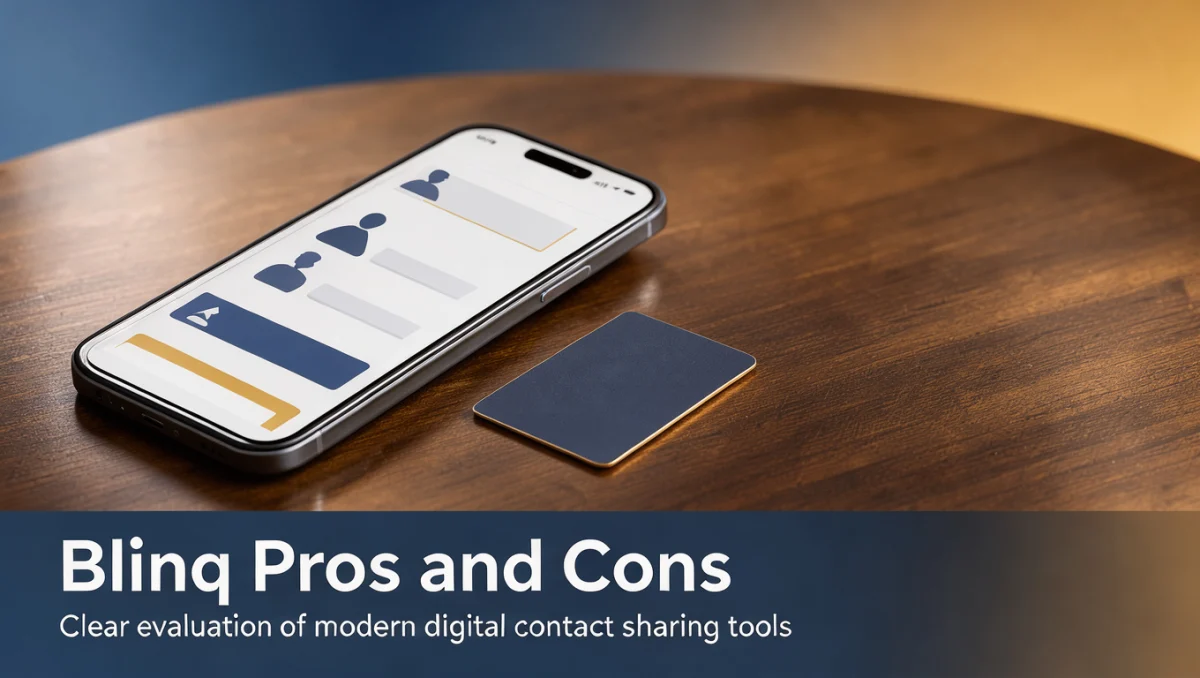
Digital business cards are changing how professionals meet and follow up. Instead of reprinting stationery each time a title or phone number changes, people now keep one living profile they can share in seconds. Before committing, it helps to weigh the blinq pros and cons against the way your team actually networks. This review, provided by Top Apps Reviews, walks through the trade-offs in plain language.
Contact sharing has moved toward contactless exchanges and centrally managed directories. Teams need to confirm that a digital card platform handles administration, contact capture, and follow-up workflows without adding friction for either the sender or the person receiving the card.
Quick verdict: Blinq scores 7.9/10 for its focused approach to digital networking. It suits independent networkers and client-facing teams who want modern exchange methods. It is less suitable for organizations committed to traditional paper stationery or those that have not yet verified how their contact management will work.
| Evaluation Metric | Summary |
|---|---|
| topappsreviews score | 7.9/10 |
| Best for | Professionals and distributed teams wanting digital contact sharing |
| Not ideal for | Organizations committed solely to traditional paper stationery exchanges |
| Key strengths | Digital contact distribution, interactive profile sharing, contact exchange |
| What to check before buying | Confirm directory sync rules, export methods, and access permissions on the official Blinq website |
1. How We Reviewed Blinq
This review examines what Blinq is designed to do, who it serves, and how it stacks up against similar tools. We applied seven topappsreviews criteria: features, ease of use, pricing and value, integrations, audience fit, support, and competitive position. Plans, prices, and limits change frequently, so we highlight what to verify on the official website before purchasing. This article was researched and drafted with AI assistance, then reviewed and edited by the topappsreviews Editorial Team.
2. Quick Summary of Strengths and Trade-offs
Modern identity-sharing tools have to balance fast exchanges at live networking events with administrative control over corporate branding. This category removes the hassle of printing and redistributing paper cards whenever details change. Professionals instead maintain a profile that updates automatically as their information evolves.
Within the wider Collaboration & Productivity space, businesses should judge how efficiently collected contacts move into follow-up work. Blinq concentrates on creating interactive professional cards, sharing them through several digital touchpoints, and receiving contact details back from prospects. Before rolling it out across large departments, though, teams should review governance controls and CRM connectivity.
3. Pros of Blinq
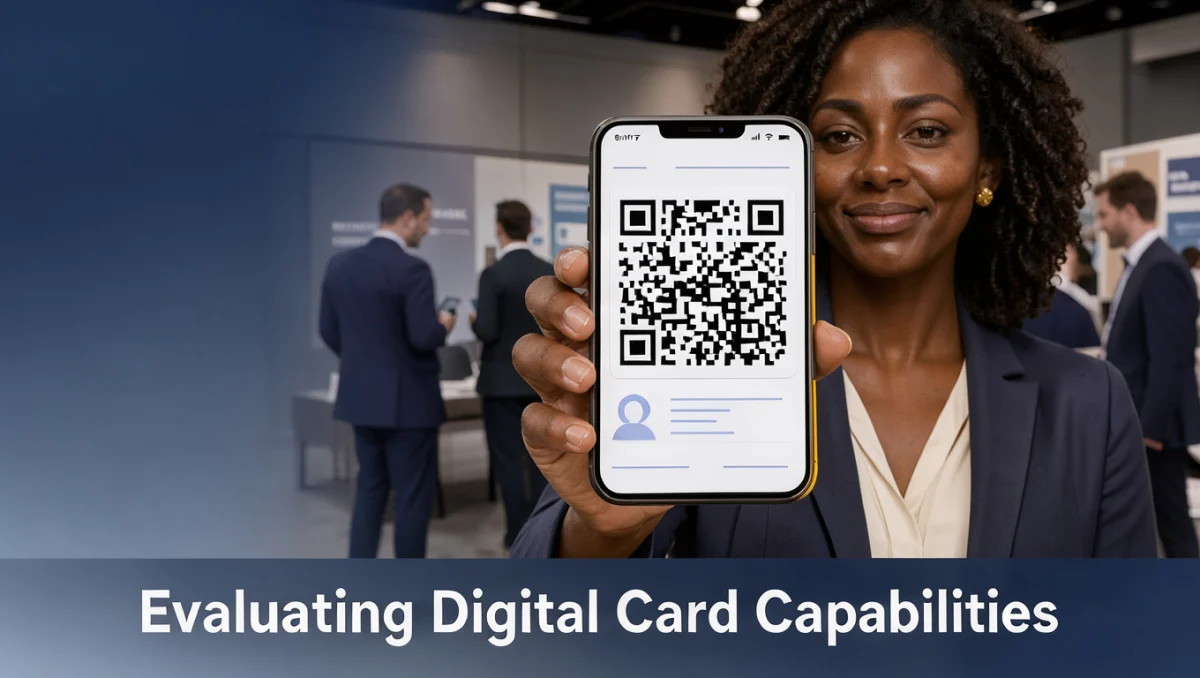
Knowing where Blinq delivers the most value helps buyers decide whether its core features match their everyday networking needs.
Fast Contact Delivery
Blinq lets professionals present their contact details instantly, without requiring the recipient to install a matching app. Recipients open the profile in a standard mobile browser and save the information straight into their address book, so brief introductions avoid awkward setup delays.
Unified Digital Identity Management
Keeping several communication channels current is simpler when they all live in one digital card. Blinq supports phone numbers, email addresses, company websites, social profiles, and custom links, so professionals can send prospects directly to a portfolio or a calendar booking page.
Two-Way Contact Exchange
Good networking means capturing the other person's details as well as sharing your own. Blinq includes a built-in exchange feature that invites the viewer to submit their name, email, and notes back to the cardholder, reducing the number of leads lost after events.
Dynamic Information Updates
A paper card becomes outdated the moment an office, extension, or job title changes. With Blinq, cardholders update their details in one place, so anyone opening the link later sees current information without reprinting anything.
4. Cons of Blinq and Practical Mitigations
Every digital networking product involves trade-offs, especially around recipient comfort with technology, administrative controls, and system integrations.
Reliance on Recipient Device Comfort
Digital cards depend on the other person having a smartphone that can open links or read scannable codes. At events where attendees avoid mobile devices or work under strict device policies, digital sharing cannot fully replace in-person paper exchanges.
Mitigation: Keep a backup option ready, such as an email signature banner or a downloadable document, for people who prefer conventional correspondence over scanning codes.
Organizational Governance Verification Needs
Rolling out digital cards across an enterprise requires central oversight of logos, color schemes, and legal disclaimers. Permission structures and brand-locking features differ between subscription tiers, so administrators need to confirm that employees cannot publish off-brand materials.
Mitigation: Review the official Blinq plan comparison page to confirm how template locks, administrator roles, and centralized directory controls work before deploying across multiple departments.
Contact Pipeline Export Configuration
Collecting contacts electronically adds little value if they stay isolated in a standalone card dashboard. Teams that depend on sales pipelines need collected details to sync directly into their primary customer records system.
Mitigation: Check the official Blinq integrations list and export options to see whether your sales database connects natively or requires manual file transfers to keep leads organized.
5. Summary Comparison Table of Pros and Cons
Setting the operational advantages beside the administrative considerations gives software buyers a balanced view.
| Operational Area | Key Advantage | Consideration and Mitigation |
|---|---|---|
| Contact Sharing | Instant distribution via scannable codes and web links | Check device compatibility expectations among your target event audiences |
| Lead Capture | Interactive reciprocal contact forms for recipients | Establish clear processes for exporting collected contacts into CRM software |
| Profile Maintenance | Central updates prevent obsolete business stationery | Confirm template permissions to maintain strict brand standards across teams |
| Administrative Control | Consolidated directory management for cardholders | Verify administrative seat allocations on the official Blinq pricing page |
6. Who Should Use Blinq
Different roles and team structures gain different advantages, and face different challenges, when moving to digital contact exchange.
Freelancers and Independent Consultants
Solo professionals benefit from a modern, interactive card that links directly to booking calendars and project galleries. Digital cards remove recurring stationery costs while projecting a tech-forward image in first meetings.
Small Business Owners and Boutique Agencies
Agency founders who pitch services at local mixers and industry events can capture prospect details on the spot. The reciprocal contact feature sends client inquiries straight into an organized log instead of leaving them buried on scattered paper cards.
Sales Professionals and Account Executives
Field representatives at high-volume conferences need to exchange details quickly while speaking with dozens of prospects. Digital profiles speed this up, though sales teams should confirm how gathered leads export into company databases to keep follow-up on schedule.
Groups That Should Consider Alternative Approaches
Organizations in strictly regulated settings that prohibit camera-based code scanning on company devices may find paper stationery or manual email exchanges more practical. Teams that require custom on-premise directory installations should also evaluate web-based card architectures carefully before standardizing.
7. Frequently Asked Questions
How does a digital business card work during in-person meetings?
A digital business card displays contact information through an interactive web profile, opened by scanning a code or clicking a shared link. The recipient views the card on their phone and chooses to download the contact file straight into their address book, removing the need for manual data entry.
What should buyers check regarding team administrative controls?
Buyers should confirm on the official Blinq website how administrators assign cards, lock brand templates, and revoke access when employees leave. Centralized administration keeps corporate branding consistent across all customer-facing staff.
Why is CRM compatibility an important evaluation factor?
Sales teams rely on central databases to nurture prospects and log interactions. If contact exchange software cannot send collected names and emails into the main CRM, staff must spend time manually copying records between systems.
How do physical networking accessories complement digital profiles?
Physical accessories contain embedded near-field communication chips that open the user's digital profile when tapped against a compatible smartphone. This gives people a tactile alternative to scanning codes while still directing contacts to the same dynamic card.
8. Final Verdict
Top Apps Reviews evaluates digital identity tools by practical usefulness, software reliability, and operational transparency across different professional scenarios.
| Criterion | Score /10 | Reason |
|---|---|---|
| Features | 8.0/10 | Provides comprehensive digital profile sharing, reciprocal contact capture, and custom links |
| Ease of Use | 8.5/10 | Simple profile creation and clean recipient viewing experience without mandatory app downloads |
| Pricing and Value | 7.5/10 | Buyers should verify tier structures on the official Blinq website to evaluate seat costs |
| Integrations | 7.0/10 | Teams must confirm compatibility with their specific customer relationship management databases |
| Audience Fit | 8.5/10 | Strong alignment for individual networkers, field representatives, and modern small businesses |
| Support | 7.0/10 | Prospective users should review official support documentation and contact channels before purchase |
| Competitive Position | 8.5/10 | Stands as a dedicated digital business card specialist alongside broader identity platforms |
Overall topappsreviews Score: 7.9/10
Blinq is a strong digital business card option for solo consultants, modern sales reps, and growing teams that want to replace paper cards with dynamic, interactive contact sharing. Organizations considering wider adoption should verify their administrative hierarchy needs and CRM sync process on the official Blinq website before signing up.
Have questions about choosing the right software for your team? Send your inquiries to the Collaboration & Productivity editorial team through our contact page, or follow us on LinkedIn for ongoing updates.