topappsreviews may earn a commission when you buy through Top Apps Reviews links on this page, at no extra cost to you. Our ratings are not affected.
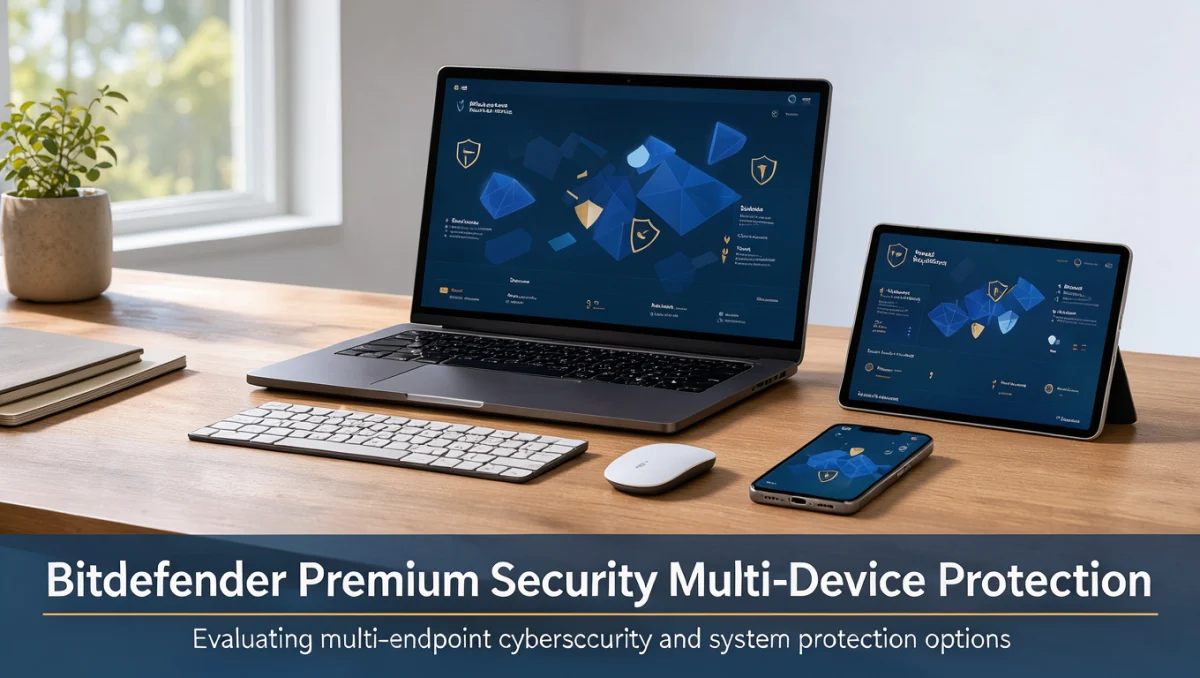
Many buyers look at bitdefender premium security 5 devices when they need to protect several computers, laptops and personal endpoints from online threats at once. Before paying for an annual bundle, it helps to check device limits, system compatibility and how the admin tools fit your daily routine.
Households and small teams that want to map their digital exposure can start by listing every connected device they use. Reviewing that inventory against the plan's seat count makes the decision far clearer.
Quick verdict: with an overall score of 8.0/10, this tier suits families or solo professionals who manage several active machines and want one place to control protection. It is less suitable for growing companies that need a central enterprise console for large teams.
| Metric | Summary |
|---|---|
| topappsreviews score | 8.0/10 |
| Best for | Users who want unified protection across a fixed set of devices |
| Not ideal for | Organizations that need centralized corporate network management and policy rollout |
| Key strengths | Malware detection, anti-phishing protection and system maintenance tools |
| What to check before buying | Operating systems supported, renewal pricing and the exact number of active seats |
1. How topappsreviews Evaluated Bitdefender
This review examines what Bitdefender is designed to do, who it suits and how it stacks up against comparable products. We apply seven topappsreviews criteria: features, ease of use, pricing and value, integrations, audience fit, support and competitive position. Plans and prices change frequently, so confirm current details on the official website before buying. This article was researched and drafted with AI assistance, then reviewed and edited by the topappsreviews Editorial Team.
2. What Bitdefender Offers
Bitdefender is a cybersecurity brand developed by Bitdefender SRL. Its software provides threat defense, vulnerability inspection and real-time scanning on personal computers. It works by blocking malicious code, checking incoming web traffic and isolating suspicious files before they can reach your storage.
3. Deciding Whether a Plan at This Level Fits You
Choosing a multi-device tier starts with matching the devices you own today against the risks you face. Anyone comparing modern protection tools, including platforms that use Artificial Intelligence detection routines, should confirm that the subscription seat count covers their hardware.
3.1. Checking Your Device Inventory
Security subscriptions enforce strict license limits. Before you allocate protection across workstations, tablets or spare laptops, check how the vendor defines an active installation. On the official Bitdefender account page, confirm whether retired hardware can be unlinked quickly so the license can move to a replacement computer.
3.2. Managing Several Devices Together
Protecting several different systems adds administrative work. When family members or independent users keep their own settings, a central web dashboard saves time. Review the official admin portal to see how parental controls, remote scans and notification settings work across a shared subscription.
4. Questions to Answer Before Choosing Bitdefender Premium Security 5 Devices
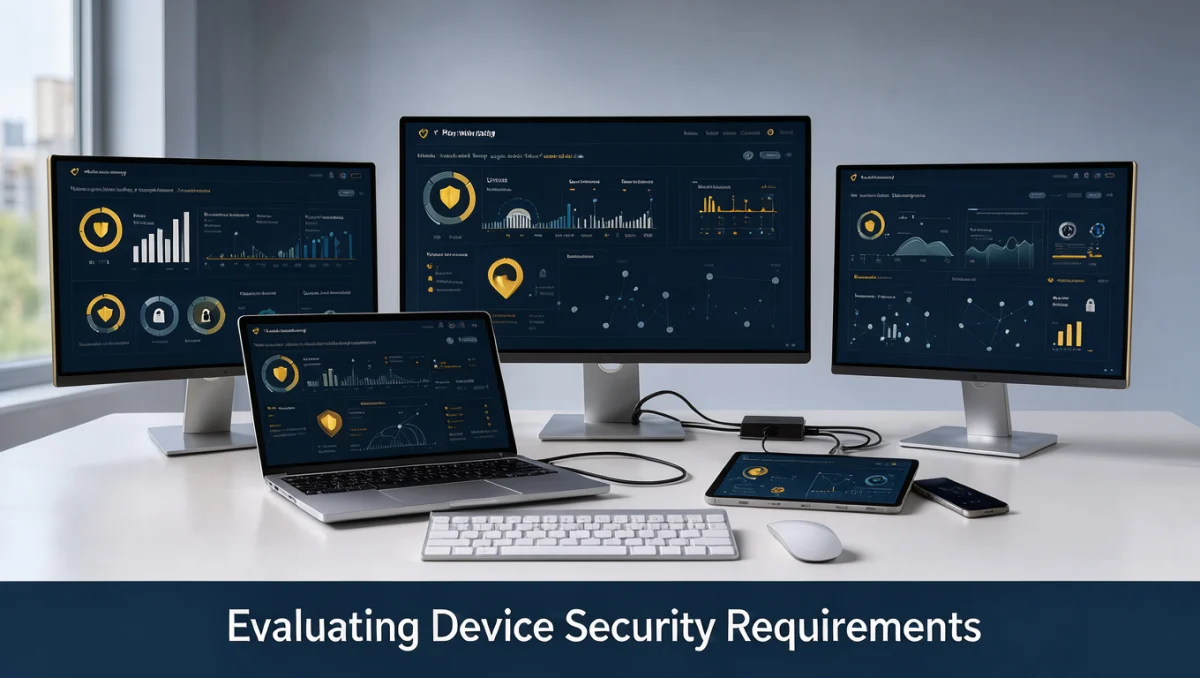
Before you buy a bitdefender premium security 5 devices package, test the plan against your own requirements. The table below lists what to check on the official website.
| Question | Why it matters | Where to confirm |
|---|---|---|
| Which operating systems are covered | Compatibility determines whether every household device stays protected | Official Bitdefender system requirements page |
| Does the license include extra utilities | Add-ons such as encrypted connections or password managers may carry separate limits | Official Bitdefender plan comparison table |
| What is the multi-seat renewal policy | Prices often rise after the introductory billing period | Official Bitdefender renewal and subscription terms page |
| How are licenses assigned to family members | Shared credentials can affect privacy between household users | Official Bitdefender account setup documentation |
5. Signs You Need a More Advanced Package
Some setups need more than a standard home or personal plan. Spotting growth early helps you avoid gaps in protection.
5.1. Going Beyond Five Connected Units
If your hardware exceeds the license allowance, the extra machines will go unprotected. When a household or small business adds more desktops or mobile units, consider a larger family or small-office tier so that all devices stay under one vendor.
5.2. Needing Central Corporate Policy Control
Businesses that require role-based policies, custom compliance reports and mandatory silent updates need dedicated corporate endpoint software. Consumer subscriptions lack the multi-tenant isolation and domain controls that regulated environments demand.
6. Signs a Simpler Setup Is Enough
Buying more protection than you use leads to wasted licenses and higher yearly costs.
6.1. Running a Single Workstation
If you rely on one desktop or laptop, a multi-seat bundle adds little value. For a single system, an entry-level standalone antivirus delivers baseline protection at a lower cost.
6.2. Relying Only on Built-In System Defenses
Modern operating systems include basic firewall filtering and signature-based scanning. Users who browse cautiously and connect few peripherals may find these built-in defenses cover everyday needs without an extra subscription.
7. How to Compare Bitdefender With Other Options
Comparing Bitdefender with alternatives such as Norton, Kaspersky and McAfee works best when you follow a clear process.
7.1. Step 1: List Your Devices and Operating Systems
Write down every laptop, desktop and mobile device that needs real-time scanning. Check each device's system documentation to confirm support before you start setup.
7.2. Step 2: Compare Threat Detection and Protection Layers
Look at how each vendor handles behavioral monitoring, phishing site blocking and automatic file scanning. Check whether competing products include threat removal, file quarantine and network filtering within the core app.
7.3. Step 3: Audit Renewal Costs and Add-Ons
Compare introductory promotional prices with standard renewal fees on each vendor's official pricing page. Check whether extras such as private browsing or backup tools carry usage limits or require paid upgrades.
8. Frequently Asked Questions
How should buyers choose between individual and multi-device plans?
Start by auditing your active computers and operating systems. If several family members or workstations need monitoring at the same time, a multi-seat subscription keeps billing in one annual payment. A standalone license is better for a single computer.
What affects security software renewal costs?
Vendors often offer introductory discounts that increase at renewal. Review billing terms on the official account portal to find recurring costs, multi-year options and cancellation deadlines before you pay.
Why check hardware requirements before installing?
Real-time scanning uses memory, processing power and storage during everyday work. Checking compatibility documentation ensures the software runs without slowing the system or interfering with essential apps.
How can I tell if extra tools cost more?
Security bundles often include supporting utilities alongside the main scanner. Check the official comparison chart to see whether features such as secure network tunneling or password management have separate usage or storage limits.
9. Final Verdict
Bitdefender offers threat interception and data protection across connected devices. When choosing a subscription tier, match your active device count to the official seat limit and review the recurring renewal terms.
| Criterion | Score /10 | Reason |
|---|---|---|
| Features | 8.5/10 | Comprehensive multi-layer threat defense, behavioral scanning and system inspection tools |
| Ease of Use | 8.0/10 | Simple dashboard navigation and straightforward multi-device license controls |
| Pricing and Value | 7.5/10 | Compare renewal pricing carefully against introductory promotional terms |
| Integrations | 7.0/10 | Works mainly as an independent suite with limited external workflow integration |
| Audience Fit | 8.5/10 | Well suited to households and small setups running several consumer devices |
| Support | 7.5/10 | Verify official support channels and response times before buying |
| Competitive Position | 8.0/10 | Competitive alongside major consumer security platforms |
Overall score: 8.0/10
For households and independent professionals with several connected computers, a multi-seat plan provides balanced protection. Confirm your seat allocation, review system requirements and read the subscription terms on the official Bitdefender website before you purchase.
Need help choosing the right endpoint security package for your devices? Contact our research team at https://topappsreviews.com/contact/ or follow topappsreviews on LinkedIn at https://www.linkedin.com/company/topappsreviews/ for updates and buying guides.