topappsreviews may earn a commission when you buy through links on this page, at no extra cost to you. This does not affect our ratings.
Digital marketers, agencies and e-commerce brands regularly need promotional graphics and copy variations produced at speed. Choosing a creative automation tool means weighing output volume against brand control, visual consistency and production cost. Our team judges marketing software on practical utility rather than marketing claims, so buyers can invest with confidence.
Teams producing large numbers of social banners and ad concepts often lose hours to repetitive layout work. Automation platforms solve this by assembling visuals, headlines and call-to-action elements into export-ready ad formats. This assessment looks at how the software performs across campaign planning, creative production and team review.
Quick verdict: AdCreative.ai scores 7.6 / 10. It suits e-commerce marketers and performance agencies that need fast variations of standard banners across several formats. It is less suitable for design studios that need bespoke typography or detailed brand illustration. Check monthly generation allowances and seat rules on the official website before subscribing.
| Evaluation Metric | topappsreviews Summary |
|---|---|
| topappsreviews score | 7.6 / 10 |
| Best for | Marketing teams and agencies producing recurring visual variations for paid social campaigns |
| Not ideal for | Brands seeking custom art direction, bespoke vector illustration, or highly specialized editorial layouts |
| Key strengths | Automated visual variation assembly, ad copy generation, and multi-format creative production |
| What to check before buying | Examine current export limits, workspace member policies, and plan boundaries on the official website |
1. How topappsreviews Reviewed AdCreative.ai
This review covers what the platform is built for, who it serves and how it compares with similar tools. We assessed it against seven criteria: features, ease of use, pricing and value, integrations, audience fit, support and competitive position. Plans, prices and limits change often, so we flag what to confirm on the official website before buying. This article was researched and drafted with the help of AI tools, then reviewed and edited by the topappsreviews Editorial Team.
2. What is AdCreative.ai and who is it for
AdCreative.ai is an automated creative generation platform that produces digital display ads, social media banners and promotional copy. It is aimed at direct-to-consumer businesses, marketing agencies, growth teams and media buyers running paid acquisition across social networks and display channels. Rather than building each canvas by hand, users supply product images, brand assets and core messaging, and the tool generates multiple layout variations.
Marketing teams often struggle to keep up with the testing schedules that paid advertising demands. Platforms need constant creative refreshes to fight visual fatigue and sustain engagement. By automating layout and typography, the tool lets media buyers test several messaging angles and product arrangements quickly.
Understanding where the application fits within marketing operations helps buyers decide whether automated graphic generation meets their standards. In this adcreativeai review, buyers can judge how automated creative assembly fits their team workflow and paid media testing plan.
3. Core features
The core capabilities of creative generation software centre on asset management, layout generation and multi-channel asset preparation. These tools help marketing teams streamline repetitive graphic production.
3.1. Creative Asset and Banner Generation
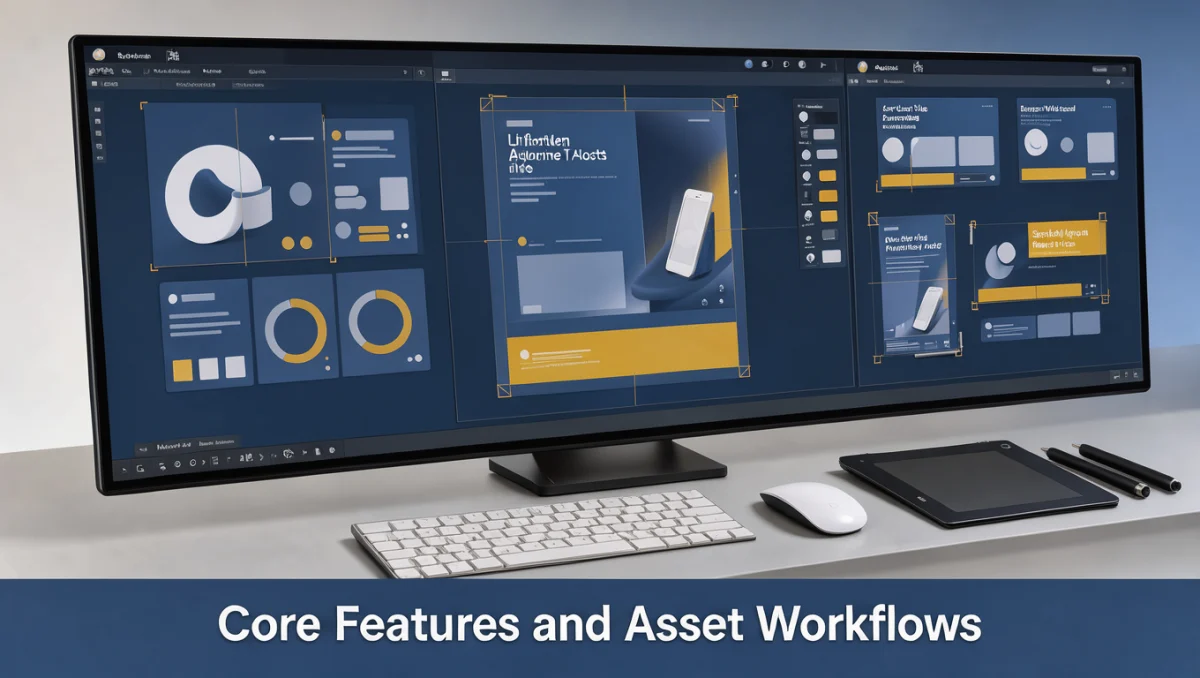
The main function is generating advertising banners in standard aspect ratios, including square, vertical and landscape formats. Users upload logos, background visuals and product cutouts, then specify promotional copy. The generation engine arranges these elements into varied layouts designed for ad placements.
3.2. Advertising Copy Generation
Alongside graphics, the platform produces headline and text options for paid campaigns. Users describe their target audience, campaign objective and product attributes. The system returns complementary copy that pairs with the visual assets for direct deployment.
3.3. Brand Asset Centralization
These platforms include brand profile storage where teams set brand colours, typography choices and corporate marks. Centralised brand parameters help generated ad assets keep a consistent look across ongoing campaigns.
3.4. Creative Scoring and Variation Insights
The software includes scoring indicators meant to help marketers spot promising visual combinations before launching paid campaigns. These signals offer conceptual guidance on layout contrast, visual hierarchy and element balance across variations.
4. Ease of use and learning curve
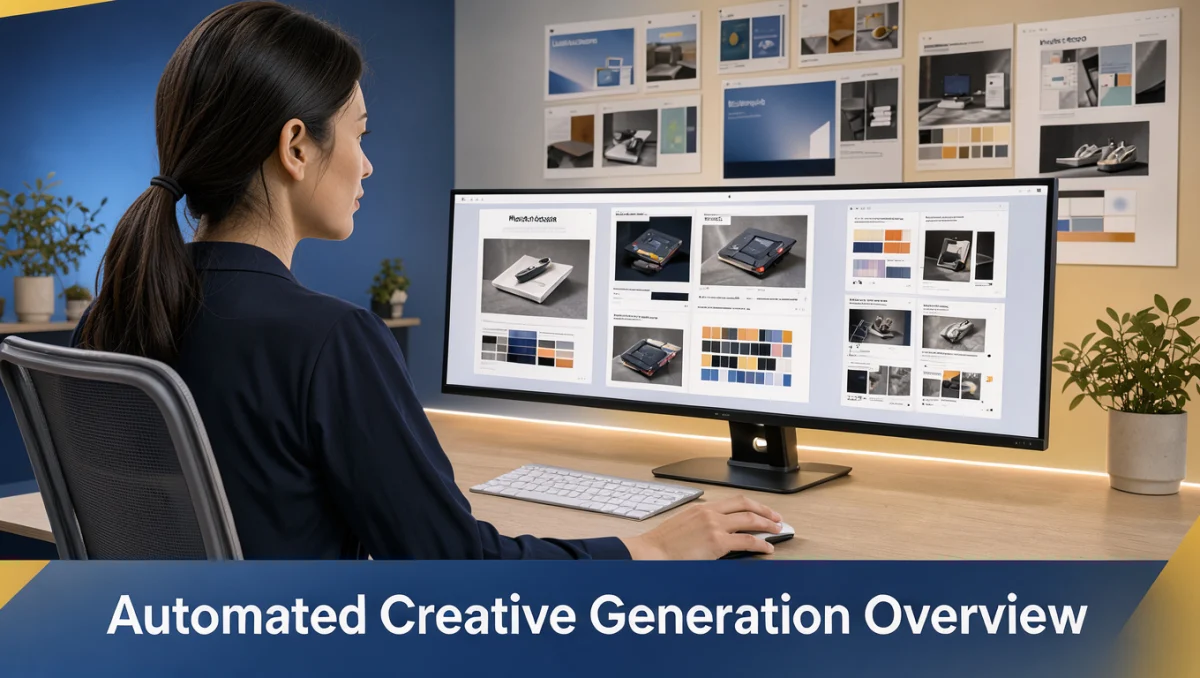
AdCreative.ai offers a guided setup sequence that helps users configure their initial brand identity profile. Entering brand colour codes, choosing font pairings and uploading high-resolution logos takes little effort. Once brand settings are saved, moving from raw product assets to previews of finished banners is straightforward.
Creative automation platforms do require an adjustment period for teams used to traditional pixel-level design software. Users cannot manually drag layers or adjust vector anchor points with fine precision. Instead, they work within predefined structural frameworks, which can feel restrictive to traditional graphic designers at first.
Teams get the best results when they organise asset libraries beforehand. Having transparent product cutouts, high-contrast lifestyle photographs and concise product benefit statements ready before generation speeds production considerably.
5. Pros and cons
Every marketing software choice involves trade-offs between production speed, creative freedom and operational flexibility.
5.1. Strengths
- Speeds up asset generation for multi-variant creative testing on paid advertising channels.
- Removes manual resizing across square, landscape and portrait ad placements.
- Provides integrated copy generation to accompany visuals during campaign setup.
- Allows centralised brand profile management to maintain consistent baseline styling.
5.2. Limitations
- Offers less typographic and structural customisation than conventional design software.
- Templates can produce similar aesthetics across high-volume outputs without carefully considered inputs.
- Requires high-quality source imagery; low-resolution inputs yield weaker banner outputs.
6. AdCreative.ai vs similar tools
Choosing creative production software depends on whether a team prioritises automated high-volume testing, open-ended illustration or broad cross-functional collaboration. Comparing alternatives clarifies where each tool sits in the market.
| Software | Market Positioning | Ideal Workflow Fit |
|---|---|---|
| AdCreative.ai | Automated advertising banner and copy generation | Performance marketers running rapid creative variations across paid channels |
| Canva | Broad graphic design and collaborative content creation | General business teams, solo creators, and social media managers needing diverse visual templates |
| Adobe Express | Template-driven creative production with established visual workflows | Designers and content creators seeking tight alignment with creative cloud asset libraries |
| Creatopy | Creative management and automated ad production platform | Mid-sized businesses and enterprise agencies requiring advanced ad animation and production scaling |
Buyers evaluating adcreative ai tools against broader design suites should weigh dedicated ad generation against general-purpose platforms. General design tools offer extensive manual control over every canvas element, while specialised ad generators are tuned for conversion-focused layouts.
7. Who should use AdCreative.ai
The value of the software depends on operational context, in-house design capacity and campaign goals.
7.1. Freelance Media Buyers
Freelancers managing paid accounts for several e-commerce clients often lack dedicated design support. The software lets solo media buyers produce presentable creative variations quickly, freeing billable time for bid optimisation and audience targeting.
7.2. Small Business Owners
Owners of direct-to-consumer online stores can generate weekly promotional graphics without hiring an external agency. With a single brand profile, they can keep visuals consistent across digital sales events.
7.3. Performance Marketing Agencies
Agencies testing high volumes of creative variations benefit from rapid batch generation. Creative teams can produce foundational variations quickly, letting senior designers focus on overall brand strategy.
7.4. When to Choose an Alternative
Organisations that need custom corporate branding, nuanced hand-drawn graphics or complex brand storytelling should look elsewhere. Traditional design software remains the better choice for brands demanding bespoke typography and distinctive visual styling.
8. How to choose the right plan
Subscription models for creative software change frequently. When reviewing options on the official website, buyers should confirm key operational limits before committing to a monthly or annual plan.
| What to Check | Why It Matters |
|---|---|
| Generation and download quotas | Monthly usage caps dictate how many completed ad variations your team can export during active campaigns. |
| Brand profile allowances | Agencies managing distinct client accounts need separate brand profiles for unique color palettes and assets. |
| Seat and collaboration rules | Additional team members, client reviewers, or external contractors can impact total recurring subscription expenditure. |
| Platform account connections | Confirm which ad networks connect directly with your workspace for streamlined creative deployment. |
Before buying any software licence, consult the independent evaluation guides on Top Apps Reviews to see which marketing technology categories match your growth targets.
9. Frequently asked questions
9.1. How should teams prepare their visual assets before using creative automation software?
Teams should assemble high-resolution product photographs with transparent backgrounds, official vector logos and established hex colour codes. Preparing concise product value propositions in advance makes sure generated copy fits layout constraints without visual clutter.
9.2. What factors determine whether creative generation tools replace dedicated graphic designers?
Creative automation software handles routine production and iterative banner variations rather than full brand identity development. Teams usually use these tools to support in-house designers, so creative professionals can focus on conceptual strategy and custom artwork.
9.3. How do buyers evaluate subscription tiers when managing multiple client accounts?
Buyers should confirm how many independent brand profiles and workspace sub-accounts each plan allows on the official website. Agencies managing several clients need separate brand asset containers to avoid mixing assets across campaigns.
9.4. What steps should marketing managers take to maintain brand consistency with automated layouts?
Managers should set strict brand profile guidelines, including approved secondary colour palettes and font pairings. Regularly auditing exported batches ensures automated outputs conform to internal presentation rules.
10. Final verdict
AdCreative.ai is a focused option for performance marketers who want to scale ad creative volume without a matching rise in manual design hours. It cannot replace bespoke art direction for luxury or conceptual campaigns, but it delivers practical value for data-driven acquisition marketing.
| Criterion | Score / 10 | Evaluation Reason |
|---|---|---|
| Features | 7.8 | Offers structured banner generation, ad copy suggestions, and multi-ratio creative formatting. |
| Ease of Use | 8.2 | Setup sequences and brand profile configurations require minimal technical onboarding. |
| Pricing and Value | 7.2 | Buyers must evaluate monthly export allowances against their actual campaign launch frequency. |
| Integrations | 7.0 | Direct connections exist for major advertising channels, though buyers should verify specific network compatibility. |
| Audience Fit | 8.5 | Well matched to performance agencies, media buyers, and direct-to-consumer store operators. |
| Support | 7.0 | Documentation and help resources provide standard self-service guidance for campaign workflows. |
| Competitive Position | 7.5 | Occupies a specialized niche focused squarely on paid ad generation rather than general graphic design. |
Overall score: 7.6 / 10
Marketing teams that prioritise rapid testing and automated asset iteration will find real operational efficiency. Organisations that value hand-crafted visual nuance should evaluate general graphic design tools instead.
If you have questions about software selection or want to suggest a platform for review, contact our editorial team at https://topappsreviews.com/contact/ or follow topappsreviews on LinkedIn at https://www.linkedin.com/company/topappsreviews/.