Teams that want one place for customer records, sales stages and outbound email often end up comparing platforms that try to do all three. activecampaign crm is built around that exact overlap, tying each contact's history to the deals they touch and the messages they receive. This guide walks through what the software does well, where it demands more planning, and how to judge whether it matches your workflow.
Before diving in, it helps to know how this review was prepared. It was drafted with AI-assisted research, then checked and edited by the Top Apps Reviews Editorial Team against the seven criteria we use for every tool: features, ease of use, pricing and value, integrations, audience fit, support and competitive position. Plan details and limits change regularly, so treat the points below as a framework to confirm on the vendor's site.
Who the platform is designed to serve
At its core, the product manages lead capture, contact histories, pipeline stages and messaging sequences inside a single environment. Rather than keeping relationship tracking and email outreach in separate tools, it links how a contact behaves to where that contact sits in the sales process. Representatives can record details, move prospects through stages, hand tasks to colleagues and queue follow-ups triggered by engagement.
Many sales and marketing groups run into fragmented data, where reps cannot see what marketing has already sent. A unified timeline addresses that gap directly. The software is aimed mainly at small and mid-sized companies, expanding agencies, consultancies and commercial teams that want the same process applied consistently across accounts.
Core functions worth understanding
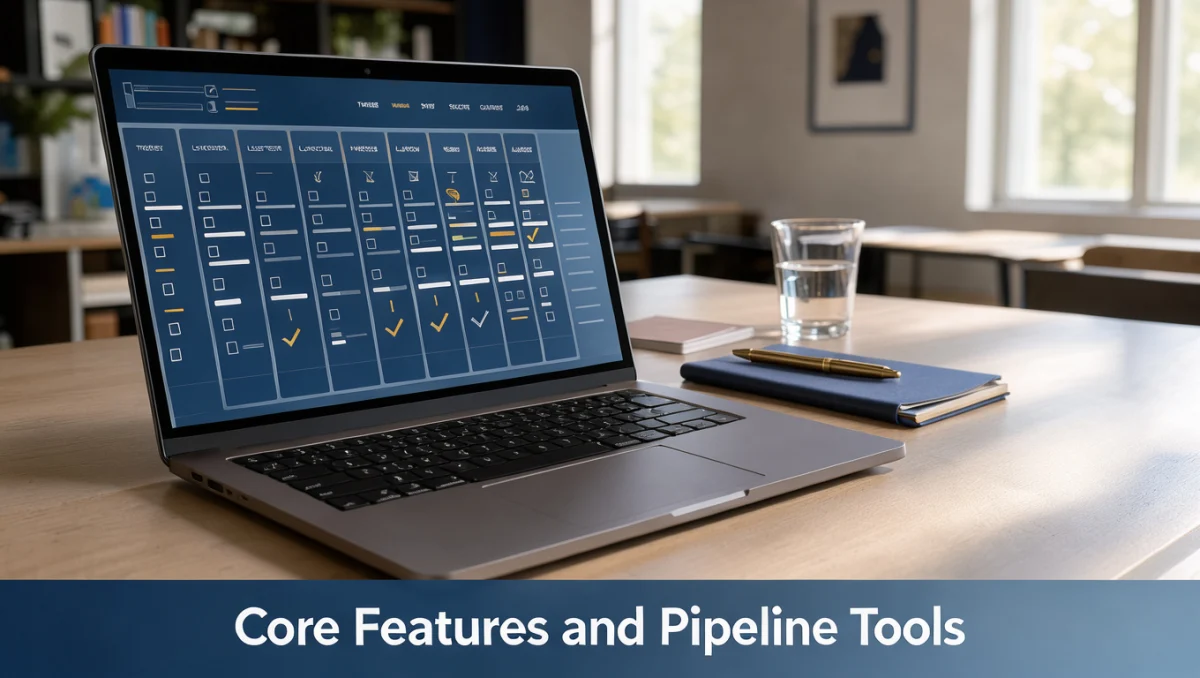
The platform's usefulness depends on how dependably daily work flows between contacts, pipelines and internal assignments. Its main capabilities fall into three connected areas.
Contact records and interaction history
Each contact acts as the central record for customer information. It gathers past communications, custom field answers, timestamps, site activity and internal notes. Before reaching out, a salesperson can scan the chronology and make sure the conversation reflects recent behavior and earlier correspondence.
Segmentation lets teams group records using tags, custom field values, locations and engagement milestones. Audiences can be isolated without manual sorting, which keeps lists tidy even when leads arrive from many channels.
Sales pipelines, deal stages and task scheduling
Deals move through customizable visual pipelines. Stages can mirror your own commercial milestones, such as discovery call, proposal sent, contract review or closed won. Each deal card shows its value, key stakeholders, time spent in the current stage and upcoming task deadlines.
Managers and individual contributors can assign follow-ups, book calls and set reminder dates. When pipeline movement is connected to broader marketing workflows, a change in stage can notify the account owner automatically, keeping sales activity aligned as requirements shift.
Automated messaging and triggered workflows
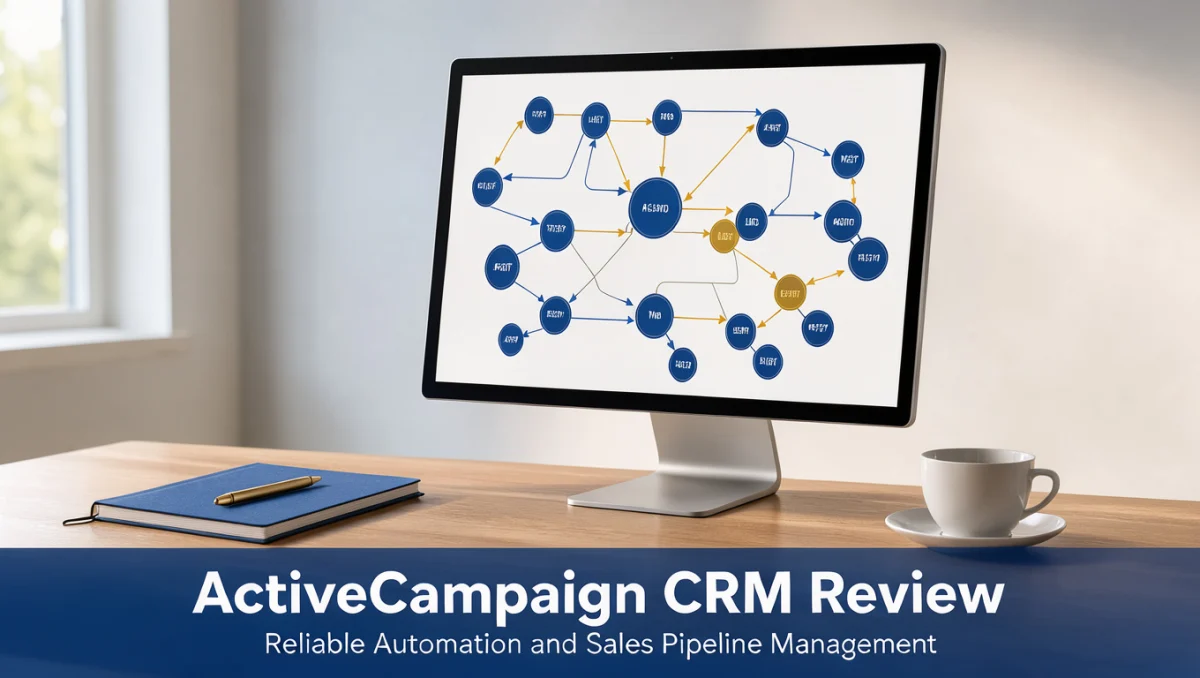
Automation links customer actions to internal steps and outbound messages. Administrators build multi-branch workflows in a visual builder, where conditions decide the next move. For example, submitting an inquiry form could create a deal, assign an owner, apply a tag and send an introductory email in one sequence.
Conditional branches check contact status so that messages adapt to how a prospect actually behaves. This keeps communication relevant and removes the need to send routine reminders or re-enter details across several screens.
Setup effort and day-to-day usability
Platforms that combine relationship records with layered automation logic naturally involve a learning curve. Visual builders make workflows easier to sketch, but defining custom fields, conditional paths and assignment rules takes careful planning. Users without database experience should expect some onboarding time before processes run smoothly.
Routine work for sales staff is fairly direct, since standard drag-and-drop boards and clear contact panels make pipelines easy to follow. Governance, tag structure and nested automation trees are a different matter and call for disciplined administration. Teams moving from spreadsheets or basic address books should schedule proper orientation so everyone records information the same way.
Strengths and trade-offs to weigh
A fair evaluation means setting architectural advantages against the operational costs that come with them.
Where the platform stands out
- Coordinated progression of sales pipelines and automated customer messaging
- A flexible visual workflow builder with conditional branches and several trigger types
- Detailed contact timelines that show full interaction history and notes
- Pipeline stages and deal fields that can be adapted to distinct sales processes
- An architecture that suits service firms, digital commerce operations and agencies alike
Points that need attention
- Initial configuration of tags, lists and custom fields takes deliberate planning
- A steeper curve for non-technical staff unfamiliar with visual automation
- Ongoing upkeep is needed to prevent tag clutter and duplicate workflow triggers
- Advanced reporting is often distributed across pricing tiers, so confirm the details on the official pricing page
How it compares with other CRM options
Seeing how this platform stacks up against established alternatives clarifies whether its design fits your priorities.
| Platform | Target Audience Positioning | Core Operational Focus | Key Buyer Consideration |
|---|---|---|---|
| ActiveCampaign CRM | Growing businesses wanting coordinated messaging and pipeline stages | Combined pipeline management and multi-branch automation | Needs structured planning to manage automations and contact data |
| HubSpot CRM | Organizations prioritizing a broad inbound sales and service ecosystem | Centralized commercial operations with modular hub expansion | Tier structures and contact database fees require advance budgeting |
| Zoho CRM | Businesses needing wide administrative customization and operating breadth | Extensive field customization and cross-departmental operations | Configuration depth often calls for dedicated system administration |
| Pipedrive | Sales teams focused mainly on visual deal tracking and activity scheduling | Activity-based pipeline selling with focused rep-level tools | Less built-in emphasis on sophisticated multi-channel marketing automation |
Buyers who want tight links between visual pipelines and outbound messaging tend to favor this platform. Teams seeking purely activity-based selling without broad messaging logic often look at Pipedrive instead, while large multi-department enterprises frequently weigh HubSpot or Zoho according to their existing systems.
Which teams are the best fit
Results depend heavily on team capability, process maturity and the admin effort you can commit. Here is how different profiles align with this software:
- Growing small businesses moving away from static spreadsheets gain from structured deal pipelines, scheduled follow-ups and automated onboarding messages.
- Digital agencies and consultancies managing multi-stage proposals benefit from deal timelines, custom client fields and automated internal reminders for deliverable reviews.
- Marketing and sales alignment teams trying to close the gap between lead capture and direct outreach will value a shared timeline that both sides can read.
- Solo operators and micro-businesses needing only a simple contact list or occasional billing notes may find the automation builder and pipeline governance more than they need.
- Enterprises with strict on-premise requirements or proprietary database needs should look at systems designed specifically for bespoke IT environments.
Choosing the right subscription
Pricing across the CRM category typically scales with operational size, technical depth and administrative controls. Before committing, review these variables on the official vendor site to avoid surprise costs.
| Evaluation Checkpoint | Why It Matters for Budgeting | Verification Step |
|---|---|---|
| Contact database volume | Tiers commonly rise in cost as the number of addressable contacts grows | Confirm active contact thresholds on the official plan comparison page |
| User seat allocations | Adding reps and admin accounts changes the recurring monthly commitment | Check whether seats are licensed individually or bundled into base tiers |
| Pipeline configuration limits | Organizations with several product lines may need multiple pipelines | Verify pipeline allowances across each published subscription level |
| Advanced reporting access | Sales forecasting, attribution and win-loss metrics are often reserved for higher tiers | Inspect tier feature matrices to confirm the reports you need are included |
| Domain and sending verification | Proper authentication records are essential for reliable outbound delivery | Review setup documentation on the official website before launch |
Working through these checkpoints lets buyers match real requirements to the right plan without paying for administrative overhead they will not use.
Common questions answered
What business processes does this kind of CRM handle?
Such tools organize prospect information, track deal progress, log team communication and schedule follow-ups. Platforms with automation also trigger alerts, assign records to staff and send structured messages based on contact activity.
How should contact data be prepared before migrating?
Remove duplicate records, correct invalid email addresses, standardize custom field formats and archive inactive leads. Clean, consistent spreadsheets make import mapping simpler and keep the new system free of clutter.
Why do software costs tend to climb over time?
Total ownership cost usually rises as contact records grow, more user seats are added, advanced reporting is required or premium channels are introduced. Budgets should cover growth across several years rather than just the starting count.
How can an organization judge team adoption needs?
Compare staff technical comfort with the platform's complexity. Decide whether the tool needs dedicated admin oversight, formal workflow planning or training sessions so that people use it daily instead of drifting back to personal tracking methods.
When is it time to move from spreadsheets to visual pipeline software?
Consider the switch when several people collaborate on deals, when follow-up tasks slip through manual tracking, or when customer histories need to be visible across departments at once.
Final assessment
Selecting a customer relationship and communication platform means balancing functional depth against the ongoing administrative effort it demands. Our review scores ActiveCampaign CRM across the same benchmark criteria used for every tool we test.
| Evaluation Criterion | topappsreviews Rating | Operational Rationale |
|---|---|---|
| Features | 8.5 / 10 | Strong link between contact records, visual pipeline stages, conditional logic and triggered workflows |
| Ease of Use | 7.0 / 10 | Intuitive daily pipeline work, offset by a steeper learning curve during workflow setup |
| Pricing and Value | 7.5 / 10 | Scalable capabilities that require balancing contact tiers against long-term seat needs |
| Integrations | 7.5 / 10 | Broad connectivity with business tools, though complex setups need checking on official pages |
| Audience Fit | 8.5 / 10 | Excellent match for growing businesses coordinating outbound messaging with direct deal tracking |
| Support | 7.0 / 10 | Documentation and account help should be cross-checked against the plan you choose |
| Competitive Position | 8.0 / 10 | A distinct profile that merges pipeline management with sophisticated automated workflows |
Overall topappsreviews Score: 7.7 / 10
The platform gives growing commercial teams a dependable base for aligning customer communication with pipeline milestones. If your organization values structured automation, consistent contact logging and visual deal tracking, it offers solid operational value. For more software comparisons, explore the independent analyses on Top Apps Reviews to support your technology decisions.
Have questions about configuring software for your team? Reach out through https://topappsreviews.com/contact/ or follow the topappsreviews team on LinkedIn at https://www.linkedin.com/company/topappsreviews/.