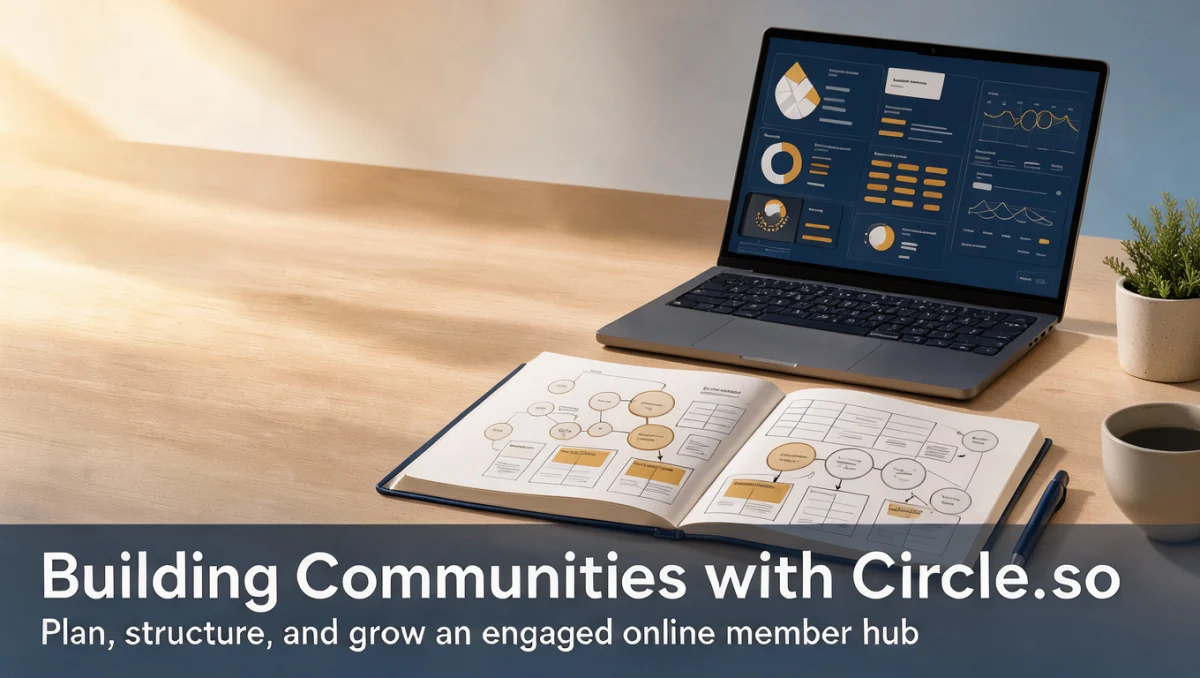
Launching a well-structured member hub starts long before the first invitation goes out. Teams that want to know how to build an online community with Circle so need to decide who the space is for, what members should accomplish there, and how each area fits into long-term retention. Top Apps Reviews examines community platforms by looking at the day-to-day workflows and admin habits needed to keep a member hub lively.
Circle.so is a dedicated platform for hosting discussions, group spaces, resource libraries, and event calendars under one branded environment. It is a strong fit for teams that want to swap scattered chat threads and social groups for a single home where learning, networking, and conversation take place.
Quick verdict: Circle.so receives an overall topappsreviews score of 7.9 / 10. It suits creators, educators, and brands that want an orderly digital campus for courses, memberships, and structured discussion. It is a weaker match for teams that need a real-time gaming server or a self-hosted, open-source forum.
| Metric | Summary Details |
|---|---|
| topappsreviews score | 7.9 / 10 |
| Best for | Course creators, brand communities, and membership programs that want organized, centralized engagement. |
| Not ideal for | Teams that require self-hosting, local network deployment, or casual, short-lived text chat. |
| Key strengths | Modular space structure, unified member directory, event publishing, and centralized discussion management. |
| What to check before buying | Active user limits, custom domain availability, and checkout fee structure, all confirmed on the official website. |
1. How topappsreviews Reviewed Circle.so
This review covers what Circle.so is designed to do, who it serves, and how it stacks up against similar tools. We judged it against seven topappsreviews criteria: features, ease of use, pricing and value, integrations, audience fit, support, and competitive position. Plans, prices, and limits change frequently, so confirm current details on the official website before purchasing. This article was researched and drafted with AI assistance, then reviewed and edited by the topappsreviews Editorial Team.
2. Before You Start
Before creating a digital community space, leaders should set clear organizational principles and check technical requirements. Communities built without a deliberate structure tend to become ghost towns, where conversations stall and members cannot find useful resources.
2.1. Define the Core Purpose and Member Journey
Every digital space needs a reason to exist. Communities perform best when members know what they gain by joining and what they should do first. Decide whether your hub will act as a learning support group, an executive peer network, a customer portal, or a general enthusiast forum.
Write out an onboarding path that shows new arrivals how to introduce themselves, complete their profiles, and find beginner-friendly threads. Clear guidance at the start is what keeps participation going for months.
2.2. Map Out Your Category Structure
Cluttered navigation is a leading cause of low retention. Sketch your planned group spaces on paper before building anything in the software. Keep live conversation areas separate from asynchronous learning materials, static announcements, and event calendars.
Starting with a small number of channels keeps the conversation focused. As activity grows, administrators can add topic areas in response to member requests instead of launching with empty, confusing sections.
3. Getting Started Workflow
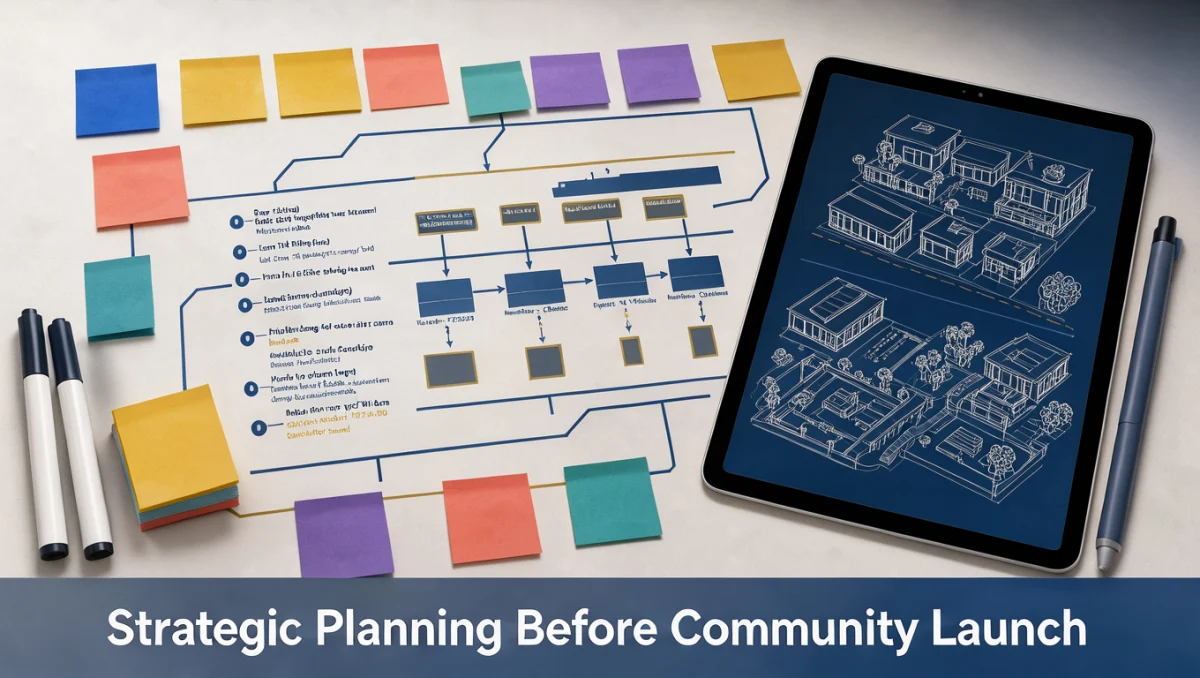
Setting up your hub involves a sequence of structural decisions, permission settings, and content preparation. Follow these steps to configure a professional community environment from the ground up.
Step 1: Configure Your Community Identity and Branding
Start by establishing the identity of your space. Choose the brand name, upload official logos, define accent colors, and pick a clean web address. If you want a consistent enterprise brand, confirm on the official Circle.so website how custom domains are set up on each account tier.
Write a concise mission statement in the welcome settings. Clear guidelines on conduct, mutual respect, and acceptable posting behavior set expectations from day one.
Step 2: Create Spaces and Space Groups
Organize the community into a nested hierarchy of space groups and individual spaces. Space groups work like folders that collect related topics, such as a Welcome Hub, Learning Modules, Discussion Lounges, and Upcoming Events.
Inside each group, create dedicated spaces for distinct purposes. Community software lets managers set aside areas for open posts, structured question threads, video sessions, or resource libraries. Matching each space to a specific member intention keeps content organized and easy to find.
Step 3: Establish Member Access and Permissions
Decide how members enter each space. Choose which areas are open to every registered account and which should be limited to premium cohorts, event attendees, or staff moderators. Check permissions carefully so that private discussions and specialized training materials stay protected.
Give moderation privileges to trusted team members. Consistent moderation is needed to handle flagged posts, approve pending requests, and steer conversations toward constructive topics.
Step 4: Seed Initial Discussions and Resources
Do not invite an audience into an empty community. Populate your main channels with thoughtful discussion prompts, resource guides, and introductory videos before sending invitations. Published starter content gives new members a working example of how to post and participate.
Pin key onboarding posts to the top of introductory channels so that rules, member directories, and quick navigation links stay visible to everyone.
Step 5: Configure Events and Notification Workflows
Schedule recurring events, coaching sessions, or community office hours on the platform calendar. A predictable schedule gives members a concrete reason to log in regularly.
Review notification settings so members get relevant updates without being buried in system emails. Most modern platforms let users adjust digest frequency, which is essential for keeping engagement sustainable over time.
4. Best Practices for Community Growth
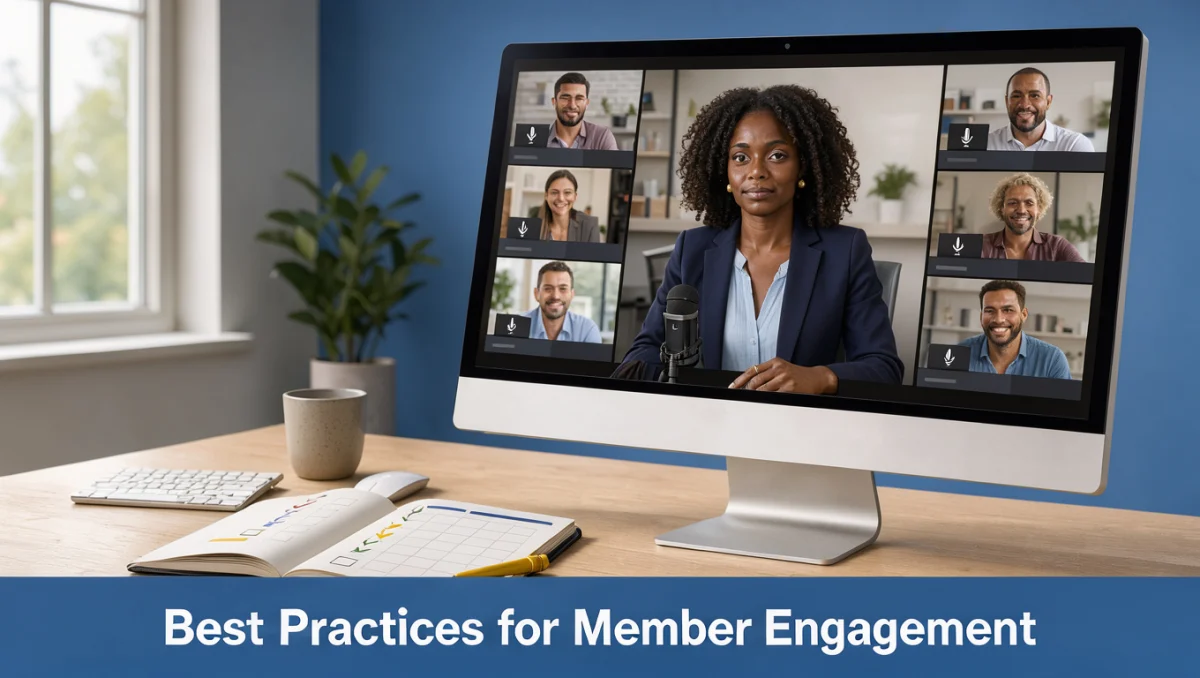
Sustaining engagement requires structured management, steady administrative routines, and thoughtful content curation. Software features alone rarely produce active peer-to-peer interaction without community leadership behind them.
4.1. Maintain Consistent Editorial Cadence
Set up a regular calendar of discussion prompts, weekly highlights, and hosted workshops. Predictable routines help members anticipate valuable content and build steady login habits across different time zones.
Connect community discussions to broader productivity goals. Teams that manage projects, schedule assets, and stay aligned can benefit from studying Collaboration & Productivity frameworks that link communication tools to organizational objectives.
4.2. Encourage Peer-to-Peer Connections
A thriving community evolves from a one-way broadcast channel into a network where members support one another. Spotlight member contributions, introduce people with shared professional goals, and open dedicated threads for niche peer challenges.
Use the member directory to help people find peers by location, industry, or skill set. When members form valuable professional connections, the community's worth grows even without constant administrative effort.
5. Common Mistakes to Avoid
Running an online community means balancing structure with flexibility. Avoiding these common pitfalls saves time and prevents members from disengaging.
- Launching with Too Many Spaces: Creating dozens of channels before building an active base spreads conversations thin. Start with a lean layout and add spaces only when traffic justifies splitting them.
- Failing to Communicate Onboarding Steps: Assuming members will figure out navigation on their own leads to quick drop-offs. Give explicit first-day instructions and direct links.
- Neglecting Content Moderation: Unchecked spam, off-topic arguments, and unanswered questions create a poor first impression. Active moderation signals that the community is professionally run.
- Overwhelming Users with Automated Emails: Excessive notifications push members to unsubscribe. Set up digests carefully so messages add value instead of noise.
6. Who Should Use Circle.so
The right platform depends on your organizational model, team resources, and engagement style. Independent analysis from Top Apps Reviews helps buyers match their operational needs to the right software category.
6.1. Freelancers and Independent Creators
Solo entrepreneurs running coaching programs or content memberships benefit from an organized hub that brings discussions, events, and member management together. A tidy environment strengthens brand perception and simplifies ongoing administration.
6.2. Small Businesses and Agencies
Agencies and service firms that maintain client portals, user groups, or training hubs can use structured spaces to share knowledge assets and encourage client collaboration in a clean, private setting.
6.3. Educational Institutions and Course Instructors
Educators who want discussion spaces alongside lessons will find structured platforms effective for cohort-based programs. Cohort organization lets students collaborate on assignments and interact during live sessions.
6.4. Organizations That May Need Alternative Tools
Teams that need internal corporate chat with granular file integrations may find standard internal messaging apps a better fit. Technical communities that prioritize self-hosted open-source software, custom local databases, or unmanaged forums should evaluate other platform architectures.
7. Frequently Asked Questions
How should buyers evaluate community platform pricing?
Start by estimating your member count, number of admin seats, and preferred billing cycle. Check whether a tool takes transaction fees on digital sales, and review the official Circle.so pricing page to match subscription tiers to your budget.
What factors determine if a community structure is too complex?
A structure is probably too complex when members regularly post in the wrong spaces, express confusion about navigation, or abandon channels. If several spaces sit idle with no new weekly activity, merge related channels into fewer active hubs to focus engagement.
Should organizations hire a dedicated community manager?
Organizations with hundreds of active members or high-touch cohort programs usually benefit from a dedicated community manager. A designated coordinator keeps onboarding smooth, discussions moderated, and events on schedule without overloading core leadership.
How does community software differ from traditional forums?
Modern community platforms pair asynchronous discussion with event hosting, member directories, and multimedia resource spaces. Traditional forums focus mainly on text-heavy threaded lists, while newer software aims to build a full member engagement ecosystem.
8. Final Verdict
Knowing how to build an online community with Circle.so gives organizations a focused, branded framework for cultivating member relationships and centralizing digital content. Success depends on a clear channel hierarchy, dependable administrative leadership, and ongoing chances for peer-to-peer collaboration.
| Criterion | Score /10 | Reason |
|---|---|---|
| Features | 8.5 / 10 | A cohesive set of spaces, discussion threads, event management, and member organization tools. |
| Ease of Use | 8.0 / 10 | Clean admin dashboards and an intuitive member layout, though initial structuring takes careful planning. |
| Pricing and Value | 7.0 / 10 | Plan levels vary with team size, so buyers should verify seat and member limits on the official website. |
| Integrations | 7.5 / 10 | Supports modern connection options for workflow automation; administrators should check official documentation for specific stack compatibility. |
| Audience Fit | 8.5 / 10 | Well aligned with creators, coaches, membership businesses, and brand educators who want an organized group campus. |
| Support | 7.5 / 10 | Provides structured knowledge bases and direct support channels; response options depend on account tier. |
| Competitive Position | 8.0 / 10 | Competitive against alternative community builders such as Mighty Networks, Discourse, and Kajabi. |
Overall topappsreviews Score: 7.9 / 10
For organizations that prioritize clean member experiences, centralized discussion, and dedicated event calendars, Circle.so is a solid, structured choice. If your team has questions about community platform selection or software evaluation, reach out through the topappsreviews Contact Page or connect with our editorial team on topappsreviews LinkedIn.