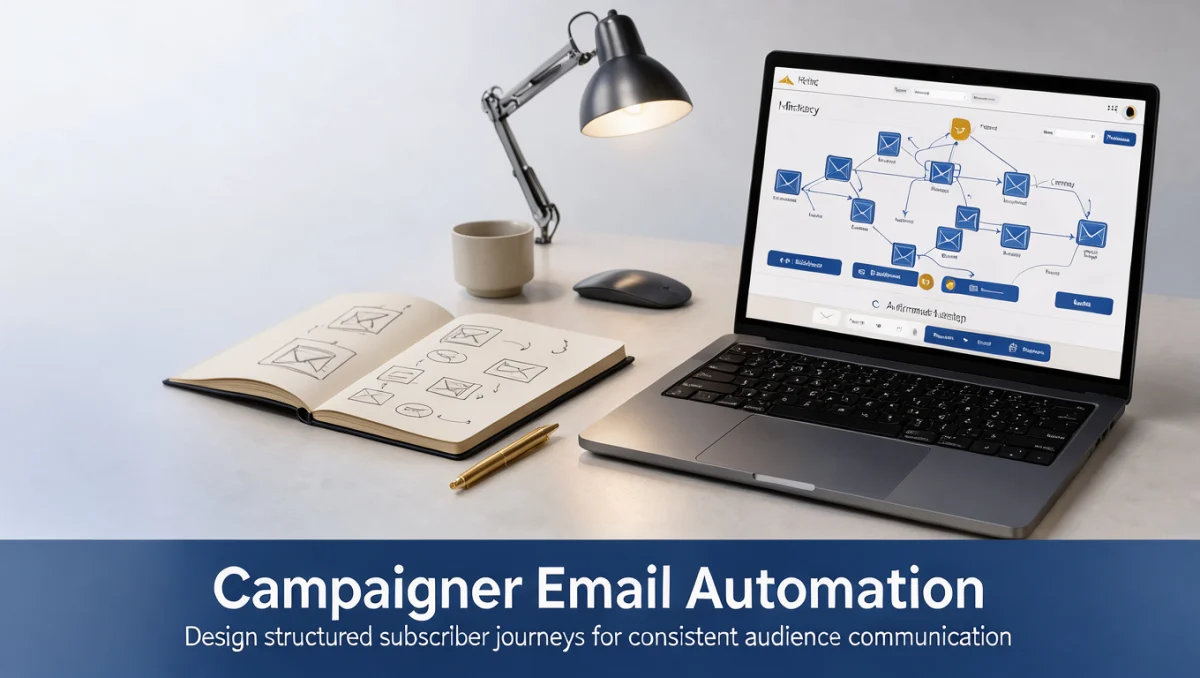
Building automated sequences in Campaigner begins with a clear objective, well-mapped subscriber triggers, and carefully timed follow-up messages. Marketers who revisit their journey logic regularly tend to keep recipients engaged over the long run, so the steps below focus on practical planning and execution.
Preparing Your Account Before Building Journeys
Automation depends on clean data and proper sender authentication. Before creating any sequence, confirm that your domain settings are configured and that your contact records are accurate and consented.
Choosing a Single Workflow Goal
Each automation should serve one primary purpose, whether that is welcoming new subscribers, reviving inactive contacts, or sharing educational material over several weeks. Grouping contacts by interest or account type helps ensure each automated message feels relevant to its recipient.
Keeping Subscriber Data Consistent
Only include contacts who have given verifiable permission to receive recurring messages. Standardize fields such as first name, sign-up date, and preference category before importing, so personalization tags render correctly.
Building a Workflow Step by Step
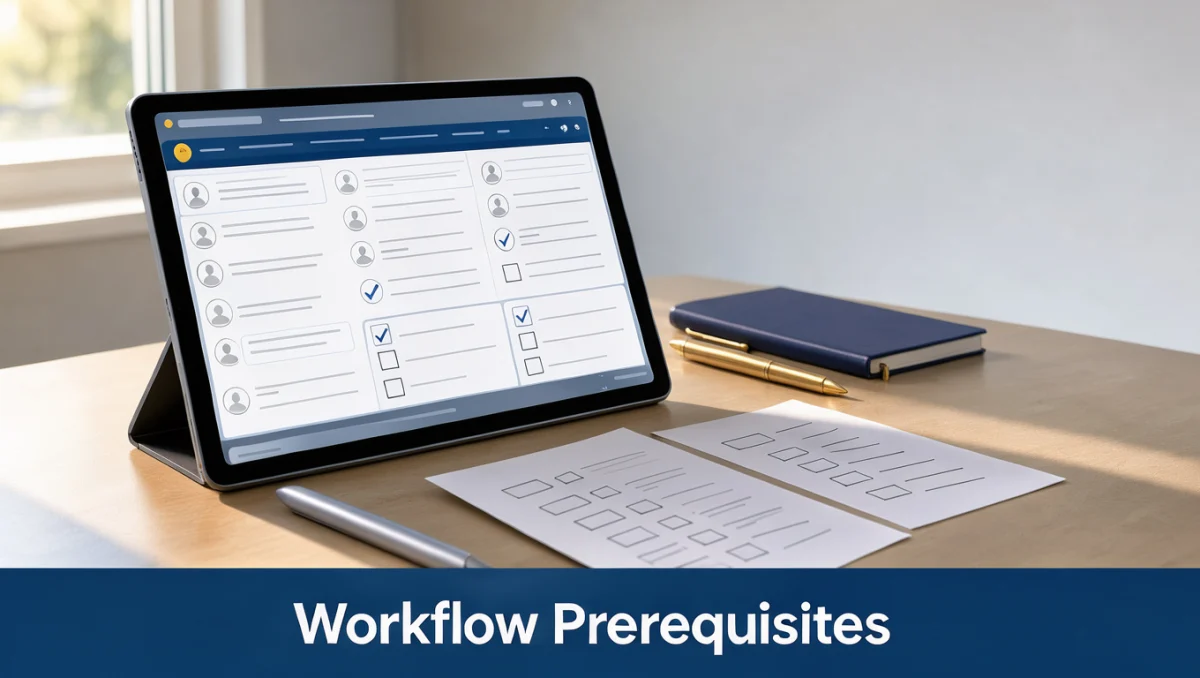
A dependable sequence links each message to a defined trigger and a scheduled timeline. The following structure keeps the process manageable.
Selecting Entry Triggers
Every workflow needs an event that places a subscriber on the path. Typical starting points include:
- Form submissions and new sign-ups
- Changes to list membership or tag assignments
- Clicks on links within earlier messages
- Important dates such as renewals or anniversaries
Setting Intervals and Delays
Well-spaced messages keep subscribers informed without overwhelming them. A practical timeline often looks like this:
- Send the first message, such as a welcome or confirmation, immediately after the trigger.
- Wait several days before the next message so the recipient has time to read the opening content.
- Add a decision point that checks whether earlier messages were opened or clicked.
- Spread remaining educational messages across weekly or biweekly intervals.
Adding Branching Logic
Branching lets you send different follow-ups depending on how recipients interact. An engaged reader can be directed toward deeper product resources, while an inactive contact can receive a lighter check-in or a re-engagement message.
Workflows Most Organizations Need
Automated journeys address different stages of the subscriber lifecycle. Two core workflows provide a strong foundation.
Welcome and Onboarding Series
A welcome sequence introduces your organization, explains how often people will hear from you, and delivers any resources you promised at sign-up. This keeps new subscribers moving toward valuable content without manual effort from your team.
Re-Engagement Tracks
Parts of any list become inactive over time. A re-engagement track identifies dormant subscribers, asks them to update their preferences, or offers an easy way to unsubscribe. Removing chronically inactive recipients helps keep delivery metrics healthy.
Best Practices for Reliable Workflows
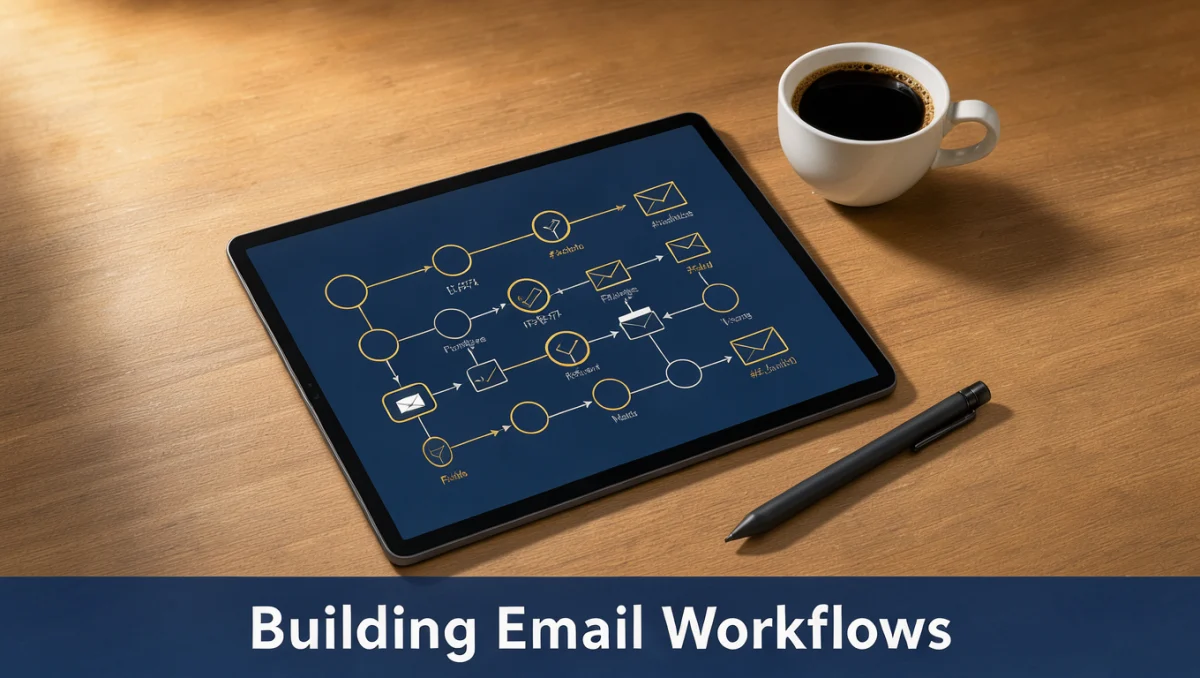
Consistent results depend on testing and disciplined scheduling across every workflow you manage.
Test Before You Activate
Send preview versions of each message to test accounts across several email clients. Check personalization tags, confirm that tracking links work, and make sure plain-text versions display correctly.
Control Overlapping Sequences
When a contact is enrolled in several sequences at once, the experience can feel repetitive. Review your rules so subscribers do not enter competing workflows at the same time, and add exclusion criteria to prevent duplicate sends on the same day.
Common Mistakes to Avoid
Making Logic Too Complex Too Soon
Deeply nested decision trees increase the chance of routing errors. Start with a straightforward linear sequence and add branching only after the basic version runs reliably.
Leaving Content Outdated
Workflows can run for months without anyone revisiting them. Audit older sequences regularly to confirm that linked pages, policies, and external resources are still accurate and active.
How Campaigner Compares with Other Automation Tools
Campaigner is one of several options for automated email. The table below summarizes how it is typically positioned against common alternatives. Confirm current features and tier details on each vendor's official website.
| Platform | Typical Audience | Primary Focus | What to Check |
|---|---|---|---|
| Campaigner | Growing organizations and higher-volume senders | Segmentation and structured workflows | Custom field flexibility on the official website |
| Mailchimp | Small businesses and content creators | Easy design and multichannel publishing | List-tier policies on the official website |
| ActiveCampaign | Sales teams and technical marketers | Advanced automation and CRM alignment | Workflow complexity requirements on the official site |
| Constant Contact | Nonprofits and event organizers | Event promotion and simple newsletters | Automation depth on the official website |
Who Should Use Campaigner for Email Workflows
Growing Businesses and Mid-Sized Teams
Teams managing expanding subscriber lists benefit from dependable segmentation without building complex custom database systems. The structured workflow environment suits organizations that plan customer journeys in advance.
Independent Creators and Occasional Senders
Solo operators or those who send only occasional newsletters may find a dedicated automation platform more than they need. Senders who mainly publish simple monthly updates often prefer lighter, template-focused tools.
Frequently Asked Questions
When should I use linear workflows instead of branching logic?
Linear workflows suit predictable sequences, such as a welcome series where every subscriber needs the same introductory information. Branching becomes useful when recipient behavior, such as clicking a particular product category, justifies different follow-up messages.
What should I check before activating a workflow?
Verify the enrollment trigger, confirm fallback values for personalization tags, and test rendering across common email providers. Make sure unsubscribing from one sequence updates global communication preferences.
Why do automated workflows need ongoing maintenance?
Subscriber interests, product lines, and external links change over time. Periodic reviews keep messages current and prevent subscribers from receiving outdated advice or broken links.
How does segmentation affect workflow results?
Precise segmentation ensures triggered messages match subscriber expectations. Tailored content based on behavior generally produces higher engagement and fewer complaints than unsegmented batch sends.
Final Verdict on Campaigner Workflows
| Criterion | Score /10 | Reason |
|---|---|---|
| Features | 7.8/10 | Offers solid workflow triggers, segmentation options, and scheduling controls for outbound messaging. |
| Ease of Use | 7.2/10 | Building multi-step journeys takes a learning period compared with basic drag-and-drop tools. |
| Pricing and Value | 7.1/10 | Buyers should verify tier thresholds and contact pricing directly on the official Campaigner website. |
| Integrations | 7.0/10 | Review third-party connector options on the official website to confirm they fit your tech stack. |
| Audience Fit | 7.9/10 | Well suited to mid-sized marketing teams that prioritize reliable segmentation and planned customer journeys. |
| Support | 7.2/10 | Confirm available support channels and hours on the official vendor portal. |
| Competitive Position | 7.6/10 | Holds a solid place among mid-tier outbound platforms focused on dependable delivery. |
Overall topappsreviews score: 7.4/10
Knowing how to create email automation workflows with Campaigner email marketing helps your team decide whether the platform fits its operational needs. Organizations that need structured subscriber journeys and clear segmentation rules will find it a capable outbound engine, while smaller teams may prefer simpler options. Explore more independent software analyses from Top Apps Reviews, and browse related guides in our Marketing section.