Teams that sell time-based work need a clear view of how many hours a project should consume. Toggl Track project estimates give managers a practical way to compare planned hours with what the team actually logs, helping them spot overruns before a deadline slips.
How Toggl Track Approaches Hour Forecasting
Toggl Track is a time tracking tool that records work sessions, groups them by client and task, and produces summaries for billing and review. Rather than acting as a full accounting system or a construction scheduler, it focuses on a simpler question: is the work staying inside the hours agreed with the client?
Within the wider productivity software landscape, this kind of tracker sits between freeform note-taking and heavy project management suites. It suits professionals who need reliable numbers without the overhead of a complete planning platform.
Core Capabilities for Budget Monitoring
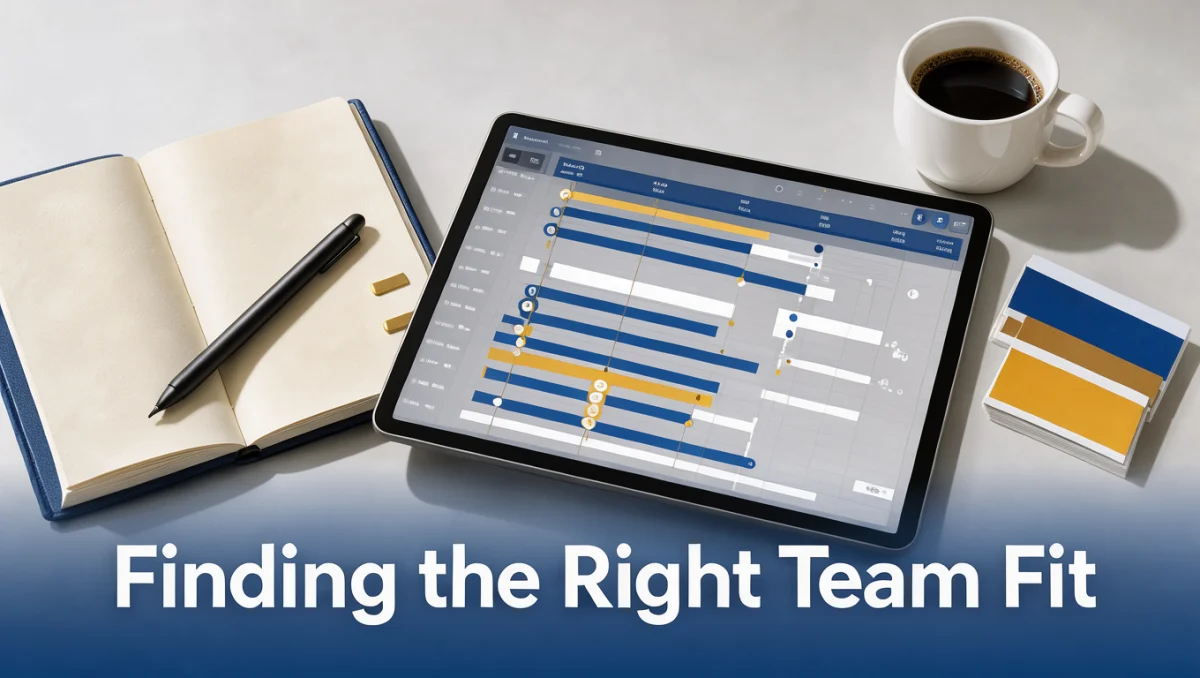
Logging Time Accurately
Users can start a live timer or add past entries manually. Each block is linked to a client, project and task label, so every figure in later reports traces back to real activity. That foundation matters, because any estimate comparison is only as good as the entries behind it.
Tracking Hours Against Targets
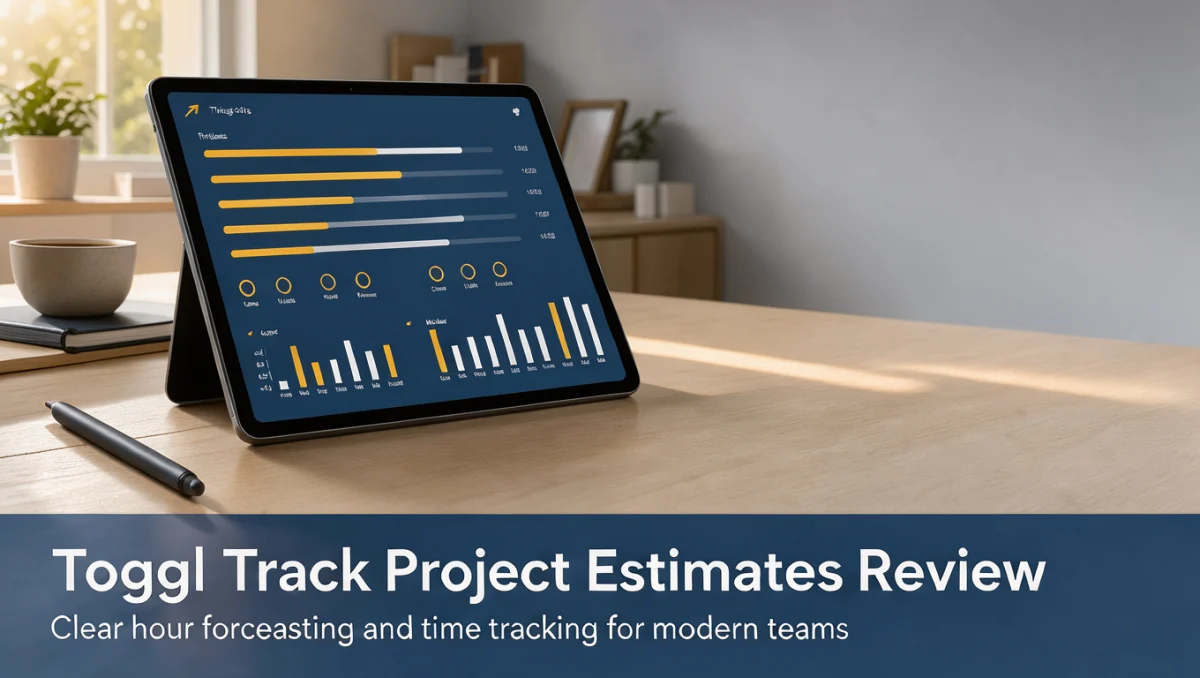
Project managers can set a target hour total for each engagement. As entries accumulate, progress indicators show how much of the budget has been used, making it easier to notice when a deliverable is absorbing more time than planned.
Linking Rates to Labor Costs
Billable rates can be applied across clients, projects or individuals. This lets a business compare the value of logged hours with the revenue a project is expected to bring in, and check whether the planned margin still holds as work progresses.
Generating Reports
Summaries can be filtered by person, project status, billable flag or date range. These views support client invoicing and post-project reviews, and they give a clear record of where the hours went.
Ease of Use for Daily Teams
The interface is built to keep friction low. Team members can start a timer with one click, add a short description and move on, which encourages the consistent logging that good estimates depend on. Administrators get dashboards with progress bars and time distribution views, though setting up detailed rate structures across several project phases takes some planning. A small pilot with one team is a sensible way to confirm that entry habits are consistent before rolling the tool out widely.
Strengths and Limitations
Where It Performs Well
- Simple timer workflow that staff adopt quickly
- Clear progress tracking against planned hours
- Flexible client, project and tag structure for agency work
- Exportable summaries that simplify invoicing and internal review
Where It Falls Short
- No native Gantt charts, dependency scheduling or resource leveling
- Financial reporting is lighter than full enterprise accounting platforms
- Accuracy of estimates depends entirely on timely, honest time entries
Comparing Toggl Track With Alternatives
Buyers often compare several trackers before deciding. Harvest appeals to service firms that want invoicing and expense tracking built closely around hours. Clockify suits distributed teams that need multi-level project organization and attendance oversight. Everhour works inside existing task boards, which fits agile teams that prefer to estimate and log time without leaving their project tool. Toggl Track sits in the middle: lighter than Harvest's billing focus, and more focused on estimate monitoring than a general attendance tool.
Who Benefits Most
Freelancers and Solo Consultants
Independent professionals who bill by the hour, or who quote flat fees, can use the tool to check whether a fixed project still pays a reasonable hourly return.
Agencies
Marketing, design and development agencies managing several retainers gain early warning when a client account is consuming more hours than its fee covers, which helps prevent over-servicing.
Professional Service Firms
Consultancies and advisory practices benefit from clear audit trails. Pairing billable rates with project estimates keeps accountability transparent across active client files.
When Another Tool Makes More Sense
Manufacturers, heavy construction firms and hardware assemblers usually need job costing tied to materials inventory. Organizations seeking automated monitoring, such as keystroke counting or screen capture, will not find those features here.
Choosing a Subscription Plan
Feature access varies by tier, so buyers should check the official pricing page before committing. Key points to confirm include whether estimate tracking is available on the plan they need, how per-seat costs grow as the team expands, how billable rates can be configured, which role permissions control visibility of financial figures, and whether scheduled or automated reports require a higher tier.
Frequently Asked Questions
How should a team budget for time tracking software?
Calculate annual cost from the number of seats you expect to need, not from a single monthly price. Per-user billing means that growth adds directly to yearly overhead, so include planned hires in your estimate.
What should I verify before paying for project estimates?
Confirm on the official plan comparison whether estimates apply to all users or only to manager seats, and check whether historical project data carries over if you change tiers.
Why does consistent time logging matter so much?
Estimate comparisons depend on timely entries. If staff record hours days after the work, managers see overruns late, when there is little room left to act.
How can businesses prevent scope creep?
Set realistic hour targets at kickoff, review progress weekly, and use milestone alerts. Addressing extra work with the client early is far easier than explaining overruns after the budget is gone.
Final Verdict
| Criterion | Score /10 | Reason |
|---|---|---|
| Features | 8.0/10 | Strong time logging and estimate tracking, but no advanced scheduling tools. |
| Ease of Use | 9.0/10 | Minimal friction lets new staff log tasks with little onboarding. |
| Pricing and Value | 7.5/10 | Verify which tier includes the features you need against your budget. |
| Integrations | 7.5/10 | Check the official documentation for compatibility with your existing tools. |
| Audience Fit | 8.5/10 | Well matched to agencies, consultants and service professionals. |
| Support | 7.0/10 | Confirm support channels and documentation on the official website. |
| Competitive Position | 8.0/10 | Solid against dedicated rivals thanks to fast, clean time logging. |
Overall Top Apps Reviews Score: 7.9/10
Toggl Track is a dependable choice for teams that want straightforward hour monitoring against client budgets. Organizations that need dependency scheduling, inventory accounting or milestone charting should look at specialized enterprise tools instead.
Questions about choosing project tracking software are welcome through our Top Apps Reviews site, where you can find more independent software comparisons.