topappsreviews may earn a commission when you buy through links on this page, at no extra cost to you. This does not affect our ratings.
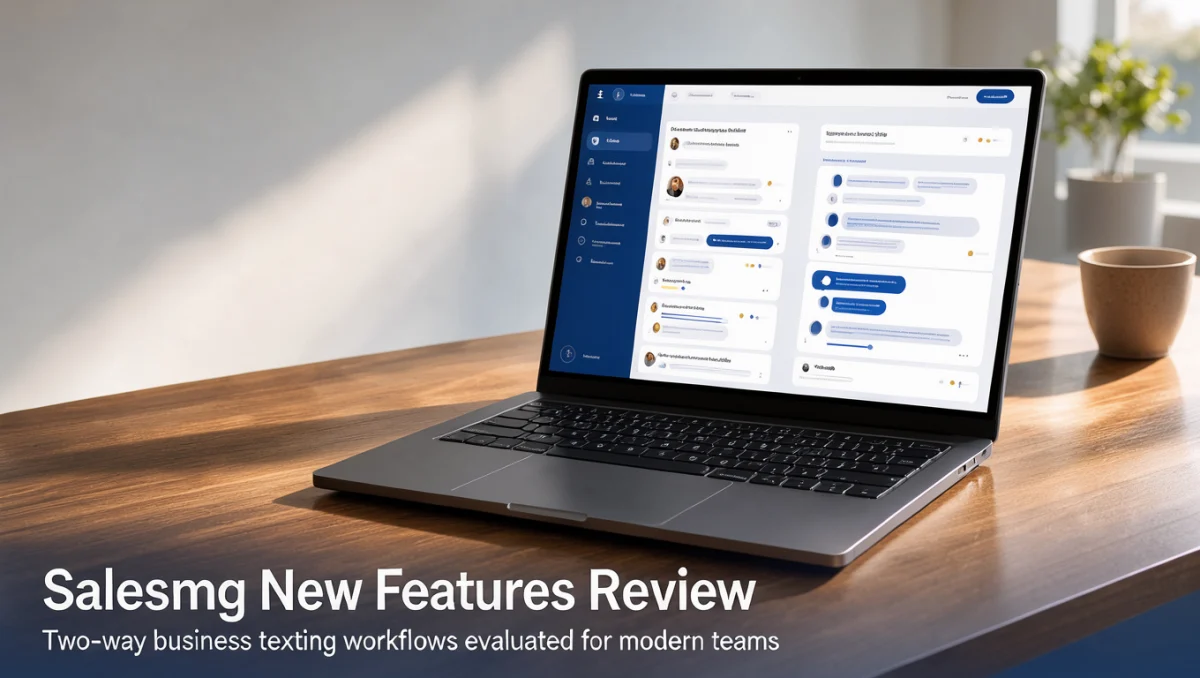
Growing teams that depend on fast two-way texting and calls often start looking closely at salesmsg new features before committing. Rather than reading release notes alone, the practical question is whether the day-to-day messaging workflow, contact handling, and platform stability hold up for your team. Our review focuses on how the software performs for client-facing staff and which operational points to verify before you subscribe.
Judging a texting platform means looking past announcements and into how conversations move through your organization. Contact syncing, how threads get routed to the right person, and how managers keep oversight all shape whether the tool pays off over time.
Quick verdict: With an overall topappsreviews score of 7.6 / 10, Salesmsg suits sales and service teams that need shared two-way SMS alongside voice calling. It is a weaker fit for solo users who only send occasional personal texts, or for organizations that need complex omnichannel contact center routing.
| Metric | Summary |
|---|---|
| topappsreviews score | 7.6 / 10 |
| Best for | Teams that want shared two-way business texting and calling |
| Not ideal for | Solo users who only send occasional personal messages |
| Key strengths | Dedicated two-way text messaging and shared conversation management |
| What to check before buying | Carrier registration requirements and outbound dispatch quotas |
1. How topappsreviews Reviewed Salesmsg
We assessed what Salesmsg is built to do, who it serves, and how it stacks up against similar tools. Our evaluation covers seven criteria: features, ease of use, pricing and value, integrations, audience fit, support, and competitive position. Plans, prices, and limits change frequently, so confirm current details on the official website before purchasing. This article was researched and drafted with AI assistance, then reviewed and edited by the topappsreviews Editorial Team.
2. What Is Salesmsg and Who Is It For
Salesmsg is a business communications platform for two-way SMS, multimedia messaging, and voice conversations between an organization and its audience. It removes the friction of staff texting customers from personal phones by bringing those conversations into one shared workplace environment.
Outreach teams, customer service specialists, and appointment-driven businesses use business SMS software to stay in direct contact with prospects and existing accounts. Text tends to get a faster response than email, which is why it has become central to modern marketing and sales outreach.
Salesmsg is aimed at small and mid-sized commercial teams that need organized message records without the overhead of a full contact center. Shared inbox views and dedicated local business numbers give representatives a clear way to respond to inbound inquiries.
3. Core Features of Business SMS Platforms
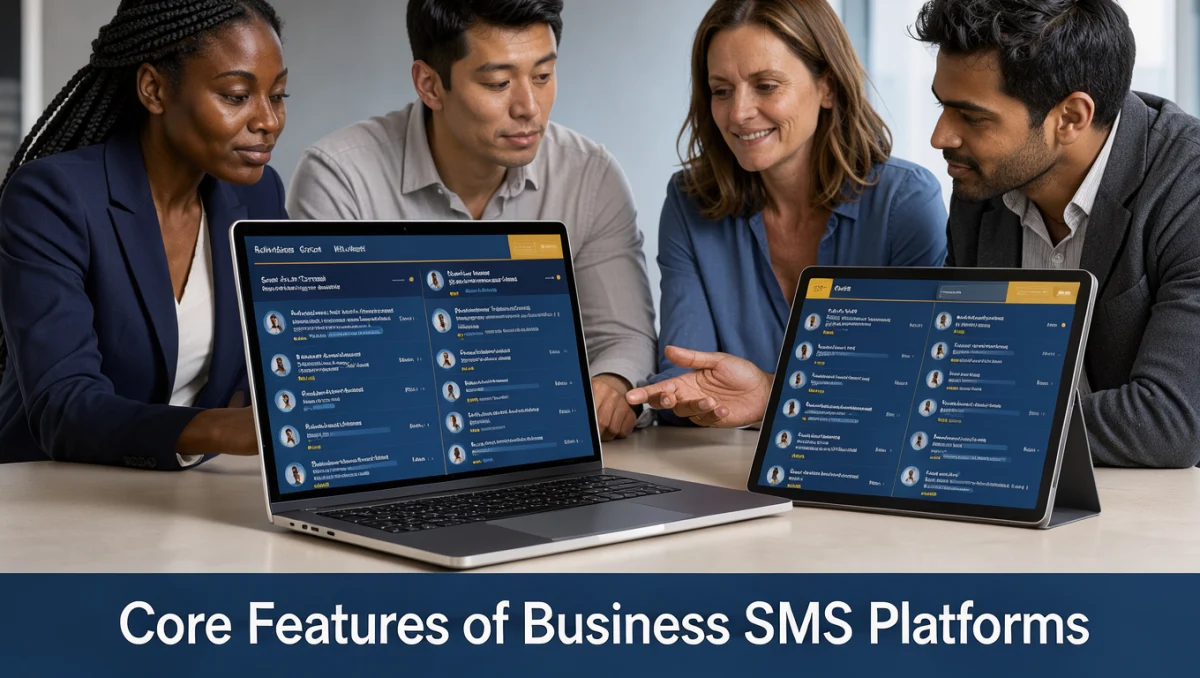
Evaluating conversational text software means understanding the foundational capabilities that define the category. Buyers should check how Salesmsg handles these core duties in everyday workflows.
3.1. Two-Way Text and Multimedia Messaging
Two-way texting lets staff send and receive individual SMS and multimedia messages from one unified interface. Representatives can hold real-time conversations with leads, answer customer questions, and share updates from recognized business phone numbers.
Composition tools in this category typically include canned responses, conversation tagging, and file attachments. Confirm on the official Salesmsg website which file formats and delivery standards apply to outbound multimedia.
3.2. Shared Team Inboxes and Conversation Routing
Shared inboxes gather incoming inquiries into departmental queues so that no message goes unacknowledged. Supervisors and teammates can assign threads to specific colleagues, apply status labels, and leave internal notes within a conversation.
Internal notes let team members coordinate privately before a reply goes out to the client. Check the official Salesmsg feature pages to see how inbound threads are assigned when several team members are active at once.
3.3. Contact Management and Audience Segmentation
Contact tools store recipient details, keep conversation histories, and let companies segment contacts with custom attributes. Unified message archives mean any team member who picks up an active conversation has the full context.
Segmentation lets organizations group recipients by inquiry status, customer lifecycle stage, or location. Review how contact filtering works on the official platform to judge whether it fits your customer records.
3.4. Broadcast Messaging and Canned Responses
Broadcast messaging sends standardized announcements to chosen recipient lists for event scheduling, administrative reminders, or time-sensitive alerts. Canned responses are pre-written templates staff can insert to answer recurring questions quickly.
Because carriers tightly regulate high-volume messaging, these platforms require compliance registration. Verify on the official Salesmsg website which carrier trust verification steps apply before you activate outbound distribution lists.
4. Ease of Use and Learning Curve
Salesmsg uses an interface modeled on familiar chat applications, which keeps onboarding simple for client-facing staff. Anyone comfortable with desktop messaging can navigate contact lists and composition windows with little instruction.
The administrative learning curve is mostly in setting up sender number profiles, organizing segmentation rules, and training staff on messaging etiquette. Make sure customer-facing agents understand shared assignment protocols so incoming conversations get prompt attention.
To speed adoption, define message labeling guidelines and standard response procedures before a team-wide rollout. Running internal test conversations helps confirm that notification alerts display properly on every workstation.
5. Pros and Cons of Salesmsg
5.1. Pros
- Centralized conversation visibility lets teams run business texting without relying on personal mobile devices.
- Shared inboxes let multiple representatives monitor, assign, and respond to incoming customer messages.
- Standardized response templates help keep communication quality consistent across support and sales interactions.
- Consolidated message histories keep past interactions accessible to every authorized team member.
5.2. Cons
- Carrier compliance requires administrative verification before high-volume commercial texting can start. Prepare corporate identification documents early.
- Message delivery allowances are separate from baseline user access, so buyers should map expected message volumes against plan structures.
- Organizations with complex multi-tier call routing may find focused SMS software less comprehensive than full enterprise contact suites, and should confirm whether a dedicated phone system is still needed.
6. Salesmsg vs Similar Tools
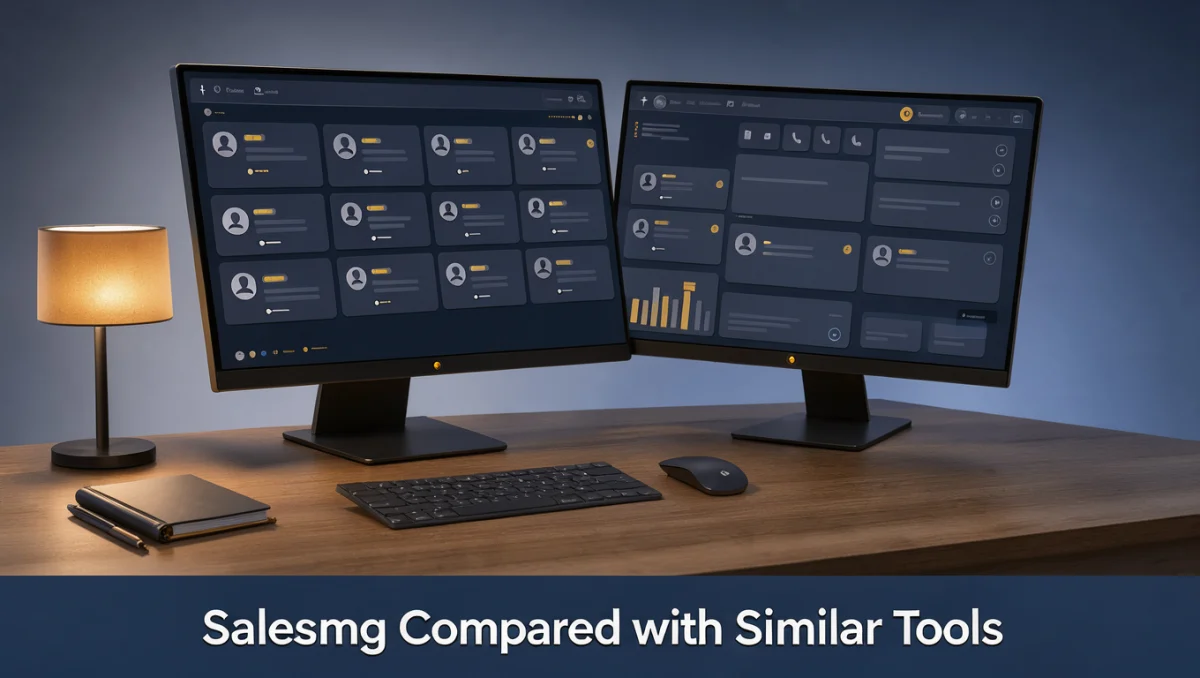
Business texting platforms serve different operational scales, from lightweight team messaging to enterprise support systems. Understanding how each is positioned helps buyers choose software that matches their structure.
| Software | Target Audience | Core Focus | Consider When |
|---|---|---|---|
| Salesmsg | Sales and customer care teams | Two-way texting and calling | Teams want simple shared conversation workflows |
| Textline | Service and operational teams | Workflow compliance and support | Organizations prioritize structured ticket resolutions |
| SimpleTexting | Marketing teams | Outbound broadcast campaigns | Primary focus centers on high-volume promotional announcements |
| SlickText | Retail and event marketers | Audience loyalty and mobile marketing | Campaign lists require specialized opt-in acquisition funnels |
Salesmsg centers on direct personal interaction and shared inbox collaboration rather than complex ticketing. Organizations whose main goal is sustained dialogue with prospects will generally find this conversation-first approach a good match.
7. Who Should Use Salesmsg
7.1. Small Business Sales Teams
Sales teams benefit from conversational SMS because prospects respond faster to brief texts than to unscheduled calls or long emails. Salesmsg lets account executives confirm consultations, answer product questions, and keep deals moving.
7.2. Appointment-Based Service Providers
Clinics, legal practices, real estate brokerages, and home repair services rely on reliable text exchanges to prevent missed appointments. Shared desktop inboxes let administrative staff handle rescheduling efficiently while keeping every client communication logged.
7.3. Customer Support Representatives
Support staff can resolve simple informational requests faster over text than through long phone queues. Representatives can answer logistical questions, send operational updates, and attach instructional images within ongoing conversations.
7.4. Who Should Avoid This Software Category
Solo entrepreneurs who send only occasional reminders may not need dedicated business texting when a standard phone is enough. Multinational enterprises that need predictive dialers and omnichannel ticket routing should look at full contact center infrastructure rather than a focused texting tool.
8. How to Choose the Right Plan
Picking the right subscription tier means weighing your organization's message traffic, user access needs, and telecom compliance requirements. Review these key contract points before you finalize a purchase.
| What to Check | Why It Matters |
|---|---|
| Included message credits | Extra outbound dispatches incur variable per-message carrier fees. |
| Team seat allocations | Staff expansion may necessitate higher subscription tiers or add-on seat costs. |
| Dedicated phone numbers | Assigning unique numbers to individual departments impacts monthly platform charges. |
| Carrier registration prerequisites | Telecommunications compliance frameworks require administrative processing times and fees. |
| Voice calling minutes | Combined voice and SMS platforms separate calling minute allocations from text allocations. |
9. Frequently Asked Questions
9.1. How do teams determine which subscription tier to select?
Teams should estimate their monthly outbound message volume and count the staff who need concurrent inbox access. Auditing past communication records gives a realistic traffic estimate, which you can then compare against the allocations listed on the official Salesmsg pricing page.
9.2. What should buyers budget for beyond the baseline subscription cost?
Budget for carrier registration fees, extra message usage charges, and possible add-on costs for additional dedicated phone lines. Carriers charge vetting fees for commercial texting brands, so review the official documentation on regulatory pass-through charges.
9.3. Why do telecommunications regulations affect business texting setup?
Regulations require commercial senders to register their business identity and message templates with carrier registries to limit unsolicited messaging. Completing brand and campaign registration improves delivery rates and protects your organization from sudden filtering or blocking.
9.4. How does a business evaluate message volume requirements before subscribing?
Review historical appointment reminder counts, inbound inquiry totals, and planned outreach frequency over a thirty-day window. Estimating both inbound and outbound messages prevents surprise overage costs when rolling out conversational software across active departments.
10. Final Verdict
Salesmsg offers a focused, accessible platform for commercial teams that want dependable two-way business texting alongside basic voice calling. Combining shared team collaboration with centralized conversation history addresses the compliance and coordination problems that arise when representatives text clients from personal phones. Organizations that need reliable two-way engagement should find the platform straightforward to implement once standard sender registrations are complete.
| Criterion | Score / 10 | Reason |
|---|---|---|
| Features | 7.5 / 10 | |
| Ease of Use | 8.5 / 10 | |
| Pricing and Value | 7.0 / 10 | |
| Integrations | 7.5 / 10 | |
| Audience Fit | 8.0 / 10 | |
| Support | 7.0 / 10 | |
| Competitive Position | 7.5 / 10 |
Overall score: 7.6 / 10
For sales representatives and service coordinators who need shared oversight and responsive customer texting, Salesmsg is a sound investment. Before deploying, visit the official Salesmsg website to check current plan tiers, credit allowances, and carrier vetting procedures.
Questions about business communication platforms can be sent to our editorial staff through the Top Apps Reviews contact page, and you can follow our ongoing software analyses there, including in the Marketing section.