Launching a subscription community starts with a clear plan for how members will find, pay for and access your content. Circle.so brings discussions, events and courses under one roof, and its paywalls make it possible to gate private areas behind recurring billing. Before you touch any settings, it helps to understand how the platform's pieces fit together.
Our editors reviewed the platform's core features, usability and fit for different audiences. Because pricing and plan limits change frequently, always confirm current details on the official website before committing to a plan.
Quick take: Circle.so scores 7.9/10 in our review. It suits educators, coaches and creators who want private discussions alongside structured learning. It is less suited to anyone who only needs a basic checkout page with no community features.
| Metric | Summary |
|---|---|
| Our score | 7.9/10 |
| Best for | Creators and organizations running engaged groups around premium educational content |
| Not ideal for | Businesses that only collect payments without ongoing discussion |
| Key strengths | Unified member profiles, organized discussion spaces, event hosting and direct subscription paywalls |
| Check before buying | Transaction fees, payment gateway availability in your country and seat allowances per tier |
How We Evaluated Circle.so
This review considers what Circle.so is designed to do, who it serves and how it compares with similar tools. We assessed seven areas: features, ease of use, pricing and value, integrations, audience fit, support and competitive position. This article was drafted with AI assistance and then reviewed and edited by the Top Apps Reviews editorial team.
Preparation Before You Begin
Before you open a subscription community, map out your content structure, payment connection and access rules. Settling these early prevents costly reorganization once paying members arrive.
Plan Your Content Architecture
Circle.so groups discussions, posts, events and learning material into modular areas called spaces. Organizing spaces into logical collections helps members find what they need without confusion.
- Public welcome spaces that hold onboarding instructions and community guidelines
- Private discussion spaces open only to active paying subscribers
- Resource libraries for guides, downloads or recorded sessions
- Event calendars for workshops, live Q&A sessions or networking calls
Set visibility controls in advance so non-paying visitors see a clear paywall prompt instead of dead-end navigation.
Review Payment and Business Requirements
Community software depends on a payment processor to handle card transactions, recurring billing and automatic receipts. Confirm that your business is in a supported region for merchant payouts before you set up paywalls.
Some platforms add their own transaction fee on top of the processor's charges. Verify the exact fee structure on the official Circle.so site so you can calculate true margins before setting subscription prices.
Step-by-Step Setup Workflow

Set up your program in sequence so that content is locked down before you invite paying members.
Step 1: Connect Your Merchant Account
Linking a merchant processing account is the first requirement. This connection routes subscription payments into your business bank account. Complete identity verification thoroughly so payouts are not interrupted later.
Step 2: Create Space Groups and Access Rules
Group your spaces logically. For example, keep general announcements in one public group and place mastermind chats, premium course material and workshop archives in a restricted group. In each space's settings, switch privacy controls so only members with an active paid status can see them.
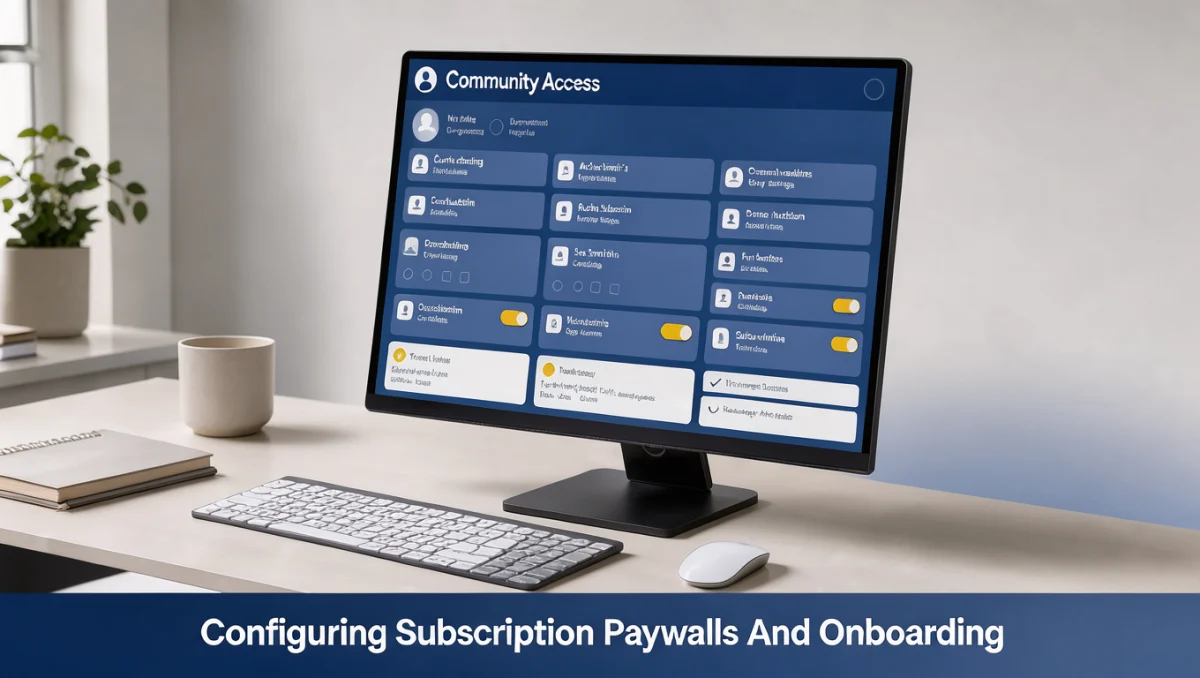
Step 3: Configure Subscription Paywalls
Paywalls tie private spaces to specific billing agreements. Decide whether each offer uses monthly billing, annual billing or a one-time charge.
| Setting | Purpose | What to Check |
|---|---|---|
| Billing cycle | Set monthly or annual renewal frequency | Match the currency to where most of your customers are |
| Access bundle | Choose which private spaces unlock after payment | Keep the welcome and orientation spaces open to new members |
| Checkout details | Show what members get and what renewal involves | Make sure refund terms match your policy |
Step 4: Build an Onboarding Sequence
The experience right after checkout strongly influences whether members stay. Send new subscribers to an orientation space that explains community norms, invites a first introduction post and points out available resources. Clear orientation cuts down on support questions about where premium benefits live.
Step 5: Test the Checkout Flow
Before promoting your paid program, run a test purchase. Go through signup from a separate browser or private window to confirm that payment completes, confirmation emails arrive quickly and the right spaces unlock as soon as the transaction clears.
Practices That Support Long-Term Revenue
A durable subscription program depends on steady curation, predictable events and open communication.
- Keep engagement routine: Schedule weekly discussion prompts or monthly workshops so subscribers get ongoing value.
- Publish moderation rules: Clear posting guidelines keep discussions useful and welcoming.
- Track cancellations: Review why members leave to spot content gaps or navigation problems that hurt renewals.
- Announce changes early: Post notices in official announcement spaces before changing event schedules or formats.
Mistakes to Avoid
Launching without a clear operational plan creates friction for both administrators and members.
Building Too Many Spaces at Once
Opening many discussion spaces from day one spreads activity thin and makes each one look empty. Start with a small set of core spaces and add more only when message volume calls for separate topics.
Skipping Payment Verification
Ignoring regional payout support and local tax rules before accepting international subscribers can cause billing problems. Check the official documentation for supported payout options to avoid merchant account restrictions.
Forgetting Access Audits
When spaces are reorganized, privacy settings can reset and expose premium material. Run regular checks with a test account to confirm private discussions remain behind their paywalls.
Frequently Asked Questions
Should I offer monthly or annual billing?
It depends on your cash flow and how committed your audience is. Annual plans bring in upfront revenue and reduce short-term churn, while monthly plans lower the barrier for hesitant newcomers. Many creators offer both, with a modest discount on the annual option to encourage longer commitments.
When is a community platform better than a course tool?
A dedicated community platform makes sense when peer interaction is central to your value, such as student discussion, networking and member-led knowledge sharing. If your product is purely pre-recorded lessons with no interaction, a simpler course delivery tool may be enough.
What costs beyond the base subscription should I budget for?
Plan for payment processing fees, any third-party automation tools and marketing spend. Video storage or custom domain costs may also affect your budget, so check the official pricing page for what each plan includes.
How do I protect private spaces when restructuring tiers?
Update paywall attachments before changing the visibility of public spaces. Review space permissions, confirm current subscribers keep their access and test new purchase links thoroughly. Reviewing the permission documentation helps ensure changes do not accidentally lock out paying members.
Final Verdict
Circle.so provides a cohesive environment for discussions, workshops and exclusive educational material under one brand home. Its paywall features streamline subscription collection, letting businesses replace a patchwork of forum plugins and checkout tools.
| Criterion | Score /10 | Reason |
|---|---|---|
| Features | 8.2/10 | Offers discussion spaces, paywalls, member directories and integrated event scheduling. |
| Ease of Use | 8.5/10 | An intuitive space hierarchy and clean admin navigation shorten setup for new hosts. |
| Pricing and Value | 7.2/10 | Costs reflect a specialized community tool, so compare tiers against expected member revenue. |
| Integrations | 7.6/10 | Connects with major payment processors and webhooks; confirm any marketing automation links you need. |
| Audience Fit | 8.8/10 | A strong match for creators, consultants and educators who prioritize engagement and recurring access. |
| Support | 7.1/10 | Official help resources cover core workflows; response times vary by plan. |
| Competitive Position | 7.8/10 | Competes with platforms such as Mighty Networks and Skool through modern design and flexible spaces. |
Overall score: 7.9/10
Freelancers and independent consultants benefit most when offering premium mastermind groups or advisory content. Startups and education companies find the space structure well suited to onboarding hubs and cohort-based training. If you do not plan to encourage member-to-member conversation, a simpler digital download checkout tool may serve you better.
For more software selection advice, reach out through https://topappsreviews.com/contact/ or follow the Top Apps Reviews team on LinkedIn at https://www.linkedin.com/company/topappsreviews/.
See More how to create a paid membership with circle so · Collaboration & Productivity