topappsreviews may earn a commission when you buy through links on this page, at no extra cost to you. This does not affect our ratings.
Knowing how to create a gantt chart with wrike starts with breaking your initiative into clearly defined tasks, owners, and dates, then turning that structured data into an interactive schedule. Teams rely on timeline views to lay out operational stages, catch scheduling conflicts early, and keep track of cross-team dependencies on long-running work. At Top Apps Reviews, we look at how well a workflow platform supports planning clarity and whether its setup suits the way your team operates.
Wrike is collaborative work management software built to help organizations oversee complex deliverables, monitor task status, and coordinate people. Many teams find visual scheduling valuable, but timelines only work well when the underlying data is entered carefully and governance rules are agreed on across the organization.
Quick verdict: With an overall topappsreviews score of 7.7/10, this timeline workflow suits midsize teams and project managers running structured, multi-phase schedules. It is less suited to solo operators or casual users who only need lightweight checklists without timeline dependencies.
| Metric | Details |
|---|---|
| topappsreviews score | 7.7/10 |
| Best for | Teams that coordinate structured multi-phase initiatives across multiple contributors |
| Not ideal for | Solo users who only track basic daily to-do lists without milestone dependencies |
| Key strengths | Visual timeline scheduling, cross-task dependency mapping, and structured operational workspaces |
| What to check before buying | Review user permission levels and timeline customization availability on the official Wrike plan comparison page |
1. How topappsreviews Reviewed Wrike
This review considers what Wrike is designed to do, who it serves, and how it stacks up against similar tools, applying the seven topappsreviews criteria: features, ease of use, pricing and value, integrations, audience fit, support, and competitive position. Plans, pricing, and limits change frequently, so we flag what to confirm on the official website before buying. This article was researched and drafted with the help of AI tools, then reviewed and edited by the topappsreviews Editorial Team.
2. Preparing Before You Build the Schedule

Before you build anything, define the project scope, the deliverables involved, and who owns each piece of work. Setting baseline data in advance prevents messy rescheduling later on.
2.1. Map Out Your Work Breakdown Structure
Every reliable timeline rests on a logical hierarchy. Begin by grouping work into major milestones, operational phases, individual tasks, and smaller sub-items. Defining these layers early ensures your chart reflects real departmental responsibilities instead of a jumble of unrelated entries.
Confirm project boundaries with stakeholders before entering any dates. With a clean hierarchy in place, figuring out how to create a gantt chart with wrike becomes a straightforward organizational task rather than a confusing technical puzzle.
2.2. Gather the Core Data for Each Task
A dependable Gantt view requires four baseline elements for every task: a clear title, a named owner, a planned start date, and a realistic deadline. Leaving out start dates or leaving tasks unassigned weakens the predictive value of the timeline.
Estimate durations conservatively so there is room to absorb disruptions. Teams that keep dates vague often end up with broken sequences that need manual fixing later.
3. Step-by-Step Setup Workflow
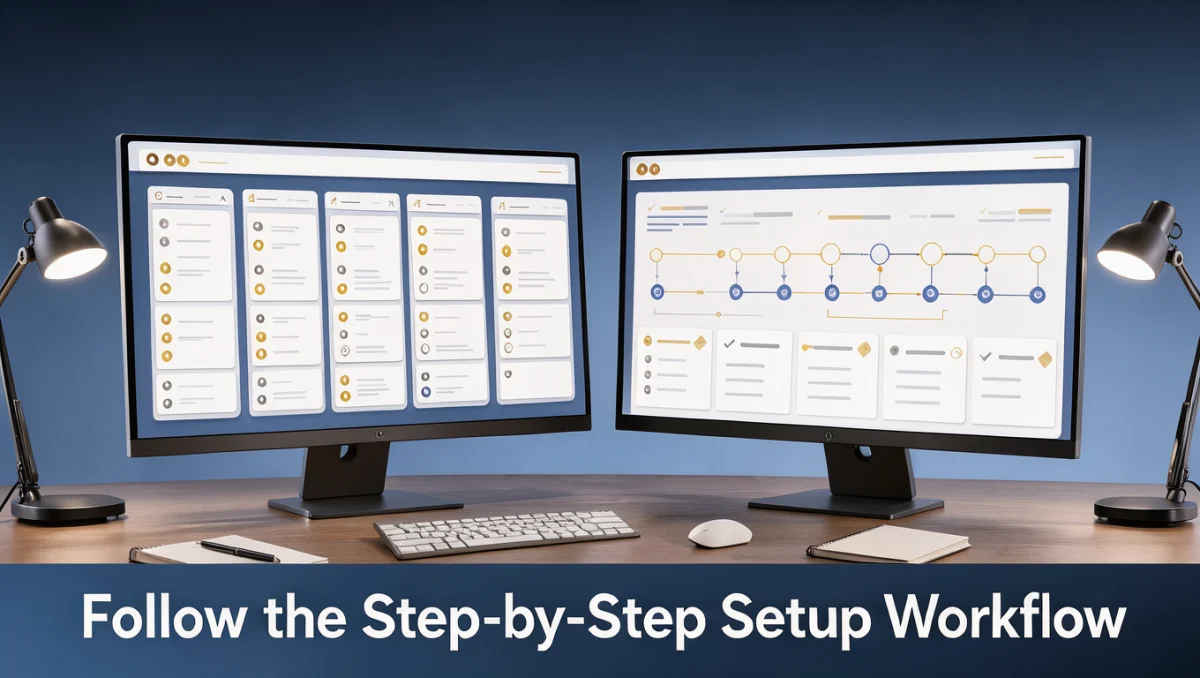
Building your visual schedule means moving from raw task data into a linked, aligned timeline. Following a sequence keeps everyone on the same page throughout execution.
3.1. Set Up the Project Container
Start by creating a dedicated project folder or space in your workspace to hold the deliverables. A well-organized structure lets managers separate client work, internal initiatives, and recurring operational routines cleanly.
Assign sharing permissions at the outset. Deciding who can view versus edit keeps contributors informed while protecting the schedule from accidental changes.
3.2. Populate the Task List
With the project space ready, enter every action item identified during your breakdown. Use concise task names so contributors can see their responsibilities at a glance.
Add detailed descriptions, supporting documents, and clear acceptance criteria to each task. Keeping instructions attached to the items themselves reduces status meetings and keeps key details next to the schedule.
3.3. Switch to the Visual Timeline View
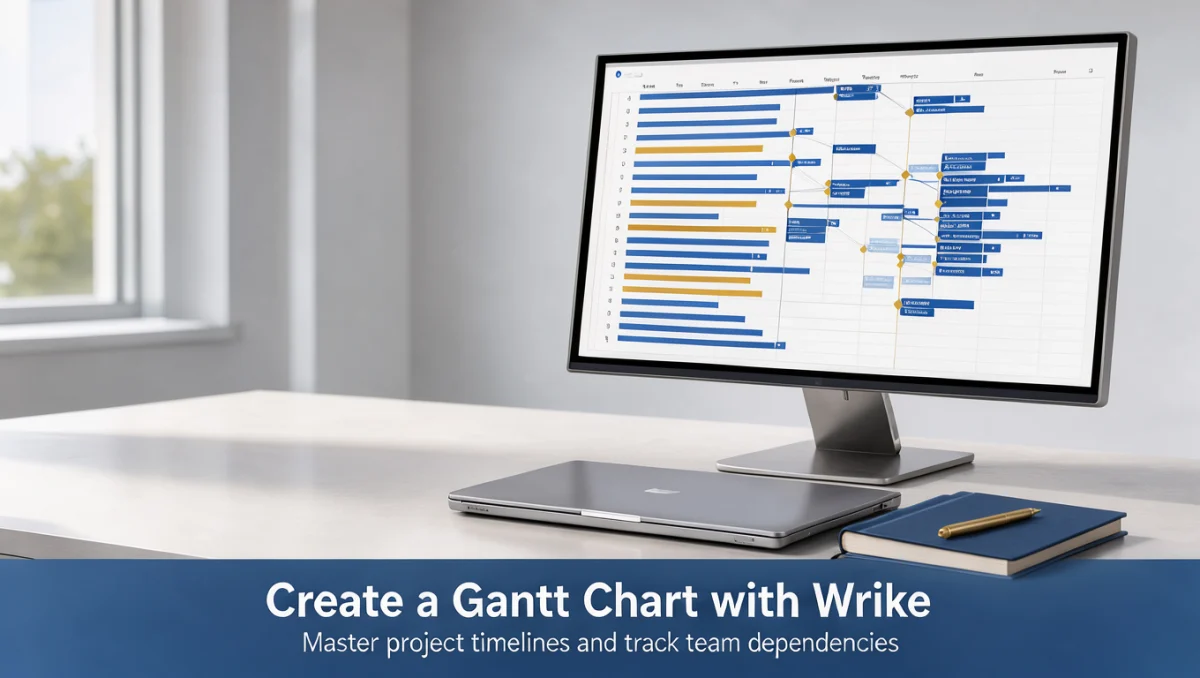
Once tasks have defined start and end dates, change your workspace view from a standard grid or board to the Gantt timeline layout. This mode displays tasks as horizontal bars along a calendar axis.
Check that each bar matches its planned calendar span. Seeing the roadmap visually makes bottlenecks, overlapping efforts, and unrealistic turnaround expectations obvious right away.
3.4. Link Predecessor and Successor Dependencies
Modern work management software lets you connect related activities with linked relationship lines. Identify tasks that cannot begin until earlier deliverables are complete, such as design approvals that must come before development.
Link these tasks in sequence so the timeline reflects real operational logic. When an upstream task slips, downstream dates shift in step, preserving schedule integrity without tedious manual recalculation.
3.5. Mark Key Project Milestones
Milestones mark significant transition points, phase completions, or client sign-offs rather than duration-based work. Convert major transition dates into milestone markers to anchor progress reviews.
Placing milestones throughout the schedule gives executives and team members clear target dates for measuring progress. These checkpoints show whether the project remains aligned with broader organizational goals.
4. Best Practices for Timeline Management
Building the chart is only the first step; keeping it accurate requires ongoing upkeep and disciplined team communication. Standard operating guidelines help your roadmap remain a reliable source of truth.
4.1. Standardize Duration Estimates
Many vendors offer timeline tools, but unrealistic time estimates remain the leading cause of project slippage across industries. Agree on a standard estimation method, such as using historical performance data or consulting the people doing the work.
Encourage contributors to include buffer periods between critical phases to absorb unexpected technical problems. Realistic buffers prevent constant deadline slippage and protect team morale during demanding cycles.
4.2. Keep Schedule Governance Active
Schedules decay quickly when treated as static documents rather than living guides. Hold a weekly administrative review to update completed milestones, reassign stalled tasks, and rebalance resources across the department.
Make sure assignees update task statuses promptly as work progresses. Without timely input from the team, the Gantt chart becomes an outdated artifact instead of an actionable roadmap.
5. Common Mistakes to Avoid
Organizations often run into predictable problems when adopting timeline software. Recognizing these pitfalls early protects both your administrative workload and your team's workflow.
5.1. Overcomplicating the Dependency Web
A frequent mistake is creating too many micro-dependencies between minor tasks. When every small action depends on another, even a brief delay can ripple across the entire schedule.
Reserve formal dependency links for critical path activities and major structural deliverables. Give team members flexibility on smaller daily actions rather than locking them into rigid sequences.
5.2. Ignoring Individual Workload Capacity
Lining up tasks neatly on a chart does not guarantee your staff can complete them at the same time. Assigning several overlapping tasks to one person creates serious delivery bottlenecks and burnout.
Review team allocation alongside the timeline to ensure balanced distribution. Strong operational leaders routinely compare visual schedules against individual workloads before locking in target dates.
6. Who Should Use This Workflow
Whether advanced scheduling fits your digital workspace depends on your team structure, client requirements, and operational rhythm.
6.1. Freelancers and Solo Practitioners
Freelancers handling single-client engagements may find detailed dependency mapping too cumbersome for everyday delivery. Solo operators typically do better with simpler Kanban boards or checklists that need less ongoing upkeep.
That said, freelancers coordinating subcontracted teams or running multi-stage creative productions can use visual timelines to show clients transparent progress milestones.
6.2. Small Business Owners
Small business owners planning inventory launches, website overhauls, or office moves benefit significantly from timeline structures. A shared Gantt view lets ownership track the roadmap without micromanaging daily activity.
Business leaders working in the Collaboration & Productivity space should first confirm their teams can keep timelines updated consistently before rolling out sophisticated management frameworks.
6.3. Marketing and Creative Teams
Marketing teams running multi-channel campaigns, asset production schedules, and publication deadlines gain real value from visual timelines. Dependencies between copywriting, design, compliance approval, and distribution map cleanly onto Gantt layouts.
Timelines reduce creative bottlenecks by showing designers and editors when prerequisite assets are due, cutting down on last-minute campaign scrambles.
6.4. Corporate Managers and Enterprise Teams
Corporate managers responsible for cross-department operations, compliance audits, or enterprise software rollouts need structured timeline governance. The ability to track several concurrent phases makes timeline planning a core capability for large organizations.
Enterprises should verify internal security protocols and access controls on the official Wrike website to confirm that data policies hold across broad user bases.
6.5. Students and Academic Groups
Students collaborating on semester-long research papers, engineering designs, or capstone presentations can apply timeline basics to keep group work accountable. Mapping assignment deadlines helps distribute the workload fairly.
Academic groups with short time horizons may prefer simpler, lightweight tools that avoid extensive configuration, depending on how complex the project is.
6.6. Teams That Should Consider Other Approaches
Teams using agile methods with short, adaptive sprints often find traditional waterfall-style Gantt charts too rigid. If deliverables shift daily based on rapid customer feedback, fluid backlog boards usually serve better than strict sequential timelines.
Organizations with simple, linear task queues should also avoid heavy timeline modeling, since the maintenance overhead may outweigh the benefit.
7. Frequently Asked Questions
What should buyers check about timeline features across plans?
Review the official plan comparison table carefully, because advanced timeline features, dynamic dependencies, and custom work views often differ by subscription tier. Confirming which features your team needs prevents surprise upgrade requirements later.
How should teams prepare staff before adopting Gantt scheduling?
Run brief training sessions covering status updates, deadline changes, and dependency logic before requiring timeline use. Clear internal standards for how often dates must be refreshed keep the charts accurate.
What factors determine whether a project needs a Gantt chart?
Projects with multiple sequential dependencies, firm milestone deadlines, cross-functional handoffs, and external stakeholder oversight benefit most from Gantt scheduling. Projects made of disconnected, non-sequential tasks can usually be handled with simpler board or list views.
How can organizations keep visual timelines from going stale?
Assigning a project owner to run weekly timeline audits is the most reliable way to maintain data quality. When one person regularly reconciles finished tasks against the milestone plan, the schedule stays trustworthy for the whole organization.
8. Final Verdict
Wrike offers a structured, capable environment for managing complex projects, operational initiatives, and cross-functional deliverables. For organizations that depend on milestone forecasting and multi-tier work structures, mastering its timeline and Gantt features brings meaningful transparency across departments.
| Criterion | Score /10 | Reason |
|---|---|---|
| Features | 8.5/10 | Strong work management foundation with deep dependency tracking and flexible organizational structures |
| Ease of Use | 7.2/10 | The interface requires deliberate onboarding and careful data entry before teams become fully proficient |
| Pricing and Value | 7.0/10 | Subscription tiers scale with organization size, so buyers should evaluate the feature set they actually need |
| Integrations | 7.8/10 | Connects with a broad range of enterprise systems, though buyers should verify specific connector availability on official channels |
| Audience Fit | 8.1/10 | Particularly effective for structured operational teams, marketing departments, and midsize corporate divisions |
| Support | 7.4/10 | Standard vendor assistance resources are provided, with extended support options varying by customer agreement |
| Competitive Position | 8.0/10 | Competes closely with enterprise work management platforms such as Asana, Smartsheet, and monday.com |
Overall score: 7.7/10
For teams seeking structured operational coordination, learning to deploy visual timelines well streamlines complex, multi-stage work. Review your team size, administrative capacity, and scheduling needs before committing to a long-term rollout.
If you have questions about configuring work management software or want help choosing a workflow tool, reach out through our contact page or connect with our editorial staff directly on LinkedIn.