topappsreviews may earn a commission when you buy through links on this page, at no extra cost to you. This does not affect our ratings.
Trade businesses that want to move billable work, supplier bills, and customer payments into their main ledger without retyping data often look at tradify quickbooks integration. The pairing connects field job records with double-entry bookkeeping, reducing transcription mistakes and keeping money figures consistent across both tools.
At Top Apps Reviews, our team tested how this pairing organizes daily field information next to structured business ledgers. Linking job software to an accounting platform means matching customer records, line items, and sales categories so the books stay balance-sheet ready.
Quick verdict: The setup earns an overall score of 7.9 out of 10. It suits trade companies that want tidy job tracking alongside clean ledgers, and it is less suited to buyers looking for a standalone enterprise resource planning suite.
| Metric | Details |
|---|---|
| topappsreviews score | 7.9 / 10 |
| Best for | Trade businesses seeking organized job tracking alongside clean bookkeeping ledgers |
| Not ideal for | Operations looking for standalone enterprise resource planning suites |
| Key strengths | Job management tracking, invoice transfer, quote conversion, ledger alignment |
| What to check before buying | Confirm synchronization direction, tax rate mapping, and account tier rules on the official provider portals |
1. How topappsreviews Reviewed the Setup
We assessed what Tradify is designed to do, who it serves, and how it stacks up against similar products, scoring seven areas: features, ease of use, pricing and value, integrations, audience fit, support, and competitive position. Plans, prices, and limits change frequently, so we flag the points you should confirm on each vendor's website before committing. This article was researched and drafted with AI assistance, then reviewed and edited by the topappsreviews Editorial Team.
2. What the Integration Is and Who Benefits
The connection acts as a bridge between field job tracking and structured bookkeeping. Tradify is trade-focused job management software built for quote creation, job scheduling, time tracking, and field invoicing. Accounting platforms like QuickBooks handle financial reports, bank reconciliations, tax preparation, and general ledger tracking.
Used together, the two tools keep on-site operations separate from back-office finances while making sure operational figures flow into the general books. Technicians record hours and materials at the job site, while bookkeepers manage bank entries and ledger accounts in their own software.
Core target users
Electricians, plumbers, HVAC technicians, builders, and maintenance contractors are the main users of this workflow. These businesses generate daily field data that must eventually match financial statements, and linking trade operations with accounting software keeps quotes, active jobs, and tax records aligned across the team.
3. Core Features of the Connected Workflow
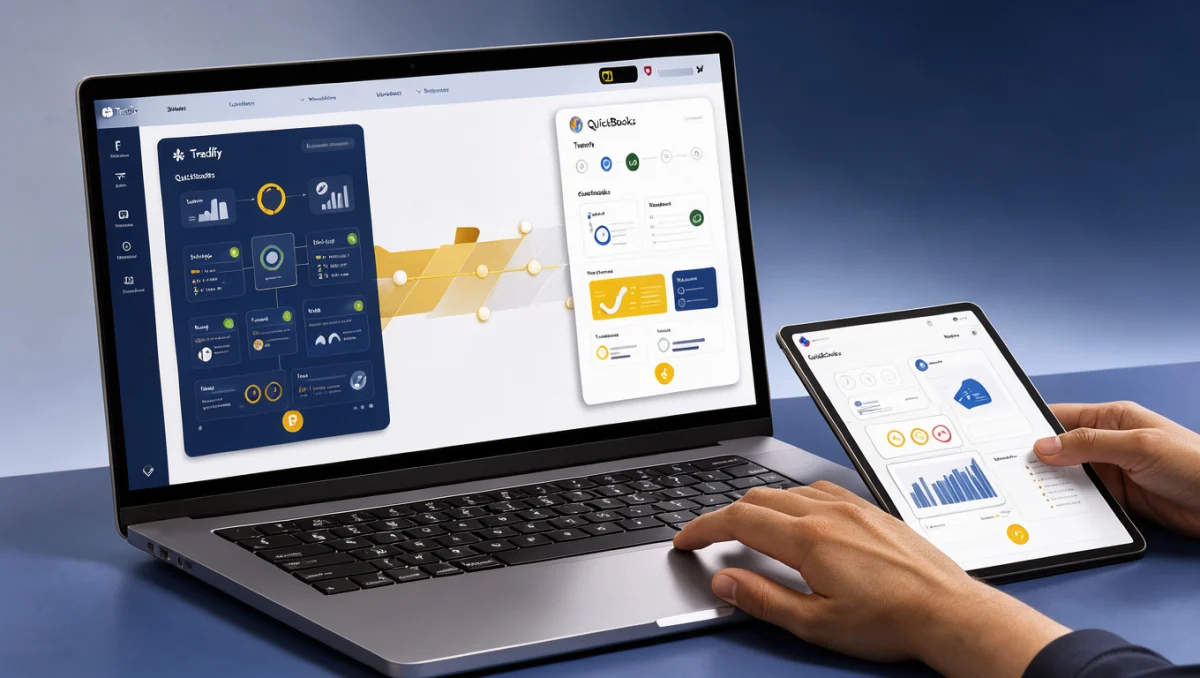
Judging trade management alongside bookkeeping means looking at how job steps turn into lasting financial records. The connection focuses on moving transaction data accurately from operational stages into general ledger entries.
Quote and estimate conversion
Estimating project costs is the first step in most trade jobs. Field staff build quotes covering labor rates, materials, and subcontracted expenses. Once the customer accepts, those quotes become active job cards and then customer invoices, which pass to the accounting platform for ledger entry.
Time tracking and labor allocation
Recording technician hours on site makes customer billing accurate. Workers log time against specific tasks or service calls, and those hours attach directly to customer invoices so owners capture labor costs before the billing records sync to the accounting system.
Invoice and payment synchronization
Invoicing links field activity with finance. Invoices created at job completion carry line items, tax rates, and customer contact details into the bookkeeping register. When a payment is recorded on either side, sync rules update the invoice balance so customers are not chased twice.
Material and purchase order tracking
Supplies bought for a project should be tied to the customer file. Purchase orders raised with supply houses link directly to jobs, and loading supplier receipts into the accounting tool stops material costs from going unbilled or slipping past reconciliation.
4. Ease of Use and Learning Curve
Operational software is easy to use when navigation is clean and data moves predictably. Trade contractors often work from phones in vans or on site, so they need straightforward task management that does not demand accounting knowledge from field staff.
Connecting the systems takes initial administrative setup. Administrators map chart of accounts categories, sales tax designations, and default income accounts. After that, field users complete quotes, track hours, and create customer records without touching ledger settings.
The administrative learning curve centers on transaction matching and reconciliation habits. Businesses that set clear rules about who approves invoices before they sync see fewer record mismatches. Day-to-day simplicity depends on balancing the one-time setup with field adoption.
5. Pros and Cons of the Integration
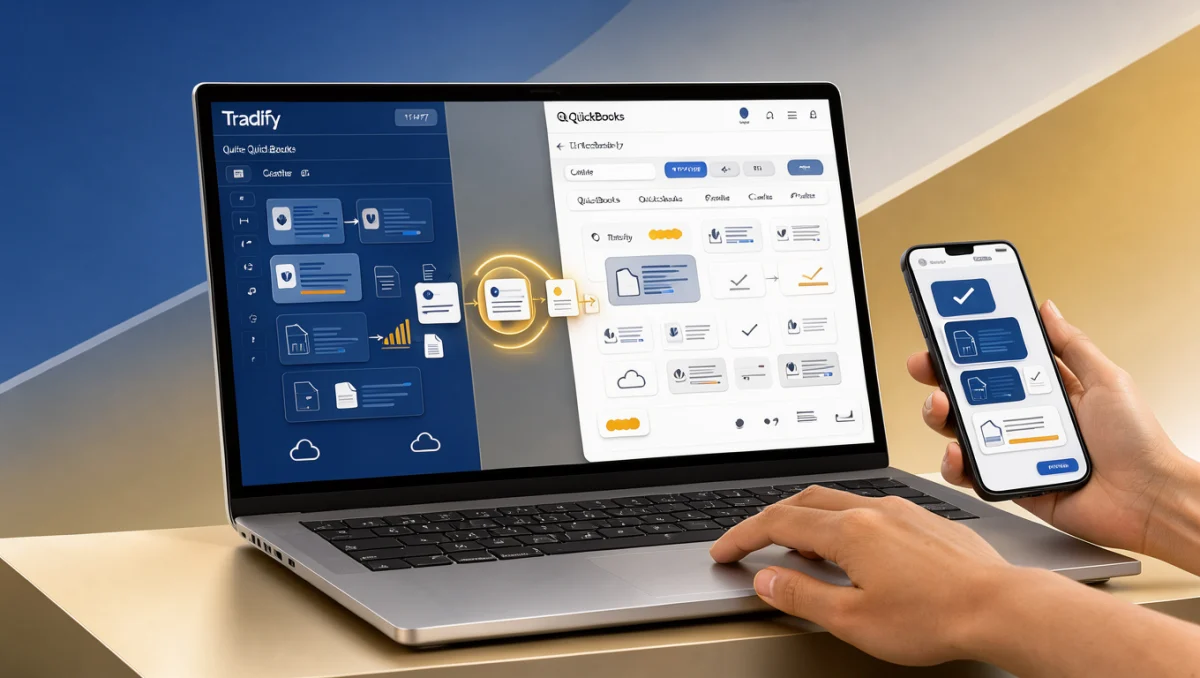
Weighing both strengths and practical trade-offs helps trade businesses decide whether this combination fits their daily needs.
Operational advantages
- Specialized trade management keeps field quotes, schedules, and job notes organized in one place.
- Invoice sync cuts repetitive data entry between job sites and accounting ledgers.
- Time tracking entries link directly to project billings, protecting billable technician hours.
- Customer contact records stay aligned between operations staff and bookkeeping personnel.
Operational considerations and workarounds
- Setup complexity requires disciplined configuration of tax codes and account names across both platforms to avoid sync pauses.
- Two separate subscriptions must be maintained, so buyers should confirm ongoing budget figures on the official vendor websites.
- Field staff must follow standard data entry practices to ensure work orders carry correct customer identification.
6. Tradify Compared With Alternative Trade Systems
Trade businesses weigh several tools when organizing field work alongside accounting software. Comparing market positioning gives useful context for choosing the right platform.
Tradify positioning
Tradify focuses on straightforward job administration for trade contractors, emphasizing quotes, job tracking, scheduling, and invoicing without overwhelming solo operators or small crews with complex enterprise workflows.
ServiceM8
ServiceM8 targets service and trade businesses with communication-heavy workflows and field dispatching. Organizations that prioritize automated customer messaging and field checklists alongside accounting software often compare it during reviews.
Jobber
Jobber serves field service companies across home services, landscaping, and contracting trades. Its strengths lie in client self-service scheduling, quoting workflows, and recurring service contract management.
Simpro
Simpro addresses larger contracting operations with complex project management needs. Businesses requiring detailed estimating, inventory warehousing, and multi-stage project cost controls often evaluate Simpro for bigger team deployments.
7. Who Should Adopt This Setup
The right choice depends on team structure, transaction volume, and operational complexity. Different business profiles see different results from this connected setup.
Small trade business owners
Owners running small crews gain clear structure by keeping customer quotes, schedules, and job costs in a dedicated trade tool while routing finished totals to the accounting register. This separation lets technicians focus on jobs instead of back-office books.
Solo trade contractors
Independent tradespeople moving away from paper work benefit from organized mobile quoting and instant invoice creation. Connecting to accounting software means year-end tax preparation does not involve searching through paper receipts.
Growing contracting companies
Expanding trade firms with dedicated administrative staff use the integration to divide responsibilities cleanly. Office personnel handle billing and reconciliation in the accounting program, while supervisors manage field assignments and timesheets.
Teams requiring complex industrial project controls
Companies managing heavy commercial contracting, structural fabrication, or multi-tier supply chain manufacturing may need specialized enterprise project software with deep manufacturing resource tracking rather than trade job management.
8. How to Choose the Right Plan Configuration
Trade platforms and accounting tools offer subscription levels suited to different business sizes. Reviewing your operational requirements before buying prevents unexpected upgrades later.
| What to check | Why it matters |
|---|---|
| User seat rules | Confirm on the official vendor websites how additional office or field seats affect the monthly subscription cost. |
| Tax rate alignment | Ensure sales tax jurisdictions match between both systems so transmitted invoice totals agree with financial reporting rules. |
| Payment processing options | Check how online card processing fees are handled and whether merchant settlement accounts map cleanly to bank feeds. |
| Inventory management depth | Many accounting platforms reserve detailed stock tracking for specific tiers, so confirm where inventory tracking sits on the official plan comparison pages. |
| Historical data migration | Review vendor documentation on importing existing customer lists and open balances before connecting live accounts. |
9. Frequently Asked Questions
What should be reviewed before connecting trade software to bookkeeping tools
Business owners should review their chart of accounts, tax jurisdictions, and active customer lists before starting an integration. Clean account categories prevent duplicate contact records and mismatched sales accounts during the first sync.
How should trade teams budget for connected business software
Buyers should budget for both the field service subscription and the core bookkeeping subscription. In accounting software, extras such as payroll processing or merchant card handling are often priced separately from base tiers, so verify these during financial planning.
Why should an accountant review integration mapping before live billing
An accountant or professional bookkeeper can confirm that default income accounts, expense classes, and tax liability lines map correctly. Setting the right mapping from the start avoids journal adjustments during quarterly tax filings and year-end reconciliations.
What steps keep data clean across two business applications
Clear team procedures keep data consistent. Decide whether customer records originate in the field tool or the accounting register, and set approval steps before invoices transfer to the general ledger.
10. Final Verdict
This integration offers a reliable balance between trade job administration and structured double-entry accounting. By separating job tracking from general ledger management, trade businesses protect their financial records while giving field teams simple daily tools.
| Criterion | Score / 10 | Reason |
|---|---|---|
| Features | 8.0 | Handles quotes, job tracking, scheduling, timesheets, and clean invoice transmission to bookkeeping registers. |
| Ease of Use | 8.5 | Clear mobile and administrative interfaces let field staff work without accounting knowledge. |
| Pricing and Value | 7.5 | Two separate subscriptions must be balanced, so buyers should review plan structures on official portals. |
| Integrations | 8.0 | Dependable synchronization of customer contacts, line items, payments, and billing details. |
| Audience Fit | 8.5 | Built directly for trade contractors, plumbers, electricians, and small field crews needing organized job cards. |
| Support | 7.0 | Check available assistance channels and regional hours on vendor websites before onboarding. |
| Competitive Position | 7.5 | Holds a solid place among small-to-mid trade software options compared with heavier enterprise platforms. |
Overall score: 7.9 / 10
For small-to-mid trade businesses, pairing Tradify with QuickBooks offers an organized route from field estimates to balanced ledgers. Map your accounts carefully during setup and verify subscription requirements on the official provider portals to make sure the workflow fits your business model.