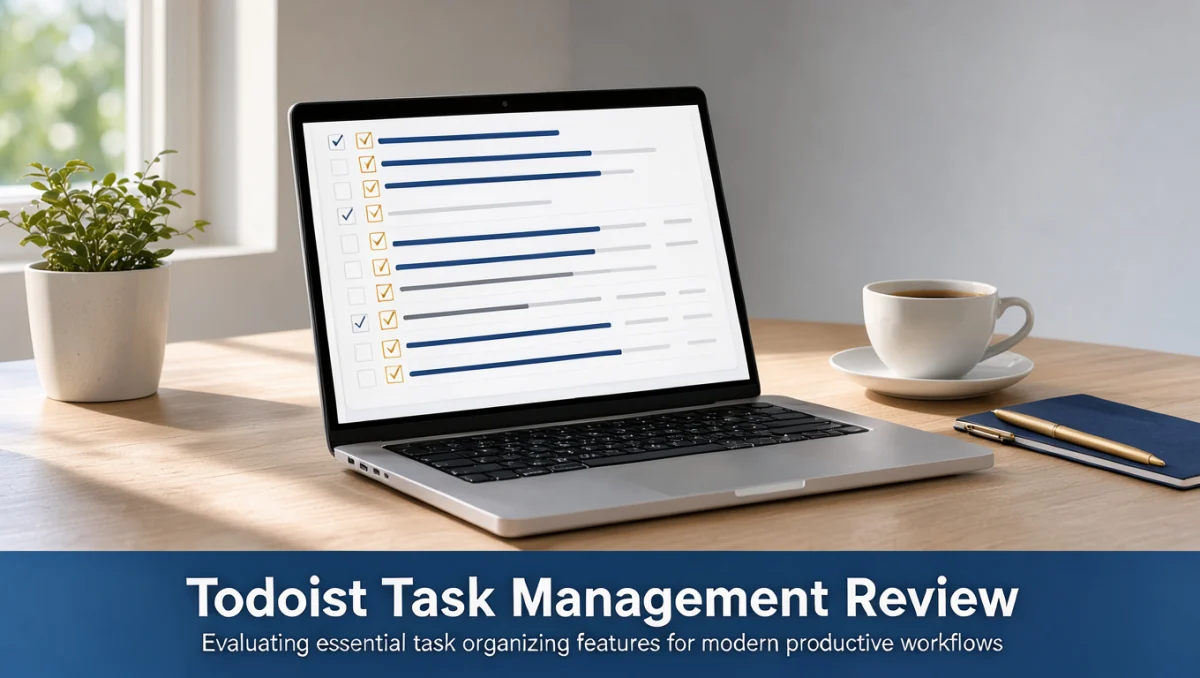
Efforts to keep pace with todoist new features often begin with a simple question: will this update actually shorten my working day, or just add another layer to manage? Task organizers promise smoother planning, yet the real test lies in how they handle everyday priorities, project tracking, and collaboration. At Top Apps Reviews, we examine these platforms so professionals can match software to the way they actually work, Top Apps Reviews is built around that practical lens.
Before deciding whether to stay with a current setup or move to a new platform, it helps to weigh the baseline organizing tools against the latest additions. As subscription structures shift, check how scheduling, task hierarchies, and shared spaces line up with your real routines rather than with headline promises.
Quick verdict: Todoist earns an overall rating of 8.3/10 for its clean interface, fast task creation, and orderly list management. It fits solo organizers and small teams who want straightforward tracking. Groups that need detailed resource allocation or financial charting may be better served by dedicated enterprise suites.
| Evaluation Metric | Summary |
|---|---|
| Top Apps Reviews score | 8.3/10 |
| Best for | Solo professionals, knowledge workers, and small teams wanting structured task lists |
| Not ideal for | Organizations needing native time billing, client invoicing, or heavy resource forecasting |
| Key strengths | Quick task entry, simple organization structures, and clean project categories |
| What to check before buying | Review official subscription tiers for project caps, reminder rules, and collaborator allowances |
1. How Top Apps Reviews Evaluated Todoist
This review considers what Todoist is designed to do, who it serves, and how it measures up against comparable tools. We weigh seven criteria: features, ease of use, pricing and value, integrations, audience fit, support, and competitive position. Plans, prices, and limits change frequently, so we highlight the points to confirm on the official website before purchase. This article was researched and drafted with the help of AI tools, then reviewed and edited by the Top Apps Reviews Editorial Team.
2. What Todoist Is and Who Benefits Most
Todoist is a dedicated task management application developed by Doist to help people capture, organize, and prioritize daily responsibilities. It turns passing thoughts, meeting action items, and personal errands into structured checklists. Through tasks, subtasks, and separate projects, it gives users a clear view of immediate and upcoming commitments.
The product suits independent freelancers, knowledge workers, remote professionals, and small working groups who need to track deliverables without heavy administrative effort. Within the Collaboration & Productivity space, many users pair a lightweight list manager with document storage or communication tools. Teams that require native financial accounting or Gantt-based resource scheduling usually add specialized platforms alongside their task lists.
3. Core Features of Todoist
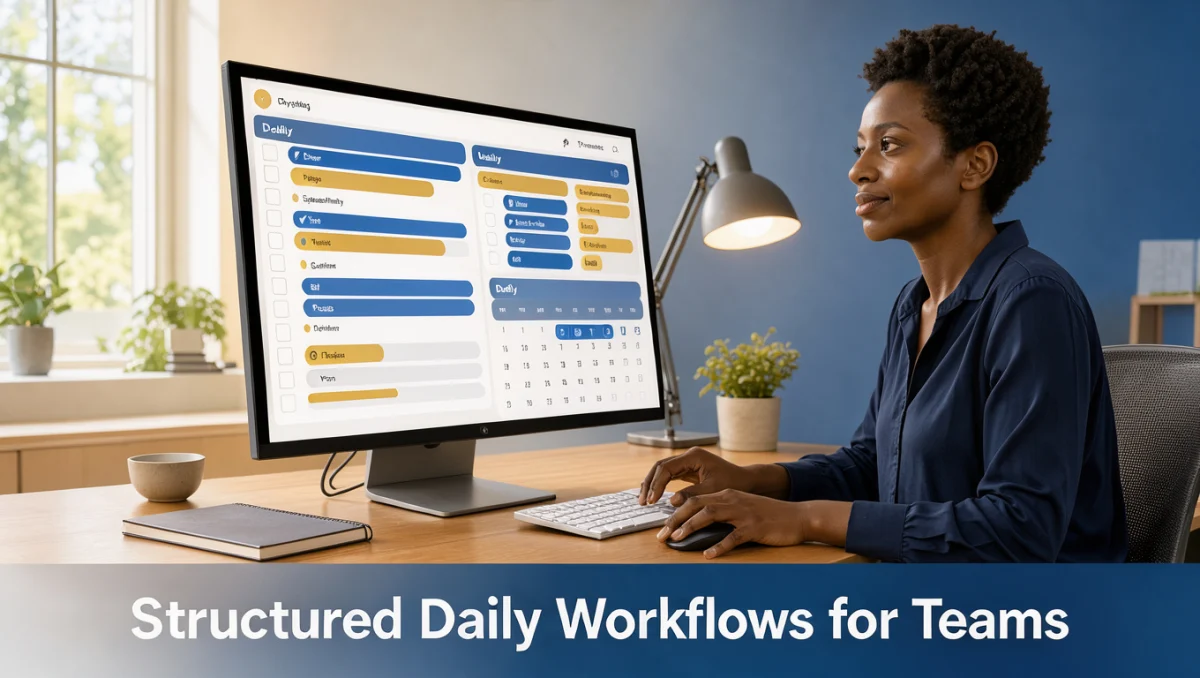
Task management software depends on a handful of foundational capabilities. Examining each group shows how well the software will fit into everyday work patterns.
3.1. Task Capture and Scheduling
Quick capture prevents forgotten action items and reduces mental clutter. Effective task software lets you type an obligation, assign a due date, and set a recurrence in one fast step. Sorting items into immediate priorities, future deadlines, or a backlog makes morning planning sessions far cleaner.
3.2. Project Organization and Hierarchy
Grouping tasks into distinct projects separates personal responsibilities from professional deliverables. Nested projects, sections, and subtasks add structure to multi-step goals. Users can review a single project or a consolidated daily agenda to stay focused on pressing work.
3.3. Collaboration and Shared Checklists
Shared projects let several contributors assign tasks, agree on deadlines, and discuss progress in task notes. Enterprise systems emphasize complex permission hierarchies, while lightweight trackers prioritize shared visibility. Teams can delegate items to individuals and track completion milestones together.
4. Ease of Use and Learning Curve
Todoist keeps the workspace uncluttered, so there is little distraction while entering and organizing tasks. Its layout follows familiar conventions, which lets new team members start adding and completing tasks almost immediately. That simplicity reduces onboarding friction for remote or non-technical teams.
The learning curve stays gentle for basic list creation and due dates. Anyone who wants advanced filtering logic or complex recurring rules will need to spend some time learning search parameters and tagging. Navigation remains responsive across typical daily administrative work.
5. Pros and Cons of Todoist
Weighing strengths against operational limits sets realistic expectations before adopting any productivity software.
5.1. Advantages
- Fast task entry that lets you capture action items instantly throughout the workday.
- Clean list layouts that keep daily priorities visible without screen clutter.
- Flexible project structuring that handles both high-level goals and granular subtasks.
- Shared-project capabilities that make delegating routine operational work straightforward.
5.2. Limitations and Mitigation Steps
- Limited native portfolio views: Teams managing complex interdependencies can pair task lists with external charting tools.
- No native invoicing or budget tracking: Organizations should combine the software with dedicated accounting applications.
- Tiered access to reminders or history backups: Confirm which subscription tier includes the notification channels you need on the official Todoist website.
6. Todoist vs Similar Tools
Task management platforms cover a wide range, from simple checklist trackers to expansive relational workspaces.
| Platform | Primary Positioning | Best Suited For | Key Consideration |
|---|---|---|---|
| Todoist | Dedicated task and checklist management | Individuals and lean teams seeking quick daily planning | Confirm multi-user permission controls on official site |
| Asana | Work management and team project tracking | Cross-functional departments managing complex project workflows | Heavier interface requiring structured team adoption |
| Trello | Visual Kanban card organization | Teams visualizing stages in a linear pipeline | Relies on board structures rather than deep nested lists |
| TickTick | Personal task tracking with habit monitoring | Solo professionals balancing habits and simple tasks | Review feature placement between free and paid options |
Asana offers expansive workflow boards and timeline views suited to cross-departmental operations, while Todoist concentrates on streamlined personal and small-group list execution. Trello provides visual boards that suit content pipelines, whereas Todoist excels at vertical list hierarchies and daily agendas. Choosing between them means matching your team size and operational complexity to the right platform type.
7. Who Should Use Todoist
The right software depends on individual roles, team structures, and daily workload.
7.1. Freelancers and Solo Consultants
Freelancers juggling several clients benefit from separate client project folders. Assigning deadlines to client milestones prevents missed commitments, and daily planning views keep billable priorities in sight.
7.2. Small Business Owners and Administrative Teams
Small teams handling office routines, vendor follow-ups, and recurring operational checklists can centralize delegated duties without configuring enterprise software. Clear assignment labels show who owns each responsibility.
7.3. Knowledge Workers and Marketing Staff
Marketers and corporate staff managing content calendars, research tasks, and campaign preparation can split large objectives into manageable steps. Checking off subtasks keeps project momentum steady through the week.
7.4. When to Consider Alternative Software
Enterprises that require formal time tracking for client billing, native cost accounting, or deep Gantt dependency management should evaluate specialized enterprise portfolio tools. Organizations bound by strict on-premise hosting rules should also review deployment guidelines on the official site.
8. How to Choose the Right Plan
Vendors adjust tier limits, user caps, and feature packaging over time. Comparing your operational needs with the official pricing directory ensures you invest in the right subscription level.
| What to check on the official pricing page | Why it matters for your budget |
|---|---|
| Active project limits | Determines whether growing client portfolios require an account upgrade |
| Automated reminder delivery | Ensures critical deadline alerts reach your preferred notification channels |
| Team administration controls | Affects how easily managers can reassign tasks and manage member access |
| File upload capacity | Influences whether task attachments can handle large design or PDF files |
| Activity log retention | Dictates how far back teams can audit completed milestones or deleted items |
9. Frequently Asked Questions
9.1. Which project structure fits daily planning best?
Separating projects by functional area, such as internal administration, client deliverables, and personal maintenance, lets professionals focus on one context at a time. Priority flags within each project ensure the most urgent items reach the daily agenda.
9.2. How should teams verify collaborator permissions before buying?
Check the official Todoist plan comparison page to see how administrative roles, project invitations, and shared folder access work across subscription tiers. This helps avoid unexpected seat upgrade costs when onboarding staff.
9.3. What should buyers check regarding notification options?
Notification channels such as automated alerts, mobile push notifications, or email summaries can vary by subscription. Review the official plan details to confirm your preferred alert schedule works smoothly.
9.4. How does task management software support remote team routines?
Task platforms provide asynchronous clarity by recording ownership, deadline expectations, and status updates in one visible hub. Remote team members can check assigned obligations on their own schedule without waiting for synchronous check-in meetings.
10. Final Verdict
| Evaluation Criterion | Score /10 | Reasoning |
|---|---|---|
| Features | 8.4/10 | Strong core checklist structuring and project nesting suited for daily organization. |
| Ease of Use | 9.1/10 | Clean design with minimal friction during initial setup and daily task entry. |
| Pricing and Value | 7.9/10 | Buyers should verify current project limits and reminder options against their budget tier. |
| Integrations | 8.1/10 | Users should confirm external calendar and storage connections on the official portal. |
| Audience Fit | 8.8/10 | Serves solo professionals and lean teams seeking streamlined task accountability. |
| Support | 7.4/10 | Buyers should check available response times and documentation before deploying. |
| Competitive Position | 8.6/10 | Holds a distinct profile focused on rapid capture compared with heavyweight suites. |
Overall Top Apps Reviews score: 8.3/10
Todoist offers a dependable environment for capturing daily responsibilities, structuring recurring duties, and keeping personal accountability on track. If you need help choosing the right setup for your team, reach the editorial staff at https://topappsreviews.com/contact/ or follow our professional network on LinkedIn at https://www.linkedin.com/company/topappsreviews/. For more reviews, visit the todoist new features guide and explore related productivity coverage.