Our editors may earn a commission when you buy through links on this page, at no extra cost to you. This does not affect our ratings.
For educators, coaches, and training businesses, the way a student pays for a course shapes the whole learning experience. Payment tools decide how purchases complete, how funds settle, and how subscriptions behave over the long run. Here, thinkific payment is weighed against the practical needs of digital course sellers, drawing on the evaluation approach used across the software space at Top Apps Reviews.
Before launching, creators should line up their checkout flow with how the course is structured and what the merchant side requires. That means checking transaction terms, payout timing, tax handling, and how flexible the checkout page can be.
Quick verdict: With a score of 7.7 out of 10, the platform suits educators who want course checkout and membership billing in one integrated environment. It is less suited to businesses selling physical goods or needing sophisticated in-person payment routing.
| Evaluation Metric | Details |
|---|---|
| Top Apps Reviews score | 7.7 / 10 |
| Best for | Instructors and education businesses that want structured checkout tied directly to digital course enrollment |
| Not ideal for | Merchants selling physical inventory or businesses that need multi-currency in-person payment terminals |
| Key strengths | Course hosting paired with digital product checkout and automated student onboarding |
| What to check before buying | Confirm payout schedules, payment partner availability by country, and fee structures on the official website |
How Top Apps Reviews Assessed the Platform
This review considers what the platform is designed to do, who it serves, and how it stacks up against similar tools. The evaluation covers seven criteria: features, ease of use, pricing and value, integrations, audience fit, support, and competitive position. Plans, prices, and limits change frequently, so we highlight what to verify on the official site before buying. The article was drafted with AI assistance and then reviewed and edited by the Top Apps Reviews Editorial Team.
What the Platform Is and Who Uses It
The platform is a course creation and learning management system built for people and organizations that produce, distribute, and sell educational content. Rather than stitching together a standalone website with separate access plugins, it brings content hosting, student tracking, and checkout into one interface. Creators keep control of how the curriculum is delivered, while students move smoothly from discovering a course to enrolling in it.
Solo creators, professional trainers, coaching agencies, and established training companies all make use of it. Within the broader Collaboration & Productivity category, it works as an operational hub that turns teaching material into an organized commercial offering. Organizations that train outside partners or sell proprietary methods tend to find the setup well matched to digital education.
Core Features for Digital Education and Checkout

Course Curriculum Building and Media Delivery
Course authoring is the foundation. Creators can organize video modules, text lessons, downloadable resources, quizzes, and multimedia assignments. Students move through structured chapters, and progress is tracked automatically as sections are completed. Lessons can be released sequentially or opened all at once, depending on the teaching approach.
Payment Processing and Commercial Transactions
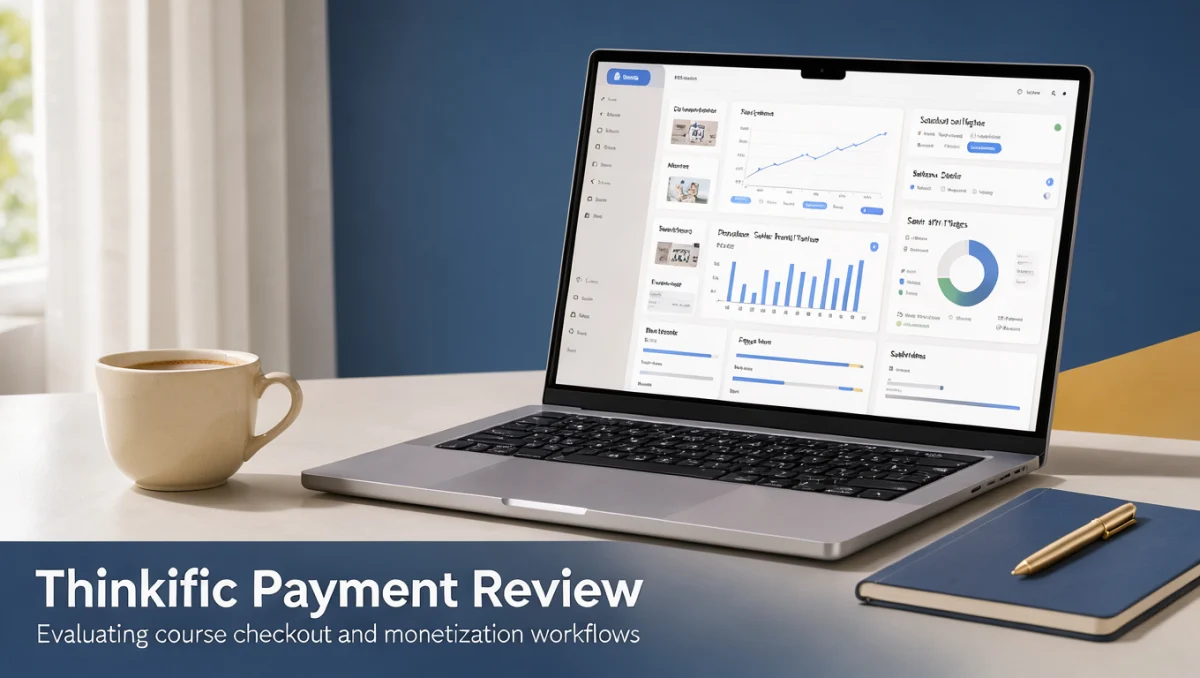
Checkout is connected to automatic student account creation and immediate course enrollment, so a completed payment grants access without manual steps. The system handles order intake, digital receipts, and access authorization on its own. Sellers can package a course as a one-time sale, a payment plan, or a recurring membership, depending on their business model.
Student Management and Learning Tracking
Admin dashboards let instructors monitor progress, review quiz submissions, and manage enrollment records. Completion certificates can be issued, internal discussion communities moderated, and student groups segmented by how far they have progressed. These tools keep the learning journey accountable from start to finish.
Marketing and Site Building Tools
Built-in page tools display course catalogs, landing pages, and customized checkout screens. Educators can adjust visual themes, add promotional banners, and place sales messaging right beside the checkout button, which reduces friction during enrollment.
Ease of Use and Learning Curve
The admin dashboard is easy to navigate for anyone familiar with modern productivity software. A basic course comes together by dragging modules into order and uploading media. Checkout setup follows guided steps that prompt users to connect a payment account and set prices for each course or unit.
Educators building intricate membership bundles or complex access rules should plan for a short learning period. Organizing several prerequisite courses, coupon calendars, and private community spaces takes deliberate planning. Users coming from simple blogs or file-sharing drives will need some time to get comfortable with course-architecture terminology.
Pros and Cons of Thinkific Payment
Advantages
- Enrollment is triggered automatically once a student's purchase is confirmed.
- Multiple pricing formats are supported, including one-time purchases, installments, and subscriptions.
- A single dashboard manages both course content and commercial transactions.
- Students receive direct notifications and automatic digital receipts.
Limitations
- The ecosystem is built for digital training and does not support general physical-inventory retail.
- Payment gateway options vary by merchant region and depend on alignment with third-party payment partners.
- Extensive visual customization of checkout pages may call for advanced web development skills.
How It Compares With Similar Platforms
Set against direct alternatives such as Teachable and Kajabi, each platform leans toward different operational priorities:
- Teachable: Focuses on independent creators who want simple checkout and straightforward course sales, often stressing guided student onboarding and quick store launches.
- Kajabi: Positions itself as an all-in-one sales engine that pairs course hosting with extensive funnel marketing, email automation, and sales pipeline management.
- Thinkific: Centers on instructional control, the student learning experience, and reliable course delivery, giving educators who care about course structure a stable base alongside flexible payment options.
Who Should Use It?

Freelance Instructors and Solo Subject Matter Experts
Independent professionals selling niche expertise benefit from handling course distribution, student access, and payment collection in one place. This avoids the overhead of juggling separate plugins and keeps the student roster organized without ongoing software upkeep.
Small Business Owners and Agencies
Service firms that turn consulting methods into structured training programs can build organized client education hubs. Automated checkout and instant enrollment let agencies onboard business clients into training modules without manual staff involvement.
Marketers and Community Builders
Marketing professionals launching subscription academies or exclusive learning communities can build ongoing revenue through recurring memberships. Integrated checkout keeps renewals organized alongside member discussion areas.
Corporate Training Teams
Corporate education departments that license training content to client organizations can use the platform to set up partitioned learning portals. Enterprise procurement teams should confirm their single sign-on requirements beforehand.
Who Should Look Elsewhere
Businesses running standard retail storefronts, physical-goods ecommerce brands, or creators who need custom-coded web applications should consider dedicated ecommerce platforms or custom headless setups.
How to Choose the Right Plan
Choosing a subscription tier means reviewing the operational limits and financial terms on the official website before you buy:
| What to Check | Why It Matters |
|---|---|
| Transaction processing fees | Some tiers apply per-transaction percentages, which directly affect profit margins. |
| Custom domain capabilities | Hosting courses under your own web address reinforces institutional credibility. |
| Community and membership options | Interactive discussion spaces and ongoing recurring content may be limited to specific tiers. |
| Administrator seat allotments | Adding several instructors or teaching assistants requires enough administrative seats. |
| Payout frequency and gateway support | Confirming supported merchant countries ensures revenue reaches local banks without friction. |
Frequently Asked Questions
What should course creators check about payout schedules?
Creators should verify standard settlement periods on the official website of the payment processor handling their account. Timing depends on banking jurisdiction, merchant standing, and currency settings, which determine how quickly student payments reach a business bank account.
How should educators handle sales tax on digital courses?
Tax rules for digital education vary widely across countries and local jurisdictions. Creators should consult a certified accountant or tax professional to set up proper collection rules, calculation tools, and reporting before launching paid courses.
What is needed to sell recurring memberships?
Continuous memberships require a subscription billing system that manages recurring charges, retries failed payments, and revokes student access after cancellation. Review the official documentation to understand how subscription lifecycles tie into course access.
How do refunds work on the platform?
Administrators can typically issue partial or full refunds through the integrated payment dashboard or the connected payment processor. A refund usually triggers automatic access termination to protect proprietary curriculum.
Final Verdict on Thinkific Payment
| Evaluation Criterion | Score / 10 | Reason |
|---|---|---|
| Features | 8.0 | Comprehensive course delivery tools combined with flexible digital monetization models. |
| Ease of Use | 8.5 | Clear admin interface for structuring courses and connecting payment accounts. |
| Pricing and Value | 7.0 | Value depends on matching your course sales volume against tier commitments. |
| Integrations | 7.5 | Connects with major analytics and business software, though users should verify specific tools. |
| Audience Fit | 8.5 | Well suited to educators, corporate trainers, and digital academy creators. |
| Support | 7.0 | Standard educational resources are provided, with response channels depending on plan level. |
| Competitive Position | 7.5 | Holds a dependable place among established online course learning management systems. |
| Overall Score | 7.7 / 10 | Strong educational management paired with direct digital course checkout. |
The platform offers dependable, structured monetization for online educators who value curriculum integrity, organized student administration, and direct digital transactions. Before launch, creators should review the official plan comparison to confirm current transaction rates and payout terms.
Readers with questions about course monetization setups are welcome to reach out through the Top Apps Reviews contact page or follow software updates on Top Apps Reviews on LinkedIn.