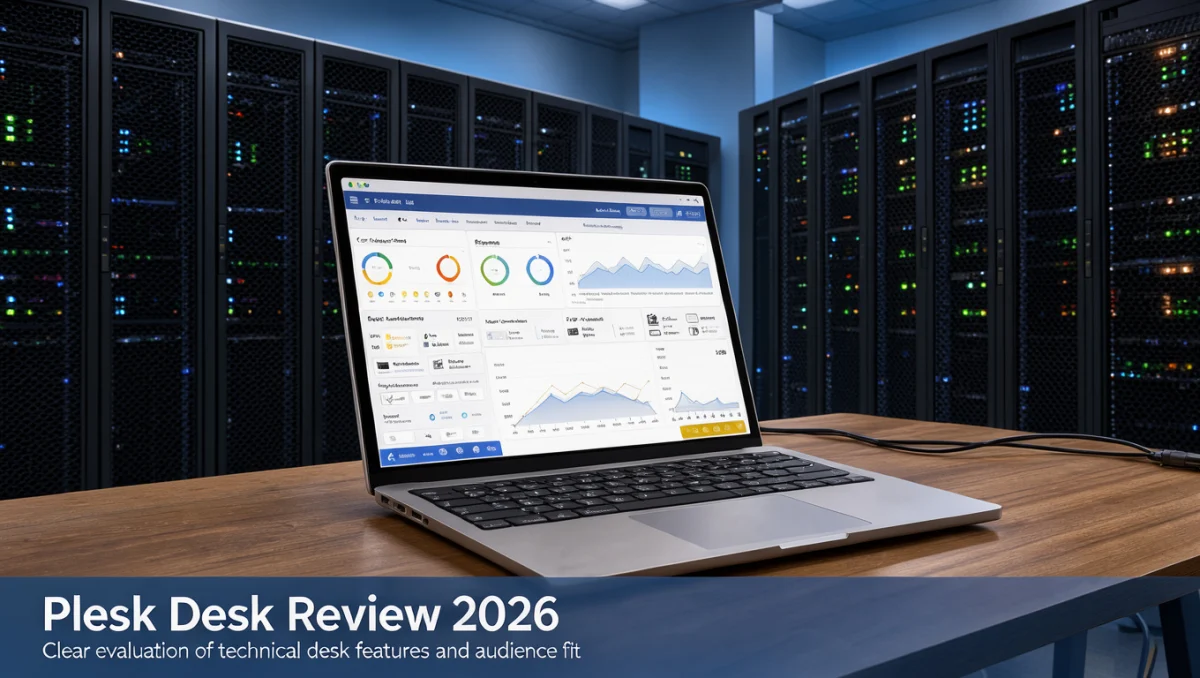
Teams that run hosting and server operations often find that routine requests, alerts and deployment tasks pile up faster than a shared inbox can handle. A purpose-built plesk desk aims to bring those workflows into one structured space. At Top Apps Reviews, we judge software by how well its functions fit real operating conditions, not by the claims printed on a sales page.
Picking technical coordination software means matching the tool to your team's skill level and the complexity of your infrastructure. Many organizations are also testing Artificial Intelligence features to speed up repetitive technical steps, which makes a reliable coordination desk even more valuable. In the sections below, we explain what the platform does well and which details you should confirm yourself.
Our verdict: this platform earns an overall Top Apps Reviews score of 7.4/10. It suits technical teams and web professionals who handle hosting administration and need a unified operational workspace. It is less suitable for non-technical solo operators or anyone who only needs basic customer ticketing with no link to server management.
| Metric | Details |
|---|---|
| Top Apps Reviews score | 7.4/10 |
| Best for | Technical teams and system administrators coordinating server and hosting tasks |
| Not ideal for | Non-technical solo operators who need consumer-style customer service tracking |
| Key strengths | Server coordination, infrastructure administration focus, centralized management |
| What to check before buying | Confirm user license definitions and renewal pricing on the official pages |
1. How Top Apps Reviews Evaluated Plesk Desk
This review examines what the platform is designed to do, who it serves, and how it stacks up against similar tools. We applied seven criteria: features, ease of use, pricing and value, integrations, audience fit, support and competitive position. Plans, prices and limits shift frequently, so we highlight the points you should verify on the official website before committing. This article was researched and drafted with AI assistance, then reviewed and edited by the Top Apps Reviews Editorial Team.
2. What Is Plesk Desk and Who Is It For?
Plesk Desk functions as a specialized administration and support desk built around web infrastructure, hosting management and technical maintenance. System administrators and web agencies regularly face operational questions, automated server alerts and deployment requests that can quickly bury a general inbox. The platform offers a structured environment where those technical requests link directly to administrative duties.
General customer support software focuses on retail questions or conversational chat, while administrative desks concentrate on technical workflows. Buyers evaluating a plesk desk usually want a way to connect server-level work with internal team coordination. That alignment helps hosting providers, web development agencies and technical leads handle complex operational tickets in a systematic way.
3. Core Capabilities and Administrative Workflows

Tools in the server administration and technical desk category organize work around three main functional areas. Understanding them helps buyers judge practical value without relying on unverified promises.
3.1. Technical Issue Tracking and Ticket Assignment
A technical desk's main job is to sort operational tickets, assign issues to the right people and keep a complete record of every administrative action. When servers raise alerts or clients report site misconfigurations, structured routing gets those requests to qualified administrators quickly. Teams can set up priority queues so critical maintenance does not sit unnoticed in a cluttered mail folder.
3.2. Hosting Infrastructure Alignment
A key advantage of domain and server management utilities is their direct connection to hosting environments. Administrative desks coordinate account changes, resource allocation questions and configuration issues alongside the underlying technical stack. This removes much of the repetitive back-and-forth between account managers and system engineers.
3.3. Internal Notes and Communication Logs
Troubleshooting depends on close collaboration. The desk lets technical staff attach internal diagnostic notes, reference configuration changes and document how each problem was resolved. Keeping that documentation inside each ticket preserves institutional knowledge even when shifts or team members change.
4. Ease of Use and Technical Learning Curve
Operational platforms built around server environments come with their own learning curve. Interfaces designed for system administration expect users to understand core hosting concepts, server terminology and permission hierarchies. Experienced administrators will find this structure logical and focused on the work that matters.
Team members without a technical background may need time to adjust. Modern software generally aims to simplify daily navigation, but administrative tools put comprehensive control and operational visibility ahead of extreme simplicity. Organizations should plan dedicated walkthroughs for junior technical staff during onboarding.
5. Pros and Cons
Weighing both strengths and natural limits helps you make a balanced purchase decision.
5.1. Advantages
- Direct structural fit with hosting and server administration workflows.
- Centralized operational ticketing designed for technical service teams.
- Structured internal record keeping for diagnostic and administrative notes.
- Clear separation between customer-facing updates and internal technical diagnostics.
5.2. Limitations and Mitigation Strategies
- A steep learning curve for non-technical team members, which can be eased with documented onboarding guides.
- Administrative complexity that calls for disciplined permission settings, best handled by defining strict user roles during setup.
- A narrow focus that may feel too specialized for teams wanting broad retail helpdesk features, which can be offset by pairing the desk with separate sales software.
6. Plesk Desk Compared With General Alternatives
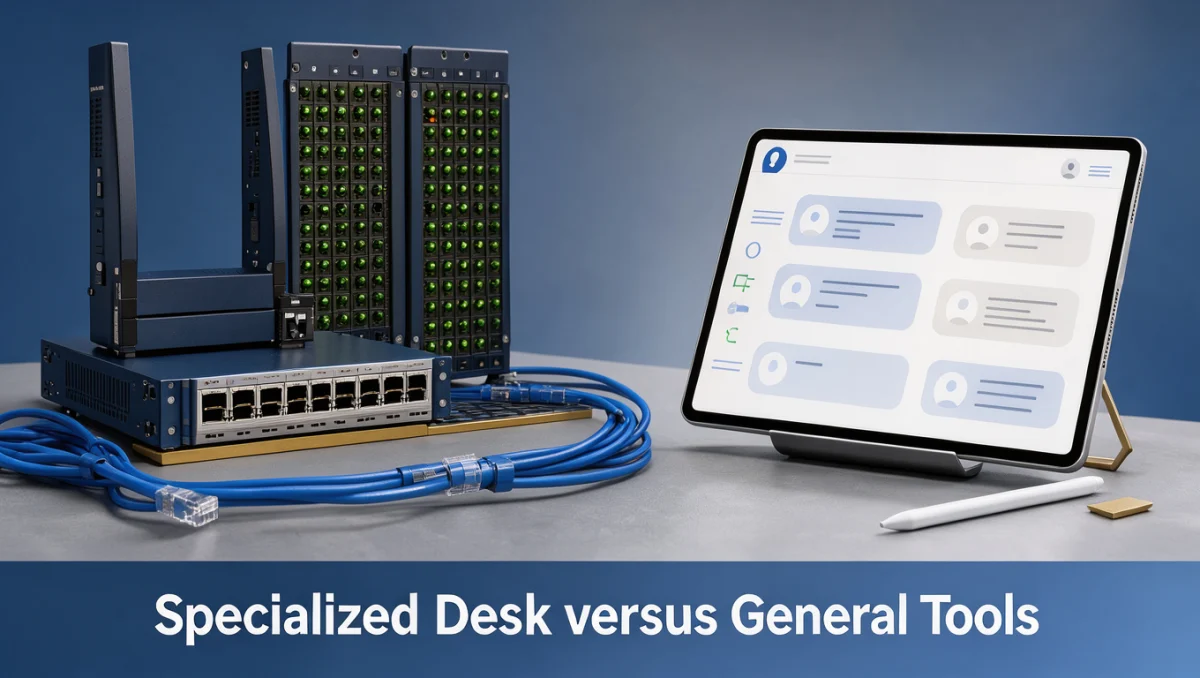
Comparing specialized tools with general helpdesks clarifies whether you need technical depth or general versatility. Platforms such as Zendesk and Freshdesk serve retail, corporate customer service and commercial issue tracking across the board. They offer broad multi-channel communication templates suited to consumer audiences.
Administrative platforms built for web infrastructure, by contrast, target web professionals, hosting administrators and technical service desks. General customer service systems are strong at customer relationship management, while dedicated technical desks cut the effort of turning server problems into generic support tickets. Teams should decide whether their main workload is infrastructure maintenance or everyday consumer inquiries.
7. Who Should Use This Administrative System?
Looking at organizational profiles helps determine whether this platform matches your needs.
- Web agencies: Teams managing multiple client sites and hosting environments benefit from focused technical routing and internal diagnostic logs.
- System administrators: Technical professionals who need organized records of server tasks, site issues and infrastructure alerts gain clarity from structured queues.
- Hosting resellers: Providers handling recurring account maintenance and technical questions find value in domain-aligned administration desks.
- Who should avoid this platform: Solo business owners or retail companies without hosting needs should skip specialized administrative desks, since general customer service software suits non-technical communication far better.
8. How to Choose the Right Operational Plan
Vendors regularly adjust tier inclusions, user seats and technical add-ons. Buyers should review current offerings directly on the official vendor website using a structured checklist.
| What to check on the official page | Why it matters |
|---|---|
| User seat definitions | Additional user licenses affect long-term costs as teams grow. |
| Administrative module permissions | Certain administrative features may require specific editions or licenses. |
| Renewal and billing commitments | Subscription terms and renewal conditions determine ongoing expense. |
| Technical assistance channels | Vendor service policies influence how quickly deployment issues get resolved. |
9. Frequently Asked Questions
9.1. How should an organization budget for an administrative desk?
Organizations should weigh software licensing alongside team seat allocations, onboarding time and ongoing maintenance needs. Calculating total operational overhead helps avoid unexpected costs as technical departments expand.
9.2. What determines whether a team needs a specialized server desk?
Teams that handle frequent server configuration, site maintenance and technical domain tickets benefit most from a specialized desk. If most inquiries involve billing or standard sales questions, a general customer service tool is usually enough.
9.3. How should administrative roles be set up during initial configuration?
Separate client-facing communicators from backend system engineers. Assigning distinct permission profiles prevents accidental infrastructure changes while keeping communication channels clear.
9.4. What license limits should teams verify?
Confirm permitted domain volumes, account limits and staff seat allotments in the official vendor documentation. Checking these thresholds helps prevent service interruptions during peak periods.
10. Final Verdict and Evaluation Summary
Plesk Desk is a purpose-built tool for organizations rooted in technical web administration and hosting management. Rather than trying to serve every customer service category, it concentrates on the needs of technical support, diagnostic logging and administrative coordination.
| Evaluation criterion | Score /10 | Reasoning |
|---|---|---|
| Features | 7.8/10 | Offers focused technical tracking and operational coordination for server tasks. |
| Ease of Use | 7.2/10 | Logical for experienced administrators but requires technical familiarity. |
| Pricing and Value | 7.0/10 | Value depends on checking seat limits and current renewal terms directly. |
| Integrations | 7.4/10 | Built around infrastructure environments; verify fit for custom stacks. |
| Audience Fit | 8.2/10 | A strong match for hosting providers, web agencies and infrastructure teams. |
| Support | 6.8/10 | Verify current vendor service commitments and response options. |
| Competitive Position | 7.2/10 | Holds a clear niche compared with generic corporate ticketing tools. |
Overall Top Apps Reviews score: 7.4/10
Web agencies and hosting service teams will find the structured technical workflows useful for organizing daily maintenance. Non-technical organizations should look at general customer support alternatives instead.
For further software questions, contact us at https://topappsreviews.com/contact/ or follow Top Apps Reviews on LinkedIn at https://www.linkedin.com/company/topappsreviews/.