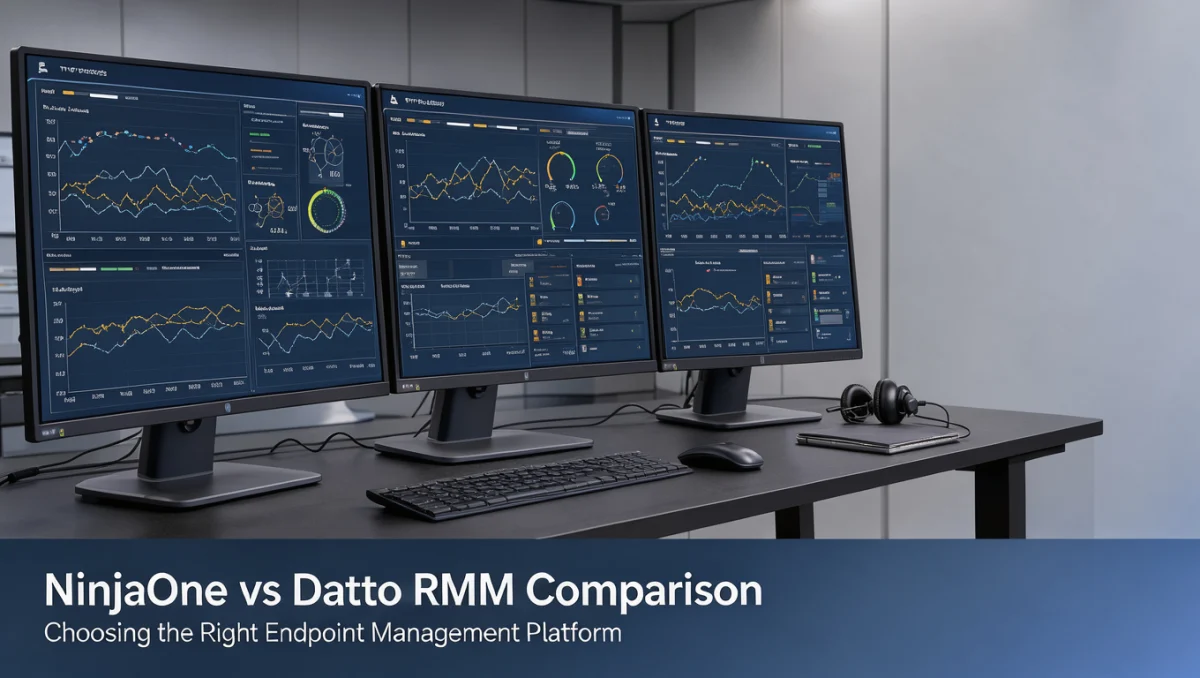
Choosing a remote monitoring and management platform is rarely a simple call. For IT teams and managed service providers alike, the real question behind ninjaone vs datto rmm is how well each tool will track device health, push patches, and resolve incidents without slowing technicians down. This guide, from Top Apps Reviews, walks through the practical differences so you can judge which fits your operation.
How We Evaluated the Two Platforms
We assessed both products against seven practical criteria: core features, ease of use, pricing and value, integrations, audience fit, support, and competitive position. Plans and prices change frequently, so treat our observations as a starting point and confirm current terms on each vendor's official site before purchasing.
Quick Summary
Both platforms cover the same foundation: continuous background monitoring, alerts for service interruptions, maintenance scripts, and scheduled updates for workstations and servers. The deciding factors are usually interface simplicity for your technicians and how closely the tool connects to the service desk and billing systems you already rely on.
Teams that want quick onboarding for day-to-day endpoint tasks often lean toward the simpler console. Providers running complex multi-client environments tend to weigh how tightly device management links with ticketing, invoicing, and client reporting. Looking at your broader productivity stack, including any Collaboration & Productivity tools, helps clarify whether standalone flexibility or deep service desk alignment will pay off more over time.
Positioning at a Glance
| Tool | Best For | Core Strength | Consider If |
|---|---|---|---|
| NinjaOne | Teams wanting straightforward endpoint administration and a fast rollout | Centralized device oversight and routine task scripting | Technicians need intuitive everyday endpoint controls |
| Datto RMM | Providers managing complex multi-tenant client infrastructure | Monitoring structured for multi-account oversight | Your workflow depends on tightly connected service desk operations |
Feature-by-Feature Comparison
Core Features and Management Capabilities
Both products deliver the essentials of the category: agent-based performance tracking, remote command execution, threshold-based alerting, and operating system patch distribution. The difference often shows up in how administrative policies are organized. Some setups apply automation through dynamic device groups, while others apply profiles hierarchically by site. List the scripting languages and automation triggers you require, then check the official documentation to confirm how policies inherit before you commit.
Ease of Use and Learning Curve
Technician speed affects response times. What matters is how many clicks it takes to move from an active alert to a remote terminal, a log review, or a service restart. NinjaOne's navigation is built around straightforward visual hierarchies, so junior staff can check device status with little preliminary training. Datto RMM uses detailed multi-account layering that suits complex support environments well but may require more formal onboarding for newer team members.
Pricing and Overall Value
Both platforms are sold on subscription. Costs typically scale with the number of managed endpoints, technician seats, or add-on modules. Because quotes vary with contract length and organization size, request pricing directly from each vendor. Confirm whether device agents, network discovery, and remote screen-sharing carry separate line items. A three-year projection that accounts for endpoint growth is a sensible step before procurement.
Integrations and Ecosystem Fit
An RMM tool rarely works in isolation. Teams depend on professional services automation, CRM, documentation systems, and endpoint protection to complete service delivery. Check how data moves between your chosen console and your ticketing system. Verify in vendor directories whether synchronization is bi-directional and real time or runs on periodic batch imports. Ticket status, resolution notes, and hardware audits all depend on this link.
Audience Fit: Internal IT vs. Managed Service Providers
Internal IT departments usually manage a single tenant and focus on compliance, policy enforcement, and employee support. Managed service providers handle many separate client tenants and need strict data isolation and granular role-based permissions. Both platforms serve either audience, but if you operate under strict tenant boundaries, confirm how administrative rights, shared scripts, and alerts are partitioned between clients in the vendor portal.
Support and Onboarding
When an agent fails to deploy or sync lags, visibility across the whole environment drops. Support levels differ by plan. Review the official support policies for both vendors to understand available channels, onboarding materials, and maintenance windows, and check whether onboarding requires a paid professional services engagement.
Competitive Landscape
Several established alternatives compete in this space, including ConnectWise Automate, N-able N-sight, and ManageEngine Endpoint Central. ConnectWise Automate is often chosen by technical teams that need deep script customization and on-premise control, while N-able targets providers that want balanced asset discovery and multi-tenant management. Comparing both tools against these peers helps you find software that matches your team's operating style.
How to Decide
- Inventory your hardware: list workstations, mobile endpoints, network switches, and servers that need monitoring agents.
- Map the automations you need: identify repetitive tasks such as file cleanup, patch verification, or service restarts that must run without manual input.
- Estimate the admin time you can spare: count how many hours per week senior engineers can give to configuration, scripting, and platform upkeep.
- Check your ticketing dependencies: if you already use a service desk product, see which platform connects to it more deeply.
- Run a controlled trial: request trial access from each vendor, deploy agents to non-production machines, and run real maintenance scripts under typical network conditions.
Frequently Asked Questions
How should I calculate total cost of ownership for an RMM platform?
Add up recurring per-endpoint fees, technician seat costs, onboarding expenses, and any third-party add-ons needed for full functionality. Ask the vendor whether network discovery, backup tracking, and remote control are included in the base agreement or billed separately.
What should I prepare before migrating between RMM tools?
Audit your current script library, document active patch policies, and update network credentials across all sites. Confirm that firewalls allow agent communication, record your alert thresholds, and schedule phased agent deployments so the two systems do not conflict during the switch.
Why does patch automation matter in a management console?
Automated patching closes operating system vulnerabilities without manual work on each machine. Centralized scheduling lets administrators test updates on a pilot group, approve specific packages, and set reboot windows outside business hours, keeping systems secure with minimal disruption.
Does team size change which platform makes sense?
It does. Smaller teams often prefer a console that needs little upfront setup and offers simple navigation. Larger organizations with dedicated automation engineers can use complex policy hierarchies and multi-account structures to support specialized workflows.
Final Verdict
| Evaluation Criterion | Score /10 | Reasoning |
|---|---|---|
| Features | 8.5 | Both cover endpoint monitoring, automated patching, and remote script execution. |
| Ease of Use | 8.3 | NinjaOne favors straightforward visual layouts; Datto RMM uses more layered menus. |
| Pricing and Value | 7.5 | Quote-based pricing means buyers should verify endpoint tiers and contract lengths. |
| Integrations | 7.8 | Connectivity depends on your ecosystem, so verify service desk compatibility. |
| Audience Fit | 8.6 | Both suit internal IT teams and multi-client managed service providers. |
| Support | 7.4 | Assistance and onboarding depend heavily on the customer agreement. |
| Competitive Position | 8.4 | Each holds an established place alongside major industry alternatives. |
Overall score: 8.1 / 10
For growing internal IT teams and service providers that value fast technician onboarding and streamlined console workflows, NinjaOne offers a direct approach to device supervision. For established managed service providers that need deep connections to professional services software, Datto RMM is a structured option worth testing.
For more guidance on infrastructure tools or enterprise software, contact the Top Apps Reviews editorial team through our contact portal.