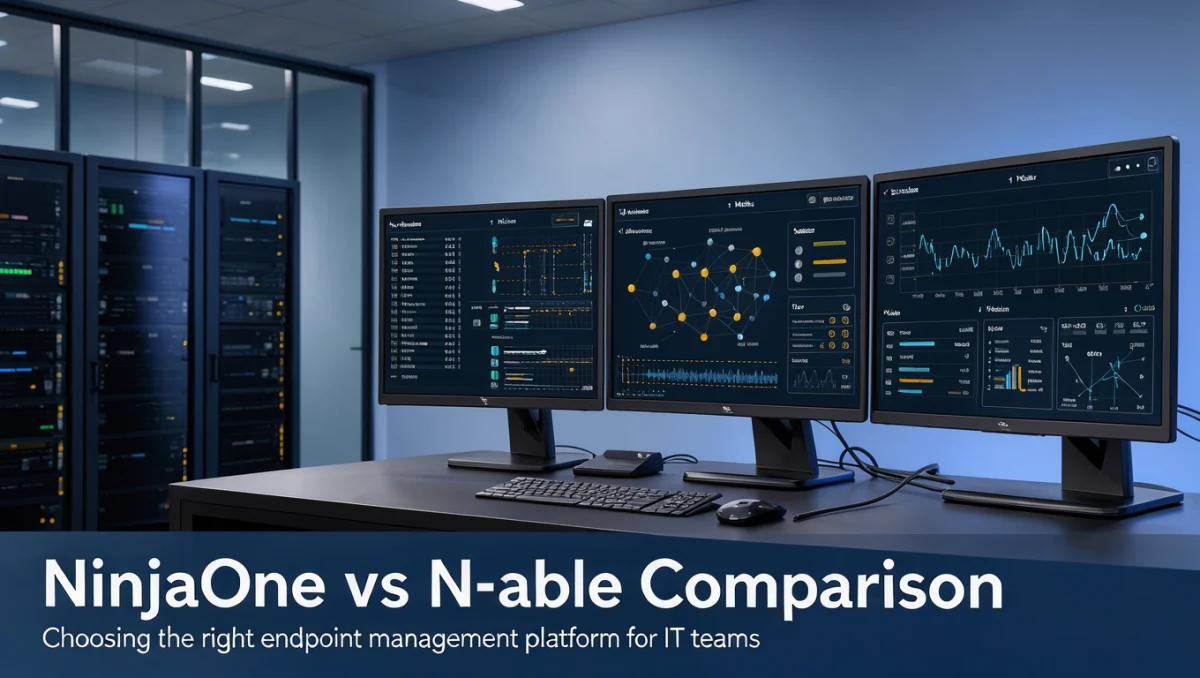
Our readers often ask how NinjaOne and N-able stack up, and the answer depends on how your IT team operates day to day. Both sit in the remote monitoring and management space, helping administrators track devices, push patches and step in remotely when problems arise. Their philosophies differ, though, and those differences shape the daily experience of technicians.
At Top Apps Reviews, we looked at how each platform handles core IT workflows so that you can compare them on practical terms rather than marketing claims.
Where NinjaOne and N-able Differ at a Glance
NinjaOne is built around a streamlined, modern console that keeps device monitoring, patch deployment and remote access within a single workflow. N-able brings a longer heritage of broad infrastructure monitoring, detailed compliance policies and deep configuration options across complicated, distributed environments.
| Tool | Best for | Core strength | Consider if |
|---|---|---|---|
| NinjaOne | Agile teams managing endpoints across many client sites | Centralized endpoint monitoring and automated patch delivery | Your technicians need fast onboarding and clean, unified screens |
| N-able | Established providers maintaining varied client environments | Multi-layered policy controls and flexible management depth | You manage deep infrastructure with complex, multi-tier requirements |
Features and Day-to-Day Administration
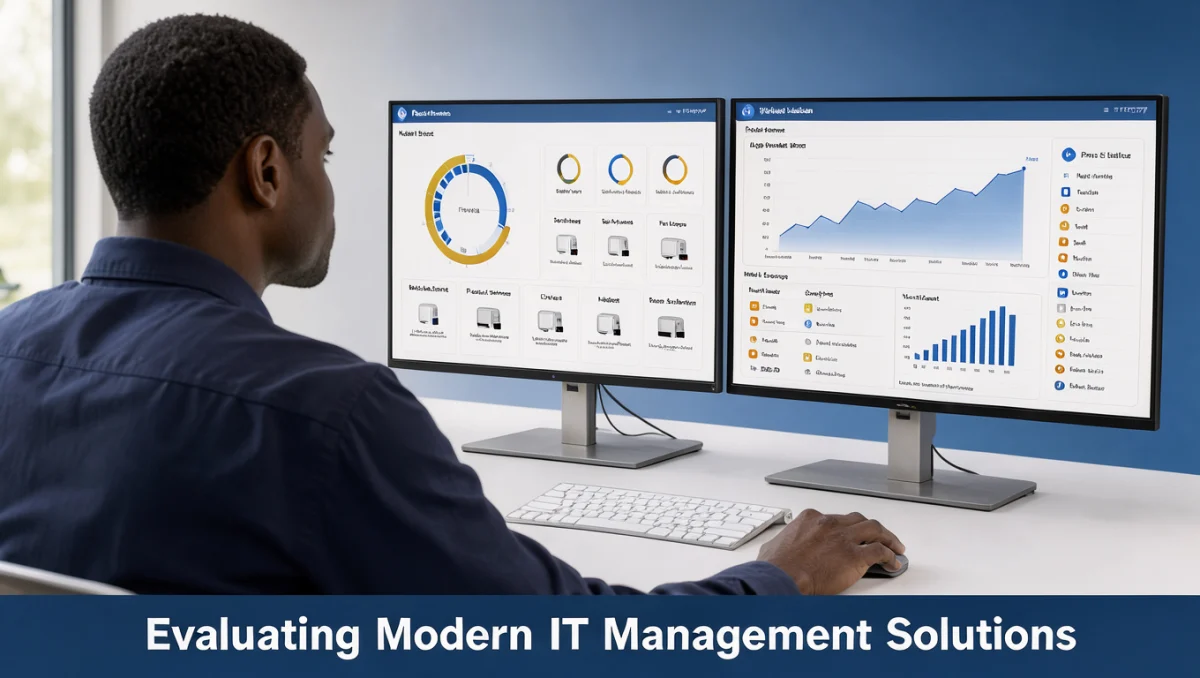
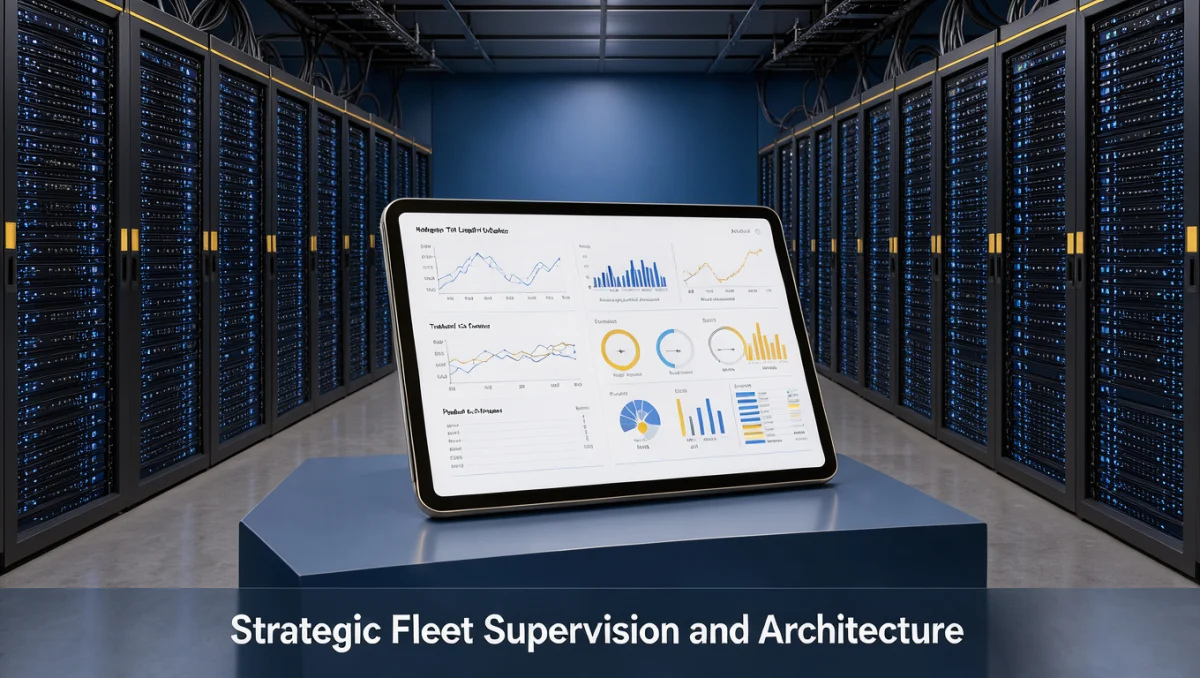
Both platforms cover the fundamentals: device health tracking, script execution, automated updates and remote technician access. NinjaOne keeps device discovery, inventory and remediation tasks in one continuous flow, which makes automated patching the backbone of its everyday value. N-able goes further into network hardware, virtual machines and distributed directories, giving administrators wider visibility across the infrastructure. Before choosing, audit your device fleet and check each vendor's official feature pages to confirm support for policy inheritance and cross-device scripting.
Ease of Use for Technicians
How quickly a technician can find logs, deploy an emergency patch or open a remote session directly affects resolution times. NinjaOne uses a consolidated layout with fewer nested menus, so junior staff can get productive with less training. N-able's multi-tiered structure supports complex delegation across large teams, but that depth comes with a steeper learning curve. Consider how much time your staff can spend on setup during the initial rollout.
Pricing and Value
Neither vendor publishes fixed universal pricing. Costs generally depend on the number of managed endpoints, technician seats and optional modules. Request customized quotes from the official NinjaOne and N-able pricing pages based on your exact device count. Also account for onboarding packages, ticketing modules and separate remote-control licenses, and compare total cost over several years rather than the first-year figure alone.
Integrations and Audience Fit
Both tools should connect with your existing professional services automation platform, documentation system and security stack. NinjaOne works with major third-party ticketing platforms, identity providers and backup utilities. N-able offers its own ecosystem modules alongside standard industry integrations. Verify on each vendor's site that your current tools connect natively rather than through custom scripts or paid middleware.
NinjaOne suits fast-growing managed service providers and internal IT departments that want dependable endpoint control with minimal overhead. N-able fits mature providers and larger organizations that still run legacy network hardware alongside modern workstations, especially where governance needs or multi-tenant billing demand deep policy customization.
Support and Competitive Position
Both vendors offer onboarding programs, knowledge bases and escalation channels. Support hours, service levels and account management often vary by contract size, so confirm these with sales before signing. In the wider market, NinjaOne has built its reputation on modern design and responsive patch automation, while N-able relies on infrastructure versatility and long industry familiarity. Comparing both against ConnectWise Automate, Datto RMM and ManageEngine can clarify which direction fits your roadmap.
How to Decide
- Assess technician onboarding time: If staff turnover is frequent or training cycles are short, a clean layout with low visual friction pays off.
- Audit your device ecosystem: List servers, network switches, mobile devices and laptops to see whether you need deep network diagnostics or streamlined workstation patching.
- Review administrative overhead: Estimate how much senior engineering time you can give to policy templates and alert tuning.
- Check billing and growth terms: Confirm how adding endpoints changes per-device rates in each vendor's official billing documentation.
Frequently Asked Questions
What drives the cost of remote monitoring software?
Pricing is usually based on total managed endpoints, the mix of workstations and servers, technician licenses and optional modules such as network monitoring or advanced backup. Request quotes based on your projected device growth over the evaluation period.
How do internal IT teams differ from MSPs when choosing a tool?
Internal teams usually prioritize integration with corporate identity directories, unified patching and simple helpdesk handoffs. Managed service providers need multi-tenant separation, per-client billing reports and cross-client policy templates.
What should I verify about automated patch management?
Check operating system coverage, third-party application catalog depth, scheduling flexibility and reboot controls on official documentation. Patching schedules should keep systems secure without disrupting end-user work.
How should I prepare for a migration?
Catalog current agents, archive active automation scripts, review existing alert policies and plan phased deployments. A pilot group helps confirm that policies apply correctly before legacy software is retired.
Final Verdict
| Criterion | Score / 10 | Reason |
|---|---|---|
| Features | 8.5 / 10 | Comprehensive endpoint monitoring, automated patching and remote tools across distributed fleets. |
| Ease of Use | 9.0 / 10 | Intuitive navigation and streamlined dashboards reduce operational friction. |
| Pricing and Value | 7.5 / 10 | Quote-based pricing means buyers must verify endpoint minimums and module costs on official pages. |
| Integrations | 8.0 / 10 | Connects with common professional services automation and third-party IT tools. |
| Audience Fit | 9.0 / 10 | Well suited to modern MSPs and agile internal IT teams managing diverse endpoints. |
| Support | 8.0 / 10 | Onboarding guidance and support channels should be confirmed during procurement. |
| Competitive Position | 8.8 / 10 | Strong standing against established platforms by emphasizing administrative efficiency. |
Overall score: 8.4 / 10
For lean managed service providers and internal IT teams that want fast deployment and low maintenance overhead, NinjaOne is a strong choice. Organizations running complex enterprise topologies with extensive legacy hardware may find N-able the better fit. Readers with deployment questions can reach our team at https://topappsreviews.com/contact/ or follow topappsreviews on LinkedIn at https://www.linkedin.com/company/topappsreviews/.
See More ninjaone vs n-able · Collaboration & Productivity