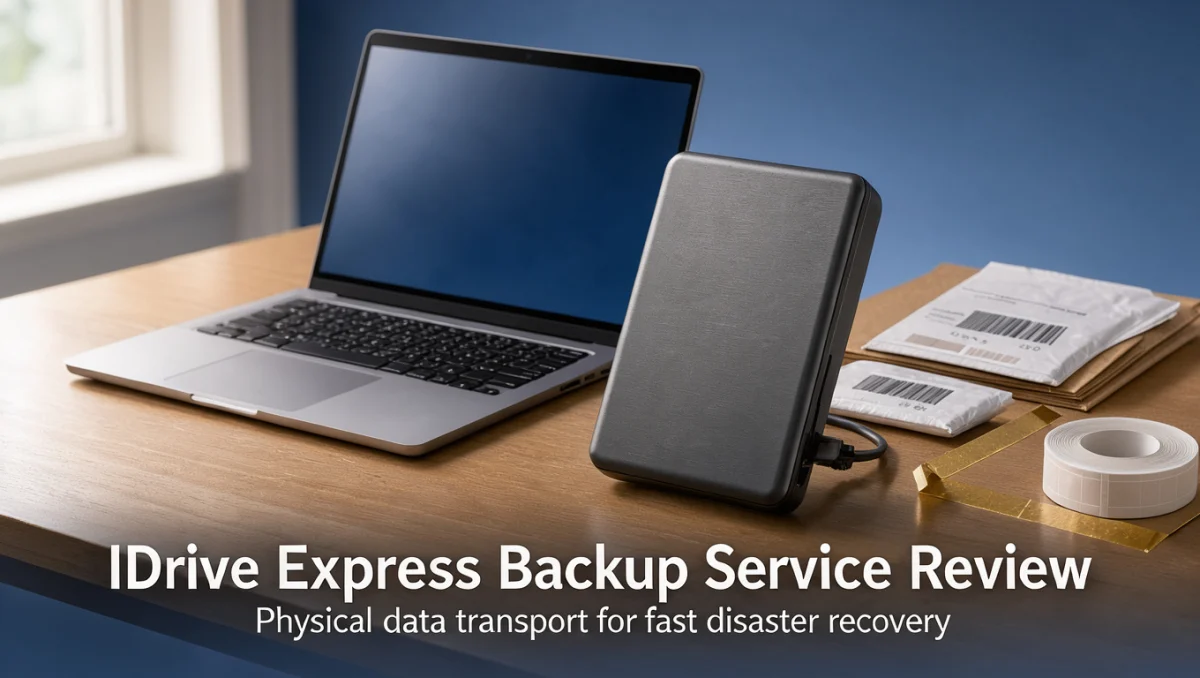
Moving terabytes of files over an ordinary office connection can take weeks, and it often slows everyone else down while it runs. idrive express takes a different route: it ships physical storage hardware to your location so the first bulk transfer happens locally, at full device speed, instead of across the internet.
Before you decide, it helps to understand the trade-offs. Physical shipment is a practical answer to bandwidth limits, but it adds logistics that remote tools never require. This walkthrough covers how the service works, who benefits most, and what to confirm before ordering. For more context on storage and collaboration tools, you can browse Collaboration & Productivity reviews.
How the Service Works
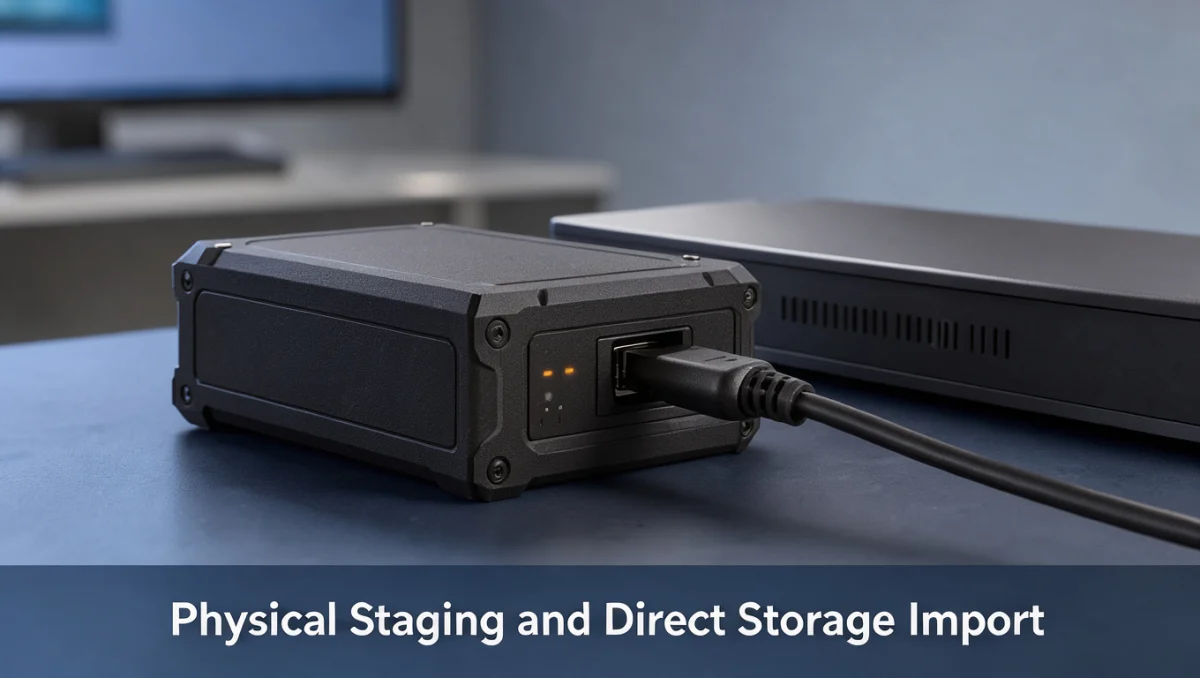
The core idea is simple. Instead of streaming files across telecommunication lines, you copy your data onto a temporary physical device, return it by standard carrier, and the provider loads it directly into your storage repository. Once the import is finished, routine backups only need to send small incremental changes over the internet.
Local Staging
When the drive arrives, you mount it on your system and copy your chosen volumes, virtual machine images, or directory trees to it using the provided staging utility. Because the copy runs over local connections, it moves far faster than network-throttled uploads. Verification checks then confirm that the staged data matches the source.
Bulk Import and Physical Restore
After the drive reaches the provider's facility, technicians transfer its contents into your archive, where they appear alongside files uploaded the usual way. The same logic works in reverse: if local storage is lost, you can request a loaded drive delivered to your recovery site, which is often quicker than downloading a full repository.
Pros and Cons
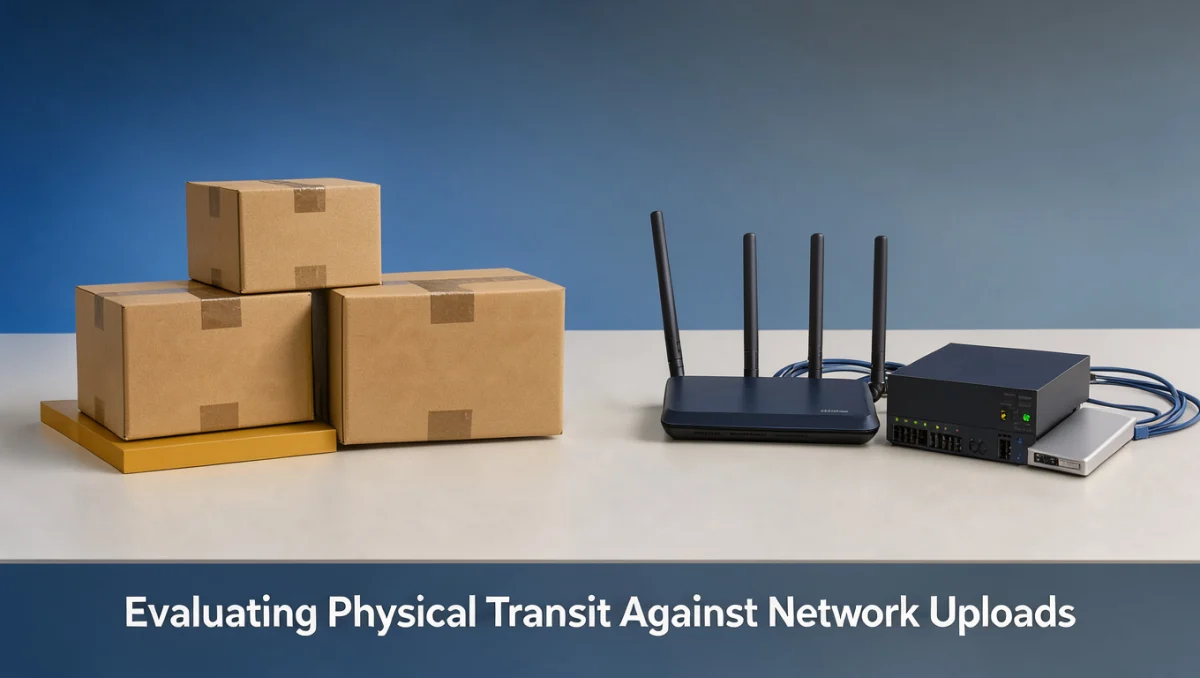
Physical transport makes sense in specific situations, and it is not a universal replacement for online backup.
- Skips upload bottlenecks, so the initial baseline is created far sooner for very large archives.
- Keeps office bandwidth free during working hours.
- Gives you an offline recovery path during regional outages or telecom disruptions.
- Works smoothly with ongoing incremental backups once the baseline exists.
- Requires packing, shipping and return coordination that remote tools avoid.
- Transit times depend on parcel carriers and can be delayed by weather or logistics problems.
- Cannot provide real-time replication where second-by-second recovery points are essential.
- Organizations with strict policies against external media may need security exceptions before mounting a drive.
How It Compares to Other Bulk Methods
Choosing between approaches depends on how much data you have, what your network can handle, and how quickly you need to recover.
| Approach | Best For | Core Distinction | Key Consideration |
|---|---|---|---|
| Physical drive shipment | Large archive baselines and bandwidth-limited offices | External drives travel by standard courier | Check annual shipment allowances and regional transit windows |
| Continuous network upload | Modest data volumes with solid internet access | All data moves continuously over the web | Limited by upload speed and internet outages |
| Enterprise hardware appliance | Large institutional data centers migrating huge volumes | Dedicated high-capacity appliances deployed on site | Needs complex infrastructure and specialist handling |
For small file systems, a standard online backup avoids shipping entirely. For extensive media libraries, though, physical shipment is often the most practical way around a congested connection. Enterprise appliances serve much larger institutional migrations, while standard drive transit offers a simpler middle ground for small and mid-sized businesses.
Who Should Consider It
Small Business Owners
Owners who keep client records, financial files and operational data can establish an off-site archive without hiring outside IT help. A full system image can be stored away from the office without slowing down internet access during business hours.
Creative Professionals and Media Agencies
Photographers, video editors and designers produce large raw files every day. Shipping drives lets them archive finished projects without competing with production uploads or running into residential bandwidth caps.
IT Administrators and Multi-Site Managers
Administrators responsible for branch offices with weak broadband can schedule physical transfers of server baselines. If a disaster hits, requesting physical restore media gives a dependable secondary recovery route.
Who Should Look Elsewhere
Organizations with strict high-security policies that bar unauthorized external media should avoid physical transit. Teams with small data footprints and fast symmetric fiber will usually gain little over a direct online backup.
What to Check Before You Order
Confirm these points on the official provider website before starting a request.
| What to Check | Why It Matters |
|---|---|
| Shipment allowance per calendar year | Shows how many requests are included and when extra fees apply |
| Service territories and courier coverage | Confirms delivery is available in your country or region |
| Hardware connection interfaces | Ensures your workstations or servers have matching ports |
| Transit turnaround and return windows | Sets the timeline for staging and returning the drive without late charges |
| Post-import verification tools | Lets your team audit uploaded contents once processing is complete |
For independent comparisons of other software platforms, you can consult Top Apps Reviews. Always verify current specifications and pricing directly on the vendor's site before purchasing.
A Practical Workflow
A clean transfer depends on careful preparation at each step.
- Audit your storage and separate static archives from active databases.
- Submit a hardware request from your account dashboard, with accurate delivery details.
- Prepare a workstation with a free port and the admin rights needed to mount the drive.
- Connect the drive and start staging with the provided local utility.
- Check the transfer logs for read or write errors.
- Repack the drive in its original protective packaging and attach the return paperwork.
- Track the return shipment and wait for confirmation that the import is complete.
Frequently Asked Questions
Does shipping a drive prevent network congestion?
Yes. The heavy initial transfer happens over your local interface onto the drive rather than through your internet gateway, so your broadband stays available for everyday work.
What should international teams verify?
Check cross-border shipping rules, customs requirements and expected transit times on the official site. Courier availability varies by region, so confirm your territory is supported before relying on this option.
How should I prepare before the drive arrives?
Confirm available ports and mounting permissions, and decide in advance which directories to back up. Organized file structures let staging start right away and help you return the drive within the lending period.
When is requesting a restore drive better than downloading?
If primary storage is lost and the repository would take days or weeks to download, a physically delivered drive gets you back to work faster and does not depend on local network speed.
What affects total cost?
Costs depend on your subscription, the number of included shipments, fees for extra requests and courier arrangements. Review the pricing schedule to see whether expedited return shipping or late-return charges apply to you.
Final Verdict
For organizations struggling to back up large volumes over a limited connection, idrive express offers a practical alternative to waiting through weeks of bandwidth-heavy uploads. After the initial baseline is shipped and imported, ongoing protection can rely on lightweight incremental syncs.
Overall, the service earns a topappsreviews score of 7.9 out of 10. It scores best on audience fit and features, since it handles both bulk backup and rapid restore well, while pricing value and support depend on the shipment terms you accept. Creative agencies, branch offices and small businesses with substantial archives will find it especially useful. Before scheduling your first transfer, confirm the current shipment terms, delivery coverage and hardware requirements on the official provider portal.
Questions about backup strategy? Contact the editorial team at https://topappsreviews.com/contact/ or follow topappsreviews on LinkedIn at https://www.linkedin.com/company/topappsreviews/.