Top Apps Reviews may earn a commission when you buy through links on this page, at no extra cost to you. This does not affect our ratings.
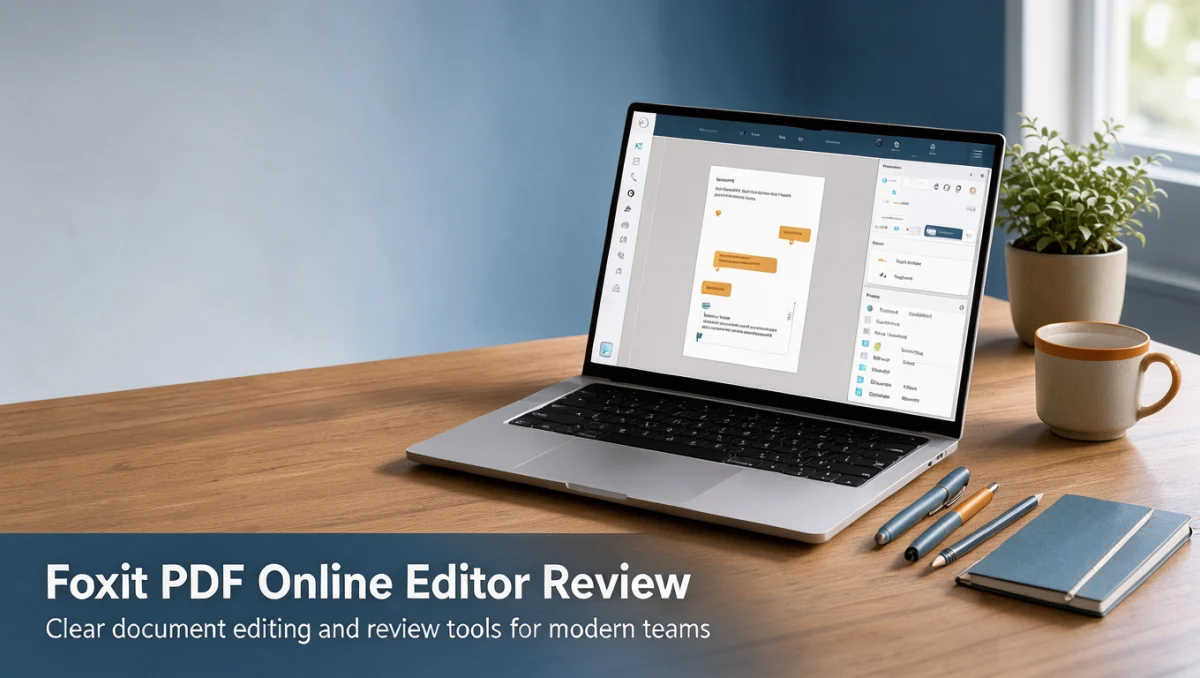
Need to fix a typo, swap a logo or merge a few sheets in a finished PDF? The foxit pdf online editor is built for exactly that kind of daily paperwork, letting professionals change existing files without rebuilding them from source. Here at Top Apps Reviews, we judge software on practical business value, so you can match a tool to your actual operating needs.
Picking document software means weighing your team's workload against how easily people can collaborate. In this guide we test how the editor fits routine team processes, administrative review cycles and wider document management plans in business settings.
Quick verdict: We give the foxit pdf online editor a topappsreviews score of 7.8/10 for its focused editing functions and organized review toolset. It suits office staff, solo operators and small teams who want centralized text changes and file merging. It is a weaker fit for organizations that need deep, database-driven publishing.
| Metric | Assessment |
|---|---|
| topappsreviews score | 7.8/10 |
| Best for | Workers handling routine text changes, page adjustments and basic team annotation. |
| Not ideal for | Organizations wanting dynamic form generation tied directly to relational databases. |
| Key strengths | Text correction, page rearranging, form filling and markup tools. |
| What to check before buying | Review the official Foxit pricing page to confirm user limits and signature allowances. |
1. How Top Apps Reviews Evaluated the Foxit PDF Online Editor
This review covers what the tool is designed to do, who it serves and how it compares with similar products. We score it against seven criteria: features, ease of use, pricing and value, integrations, audience fit, support and competitive position. Plans, prices and limits change frequently, so we highlight what to confirm on the official site before purchasing. This article was researched and drafted with AI assistance, then reviewed and edited by the Top Apps Reviews Editorial Team.
2. What Is the Foxit PDF Online Editor and Who Is It For
The foxit pdf online editor is a document utility from Foxit Software for reading, editing, annotating and restructuring PDF files. Since digital file exchange dominates everyday commerce, direct control over existing text and layout lets organizations keep output professional without recreating assets from scratch.
The software tackles a common friction point: finalized documents that need quick updates before they go out. Rather than requesting source design files or converting across conflicting formats, operators can fix typos, replace outdated branding and merge supporting sheets directly.
Turnaround time on documents directly affects productivity. Many businesses manage agreements, proposals and administrative records through Collaboration & Productivity platforms so team members review the same revisions at the same time.
2.1. Primary Target Audiences
Administrative staff gain a lot from direct document changes when processing records, client forms and internal guidelines. Instead of sending drafts back to outside authors for minor typo fixes, they can finalize paperwork quickly.
Freelancers and independent consultants often prepare proposals, statements of work and project summaries. A reliable editor helps them deliver clean, standardized files without maintaining heavy publishing setups.
Small business owners and department managers need structured approval processes. Comment layers and markup tools let team members record notes, check compliance and approve final submissions in an orderly way.
3. Core Features for Digital Document Workflows
Knowing the functional pillars of document software shows where the product saves time and where another solution might be needed. The capabilities below define a standard editing suite.
3.1. Text and Object Editing
Editing suites let you modify existing typography inside fixed layouts. When a document needs corrections, you can adjust paragraphs, fix spelling and reformat font properties to match the original design.
Object tools let operators move images, resize logos and reposition text blocks. These functions keep existing collateral polished and current without causing layout drift across complex pages.
3.2. Page Organization and Assembly
Assembling multi-source deliverables calls for flexible page restructuring. You can insert new cover sheets, pull relevant sections for outside partners and delete redundant appendices in a few clicks.
Rotating individual pages keeps scanned material, landscape spreadsheets and technical drawings consistently oriented. A coherent page sequence prevents confusion in client presentations and vendor negotiations.
3.3. Document Review and Annotations
Collaborative workflows depend on clear markup. Standard annotation tools include highlights, strikethroughs, freehand drawing and sticky notes that communicate editorial intent.
Reviewers can add threaded responses across complex documents, clarifying contract language or technical specifications before final approval. Keeping review comments separate from core text prevents accidental overwriting.
3.4. Form Management and Interactive Elements
Administrative paperwork often requires interactive completion. Editors let users type into fields, tick confirmation boxes and choose items from dropdown menus.
Turning flat layouts into interactive forms simplifies survey distribution and internal request procedures. Teams can mark required fields so every necessary disclosure is completed before submission.
4. Ease of Use and Learning Curve
Adoption depends on how intuitively staff can navigate the interface and carry out recurring tasks without a long onboarding period.
4.1. Interface Organization and Navigation
Document software usually mirrors familiar office application layouts, placing core navigation, annotation panels and editing palettes in standard ribbons. This familiarity reduces disorientation for new users.
Working through long documents calls for reliable thumbnail views, bookmark panels and responsive search. When handling lengthy agreements, quickly finding a specific clause protects administrative focus.
4.2. Onboarding Workflow for New Teams
Bringing new tools into existing office routines works best with clear expectations. Teams get better results when they set basic rules for revisions and commenting before rollout.
- Set standard folder structures for source files and final versions before editing begins.
- Train staff to use annotation layers during peer review instead of changing original text early.
- Define internal rules for applying security stamps and version naming.
- Check final formatting in several external viewers before sending finished documents to clients.
5. Practical Evaluation: Pros and Cons
Fair evaluation means weighing practical advantages against operational limits so purchasing decisions are well informed.
5.1. Operational Advantages
- Direct text editing cuts down on the need to convert source assets.
- Flexible page management allows fast extraction and combination of mixed-format material.
- Standard markup palettes simplify multi-department review.
- Interactive form filling speeds up customer onboarding and vendor registration.
5.2. Practical Limitations and Workarounds
- Complex designs using non-standard fonts may need manual font matching. Teams can work around this by embedding open-source font packages in original templates.
- Enterprise needs such as variable data printing at scale fall outside a standard editor's scope. Organizations handling large transactional batches should rely on dedicated database output engines instead.
- Collaborative review needs strict version control to avoid overlapping changes. Teams should appoint one coordinator to merge comments into the master file.
6. Foxit PDF Online Editor Compared to Alternative Software
Seeing where Foxit stands against established alternatives helps buyers set realistic expectations based on company size and document volume.
6.1. Adobe Acrobat
Adobe Acrobat is widely known for comprehensive enterprise document preparation, advanced prepress options and mature publishing pipelines. Large firms often rely on it for complex technical graphics, while smaller groups frequently prefer straightforward editing that focuses on routine paperwork.
6.2. Nitro PDF
Nitro targets business teams that prioritize bulk licensing, faster digital workflows and standardized corporate documents. Buyers comparing options should check whether they need extensive administrative deployment controls or focused individual editing access.
6.3. Smallpdf
Smallpdf serves casual users and micro-businesses that want quick single-task conversions, compression and lightweight merging. Teams that need deep text reflow and complex paragraph reformatting usually require more capable editing than basic conversion tools offer.
7. Who Should Use the Foxit PDF Online Editor
Matching user requirements to the product keeps software spending aligned with real needs rather than theoretical features.
7.1. Freelancers and Consultants
Independent professionals regularly handle client agreements, project scopes and invoices. Using the foxit pdf online editor lets consultants polish existing deliverables, sign documents and merge relevant portfolios into coherent client submissions.
7.2. Small Business Administrative Teams
Small offices managing vendor registrations, supplier invoices and employee onboarding manuals need dependable document changes. Standardizing on straightforward editing avoids administrative bottlenecks without requiring enterprise graphics software training.
7.3. Legal and Compliance Reviewers
Staff reviewing commercial contracts, non-disclosure agreements and regulatory filings need precise markup tools. Clean highlights and a sticky note register make legal observations visible to negotiation leads.
7.4. Profiles That May Need Alternative Tools
Graphic designers producing magazines, packaging or marketing collateral need dedicated layout and typography applications. Data engineering teams that generate documents automatically from variable data should look toward programmatic document libraries rather than manual editors.
8. How to Choose the Right Subscription Plan
Vendors adjust subscription packages, user minimums and feature groupings over time. Buyers should verify details on the official Foxit pricing page before committing.
| What to Check | Why It Matters |
|---|---|
| User seat allocations | Confirm whether licenses are billed per seat or under shared organizational agreements to avoid unexpected cost growth. |
| Signature transaction caps | Verify monthly signature allowances if staff regularly send client contracts for execution. |
| Document storage limits | Review storage allowances and file size thresholds so high-resolution assets upload smoothly. |
| Security and administrative access | Confirm whether central admin consoles are included for distributing licenses as the team grows. |
| Renewal and billing cadence | Check annual versus monthly commitments to keep budgets predictable. |
9. Frequently Asked Questions
How do buyers verify that an online editor meets their security requirements?
Buyers should read the vendor's data handling disclosures directly on its website. Workflows involving sensitive client records, medical information or legal agreements require clear policies on document retention and transfer.
What should teams budget for beyond the base subscription?
Organizations should plan for staff training, internal guideline creation and possible storage expansion. Checking whether specific capabilities require higher tiers helps avoid mid-year budget surprises.
How should small organizations prepare files before making bulk page edits?
Always archive an unedited master copy in secure storage before changing page order or deleting sections. A clean baseline lets operators revert mistakes if structural errors occur.
When should an organization choose desktop software over online editing?
Teams working offline or handling very large technical schematics often benefit from local computing power. Web-based workflows remain ideal for distributed teams that need quick edits from different workstations.
10. Final Verdict
The foxit pdf online editor offers dependable editing, page organization and review markup tools suited to modern business workflows. By focusing on essential text correction, annotation layers and interactive form filling, it supports daily efficiency across a range of professional settings.
| Criterion | Score /10 | Reason |
|---|---|---|
| Features | 8.5 | Comprehensive text editing, page reordering and annotation toolset. |
| Ease of Use | 8.0 | Familiar office layout keeps orientation friction low for non-technical users. |
| Pricing and Value | 7.5 | Solid utility; confirm exact seat and transaction limits on the official site. |
| Integrations | 7.0 | Connects with mainstream cloud storage; verify specific workflow connections before deployment. |
| Audience Fit | 8.5 | Matches administrative, freelance and small business editing needs well. |
| Support | 7.0 | Standard self-help resources available; check enterprise response options if needed. |
| Competitive Position | 8.0 | A capable, focused editor alongside major established publishing brands. |
Overall score: 7.8/10
For freelancers, administrative teams and business managers who want a straightforward way to edit, assemble and review digital paperwork, the foxit pdf online editor is a practical investment. Check the official Foxit pricing page to confirm the plan tiers and seat arrangements that fit your organization in 2026.
Readers with specific purchasing questions can reach the Top Apps Reviews team through our contact portal or follow us on LinkedIn.